







A lagging phone isn’t going to hide itself — it’s going to reveal its slowness in a variety of ways that drive you up a wall. From apps that take forever to launch to unusual battery drainage that no amount of charging can help to an unresponsive touchscreen — when you have a lagging phone, you’re going to want to find ways to speed it up pronto so that it stop disrupting your iPhone experience.
Luckily, there are two popular iPhone settings that, though they may not be the entire cause of your lagging, can help stop it. If either of these settings is enable, try disabling it to see if it makes a difference in your phone’s performance.

Women Are Swapping Their Boring Water For This Ice Pop Electrolyte Mix!
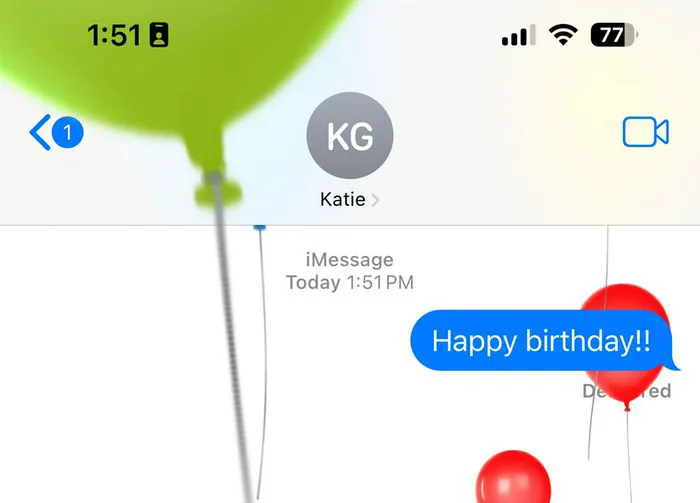
1. Visual Effects & Motion
Visual effect and motion are responsible for making your phone’s graphics look pretty incredible. But you could be trading a faster phone for a cooler-looking one. If you decide the latter is more important to you, disabling visual effects reduces the strain it puts on your CPU and GPU resources, while improving your battery life and how well your phone responds to your commands.
Disable this setting by heading to Settings > Accessibility > Vision > Motion. Toggle Reduce Motion to “on.”
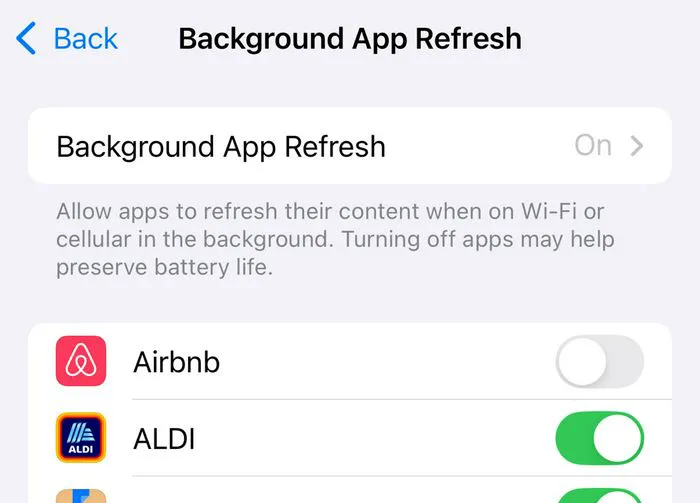
2. Background App Refresh
Background App Refresh is a convenient setting that fetches new news articles so that you’re up-to-date on current events, updates your social media feeds so that you never have to wait for the latest content, downloads new messages in the background for apps like iMessage and WhatsApp, and even ensure your weather forecast is completely accurate every time you click on Weather (without the need to wait for an update). The irony though is that this setting gives you updated content right now, but often at the expense of a lagging phone. Because the setting works so hard in the background, it taxes your phone’s resources and battery.
If you feel you can live without its convenience, disable Background App Refresh by going to Settings > General > Background App Refresh. You have three options: turn it completely off, select “Wi-Fi” so that apps only updates when you’re on Wi-Fi or choose “Wi-Fi & Cellular Data).



















