



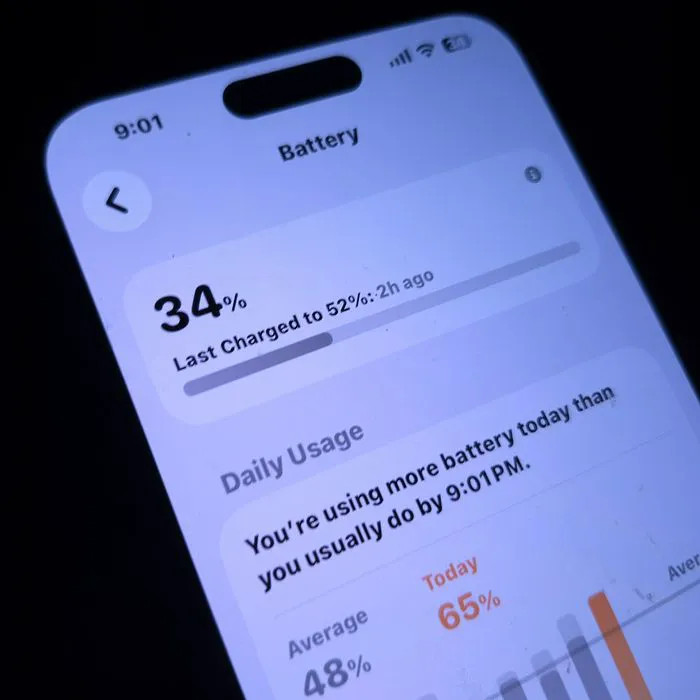
If you’re an iPhone user, chances are, your phone is incredibly important to you, which is why it’s crucial to keep its power going.
Keeping your iPhone’s battery healthy and functioning at its highest capacity takes more effort beyond charging it properly. It’s also important to look at what settings could be impacting your battery life, including which ones you should turn on or off. Read more about the two settings tech pros suggest turning off in order to keep your iPhone’s battery from dying too quickly. Read more about them below.

Women Are Swapping Their Boring Water For This Ice Pop Electrolyte Mix!
1. Background App Refresh
One of the things that many iPhone users don't realize regarding their phone's battery and power is that there's often something going on in the background that easily impacts them. For instance, when this setting is turned on, apps are allowed to run and refresh in the background without you even using them, causing your battery to drain.
"iPhones have many features that are designed to make them smarter and more personalized to their owner," explains tech pro Luke Ford. "One of these features is Background App Refresh. This feature tracks the apps you use the most, the exact time of day that you use them, and then automatically updates them. This happens, so when you open the app next, it will display the latest information for you. For example, if you always look at Instagram at 9:30 am, the iOS becomes aware of that and automatically updates your Instagram before 9:30 am. Clearly, this is an awesome feature, but it will drain your battery fast!"

2. Location Services
These days, there are so many apps that ask for or require your location to function. From social media apps to navigation ones, you might not realize just how many apps on your iPhone are using your location and continually running in the background to use it, which can easily drain your battery life.
"A lot of apps ask for location access, and many people tap 'Always Allow' without thinking twice," adds tech expert Nikita Patil. "If several apps keep checking the location in the background, battery life can drop faster. Changing most apps to 'While Using the App' usually makes a noticeable difference."