In today’s digital age, it’s super important to be well aware of tech safety, including the habits that can easily put your device at risk.
Using an iPhone seems pretty straightforward, and Apple has already put a lot of security features in place to help prevent users from downloading malware or interacting with suspicious activity. However, they can’t protect users from everything, which is why it’s crucial to dodge certain behaviors that make your device more susceptible. Read more about the three you should avoid below.

Women Are Swapping Their Boring Water For This Ice Pop Electrolyte Mix!

1. Automatically Connecting To Public Wi-Fi Networks
For people who work remotely or who need to travel a lot, public Wi-Fi networks can seem like a gift. However, over the years, scammers with malicious intent have found ways to use them to their advantage, which is why you should avoid using them when possible. You can do this by going to your Settings and turning off "Automatically Connect to Wi-Fi."
"Public Wi-Fi networks, especially in airports, diners, or hotels, are extremely easy to exploit," notes tech safety pro Wes Anderson. "Attackers can intercept unencrypted traffic or impersonate legitimate networks to steal login credentials. Using a trusted VPN or relying on your cellular connection instead significantly reduces the attack surface. I'm probably paranoid, too, but I'd avoid logging in to my bank or other high-risk platforms in those situations if I can wait until I return home."

1. Life360
This might sound obvious, but Life360 is a safety app that allows trusted individuals to track your location and allows you to keep an eye on other people's locations. Many families and others like using it to keep an eye on their kids or simply for peace of mind. But according to tech pros, the app can become risky due to data sharing related to your location.
"Life360 provides peace of mind and security to millions of families," explains cybersecurity expert and author Patrick Coughlin. "But, unless you actively opt out of their data sharing policy, they will also resell location data to data brokers. This is not only useful to brands that want to target advertisements to your family, but also to cybercriminals who can use data around your pattern of life to launch even more targeted and convincing AI-powered scams."
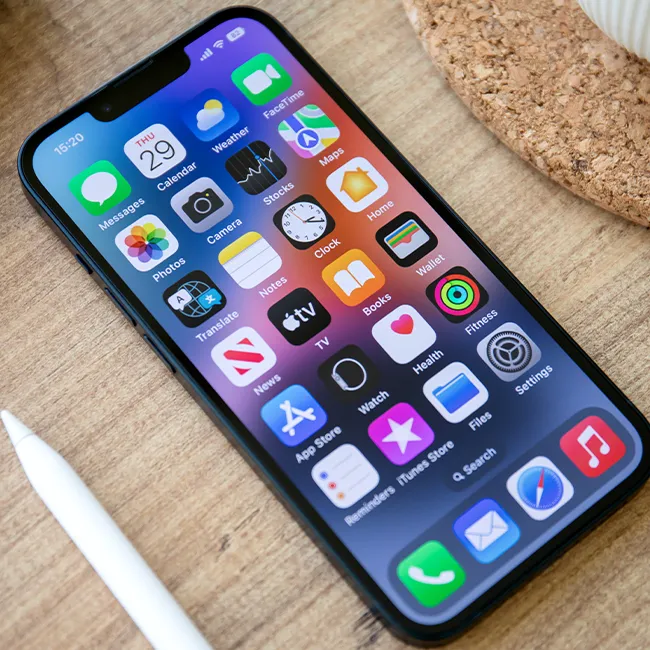
3. Not Updating Your iPhone Routinely
One thing that many iPhone or Apple product users fail to do routinely is update their iOS software. A lot of people tend to dodge the updates for various reasons, from wanting to avoid display updates to being spooked that their older phone model won't be able to handle it. However, numerous tech pros push for these updates, noting that they also often come with new safety features.
"I know, I know, being an early updater can have issues when your favorite apps aren't updated as quickly, or if you want to review forums for the latest version's issues (eg, the liquid glass update that many despised)," says Anderson. "I typically waited until all the kinks were worked out in the past, too. But that changed many years ago when I became more active in digital privacy and security. Many of those updates patch critical security vulnerabilities that bad actors are currently exploiting in the wild. So it's in your best interest to update your iOS device when available, as not updating your phone leaves you exposed."