






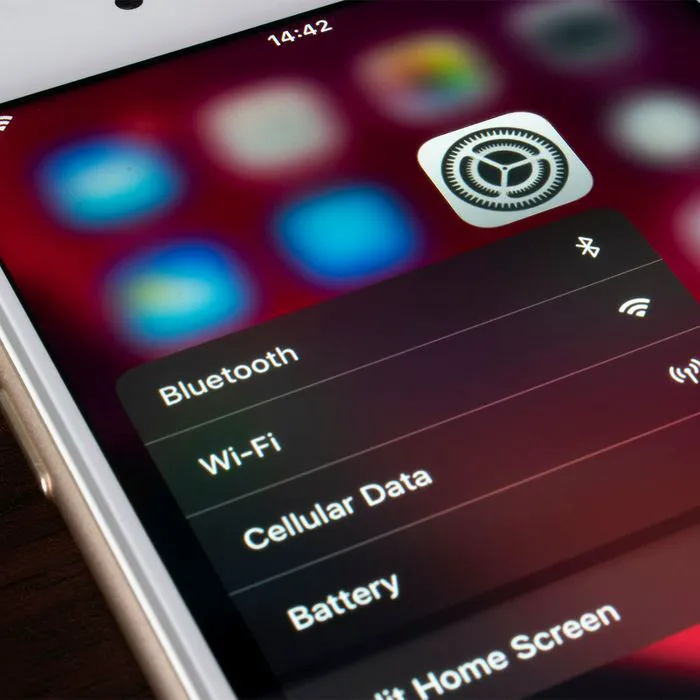
Any kind of tech innovation that makes it possible for you to never lose your connection to the world, even when you’re stuck somewhere with NO Wifi, is pretty much a genius invention. Having a personal hotspot is a simple way to guarantee you’ll be able to get directions from anywhere or work from a location that lacks a decent or secure Wifi connection. But here’s the catch: there are a few solid tips to keep in mind that will ensure you are using your hotspot safely and protecting your data while you’re using it.
“If you’re looking for a reliable way to stay connected on the go, a personal hotspot is the way to go,” said Tech Expert Rick Costa from Houselectric.com. “By turning your phone into a Wi-Fi hotspot, you can access the internet anywhere you have access to your phone’s data connection. Personal hotspots are especially beneficial for frequent travelers, students, and entrepreneurs who are constantly on the go. Not only do they provide you with access to the internet, but you don’t have to worry about finding a public Wi-Fi connection, either.”
But, as with anything, Costa says, there are some tips and tricks that Apple experts swear by to get the most out of your personal hotspot. Here are six tips that Costs suggests keeping in mind.
Make sure you’re using the right password
When setting up your personal hotspot, Costa says to make sure you’re using the right password. “It should be something that you can easily remember, but not something that can be easily guessed,” he said. A mix of upper and lowercase letter with numbers and symbols is the way to go.
Turn on Airplane Mode
“If you’re using your personal hotspot in an area with low signal, make sure you turn on Airplane Mode so your device isn’t searching for a signal,” Costa said. “This will help you conserve battery power and maximize the speed of your connection.”
Use a VPN
If you’re in an area with public Wi-Fi, using a VPN (virtual private network) can keep your information secure. “This will ensure that you’re protected from hackers and other people who might be trying to access your data,” Costa said.
Turn off Wi-Fi Assist
“Wi-Fi Assist is an iPhone feature that will automatically switch your Wi-Fi connection to your cellular network when the signal is weak,” Costa said. “However, this can eat up data quickly, so make sure you turn it off if you’re using your personal hotspot.”
Update your software
This rule is one to always follow, whether or not you plan on using a hotspot. “Make sure you’re running the latest version of iOS, so you can take advantage of the latest security and performance enhancements,” Costa said.
Monitor your data usage
“It’s important to keep an eye on your data usage so you can know when you’re close to reaching your data cap,” Costa said. “Many carriers have data-usage apps that can help you monitor your usage.”
With these tips in mind, feel free to take advantage of your hotspot so that you can always access a reliable Wifi connection when you need one.



















