






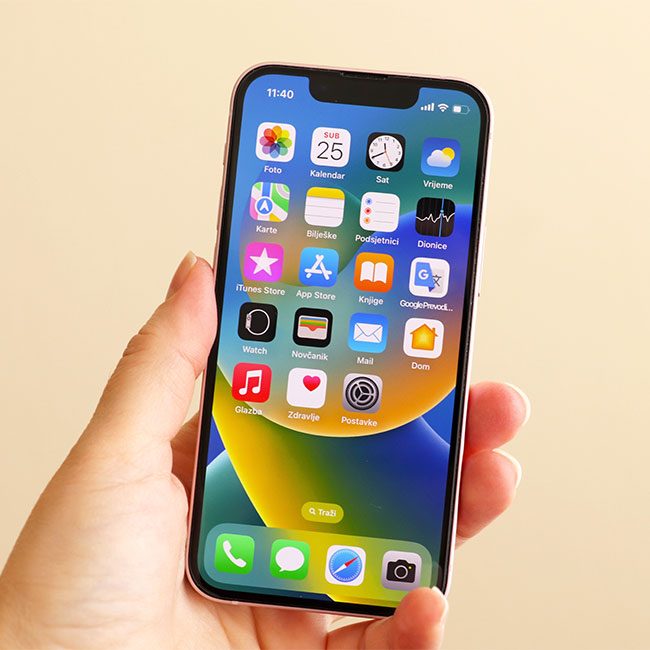
iPhone storage space is valuable — and can be hard to come by, especially if you have a number of apps downloaded on your device and can’t keep up with which are taking up the most space. You might be surprised to learn that the apps that actually are consuming the most space aren’t necessarily social media or streaming apps (both of which are notorious space-stealers). They could be two apps that you use consistently, but barely even think of as traditional apps because they come built into your phone.
The truth is: not everyone has the same apps on their phone that are the cause of their storage issues. If you use an app all of the time, like Netflix, and never delete old episodes of shows, that all accumulates on your device. For another iPhone user, the source of storage problems could be an entirely different app. But, generally speaking, there are two Apple apps that tend to take up more storage than you think.

Women Are Swapping Their Boring Water For This Ice Pop Electrolyte Mix!
1. Photos App
Photos and high-resolution video take up a lot of storage space. When you edit a photo, the original and the new version of the image are saved, taking up even more space. And things like thumbnails and photo metadata contribute to the space that this app consumes. There are a few ways you can reduce the strain that photos have on your storage space, though. Go to Settings > [your name] > iCloud > Photos. Turn on iCloud Photos and select Optimize iPhone Storage to keep full-resolution images in iCloud and store smaller versions on your iPhone. Another step is to delete all of the photos and videos that you don’t want and empty the Recently Deleted folder to ensure they are truly gone.
2. Messages
Attachments, GIFs, images, and videos sent to you via Messages take up a lot of space. The app also caches some of the data for faster loading, and this worsens your storage problems. A few tips for freeing up storage in messages include: Go to Settings > Messages > Keep Messages. Choose 30 days or 1 year to make sure old messages are deleted. You can also manually delete large attachments by going to Settings > General > iPhone Storage > Messages. Tap Review Large Attachments to see big files like photos and videos and delete whatever you don’t need.



















