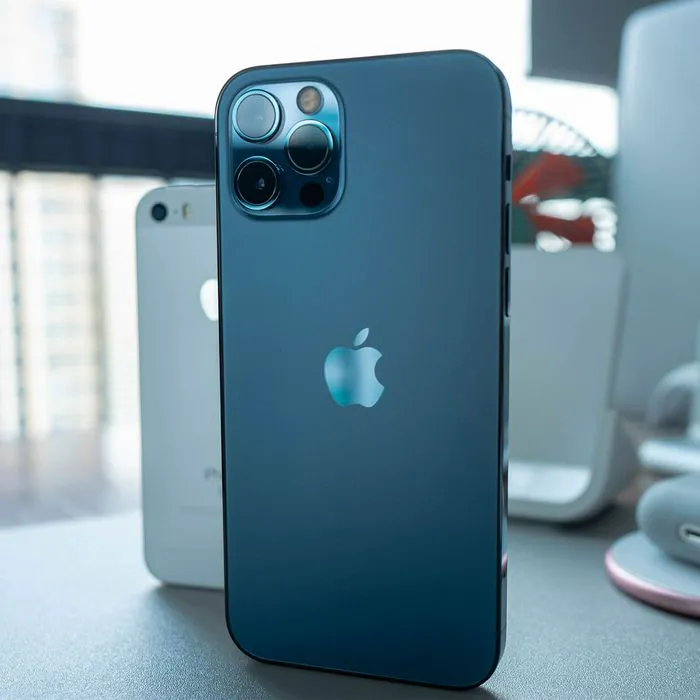
Given the cost of an iPhone, it would make sense for it to last for years and years. Sadly, that isn’t always the case. Most of us are relying on our phone for nearly everything under the sun, from taking photos and videos to conducting our work days to playing games and catching up with friends on social media. All of that activity wears down your phone battery. Frequent charging to keep your phone within the sweet zone of 30 to 80 percent charged is a smart defense strategy, but you may be wondering if there are ways to prevent it from losing so much battery so quickly in the first place.
The answer to that question is: absolutely, yes. The tech experts from Payette Forward actually offer 25 hacks for fixing iPhone battery drainage that are worth checking out:
But if you only have five minute in your day to try and make a difference in phone battery, two of the best places to start are within your phone’s settings. Some phone settings can provide major conveniences, but at the cost of your phone battery. If your battery longevity is important to you, disabling these two settings can help.

Women Are Swapping Their Boring Water For This Ice Pop Electrolyte Mix!
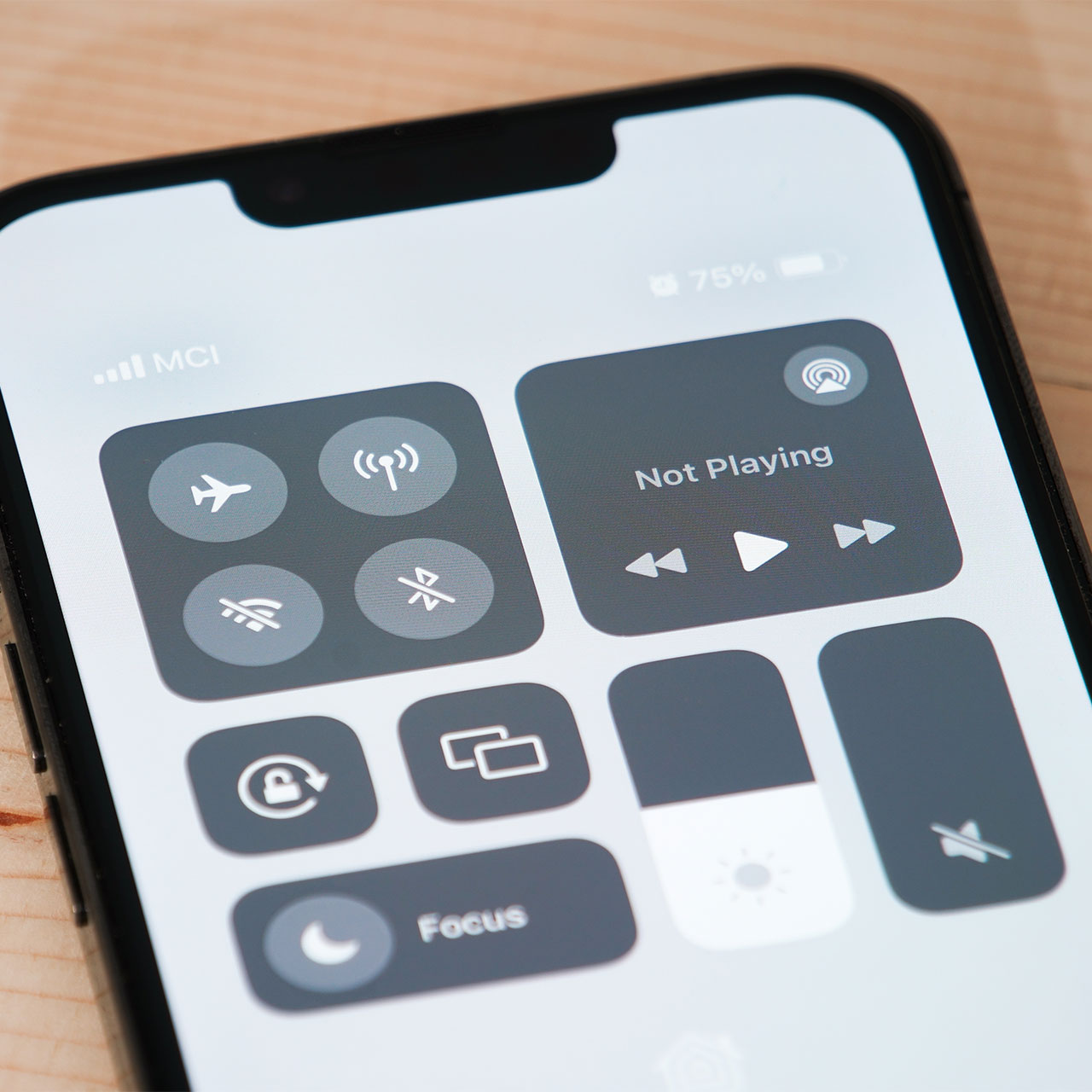
1. Background App Refresh
Even when you are not actively using apps like Facebook or Snapchat, the Background App Refresh setting conveniently updates your content at all times. This means when you are ready to click into the app, it will deliver the freshest content possible, without making you wait for it to upload.
Sure, this setting will save you a little time. But you may find that the battery power you have to sacrifice for this convenience isn’t worth it. When apps refresh their content in the background, it uses up cellular or Wi-Fi data, and this is a major consumer of battery power. Refreshing content also means the apps are synching data with different servers and taking up processing power from the CPU and GPU. In short: the setting is draining your battery, and disabling it will help boost battery power.
Go to Settings > General > Background App Refresh. Decide if it makes more sense for you to disable the setting completely or just disable it for certain apps.
2. Push Mail
If you constantly want to be bombarded with every email you get the second you receive it, by all means, keep the Push Mail setting enabled. In all seriousness, this setting may be convenient at times, such as when you’re waiting for an important email to come through. But for many people, most of the time, the setting is just a hassle. You will receive a notification every time a new message is received, and the setting itself is forcing your network to remain continually active while using up data to check for new email.
You can lessen the impact Push Mail has on your battery in a few different ways. Switch to Fetch or Manual Mail Retrieval by going to Settings > Mail > Accounts > Fetch New Data and change the setting from Push to Fetch or Manual. You can also adjust the frequency in which your phone fetches mail by choosing a longer interval — this will allow you to keep the convenience of Push Mail but lessen the impact the setting has on your battery.