







Your iPhone is packed with features and settings designed to make your life easier—from helpful notifications to background activity that keeps your apps ready to go. When these settings are set up right, they can make your phone more efficient, convenient, and enjoyable to use every day. But when settings are running amok in the background, some of them can quietly drain your battery or slow your phone down, even if you don’t realize it.
A few quick tweaks can make a big difference in how fast and responsive your iPhone feels. By adjusting certain settings, you can improve battery life and keep everything running smoothly. If your phone has been lagging or losing charge too quickly, here are five settings you’ll want to change right away for a faster, more reliable iPhone experience.

Women Are Swapping Their Boring Water For This Ice Pop Electrolyte Mix!
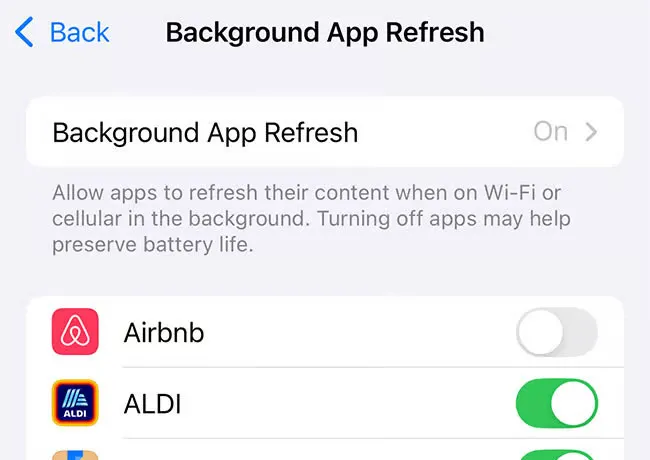
1. Background App Refresh
Background App Refresh allows apps to update their content even when you're not using them, which can drain both your battery and processing power. Apps like Facebook, news, and email often run in the background, using data and resources that could be slowing your phone down. To improve performance, go to Settings > General > Background App Refresh and either turn it off entirely or limit it to Wi-Fi only. You can also toggle it off for individual apps that don’t need to stay updated when not in use.
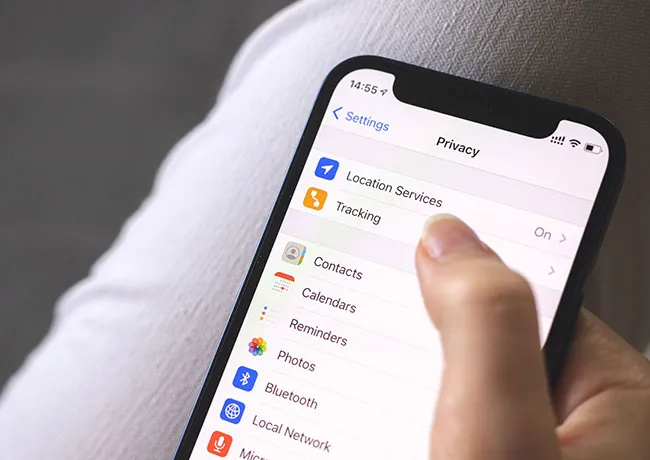
2. Location Services
While some apps truly need your location to work properly, many others track your movements unnecessarily, which puts a strain on your phone’s battery and processor. Constant location tracking can slow your phone and raise privacy concerns. To take control of this, go to Settings > Privacy & Security > Location Services and set most apps to “While Using” or “Never.” Only apps like Maps or Weather typically need full access.
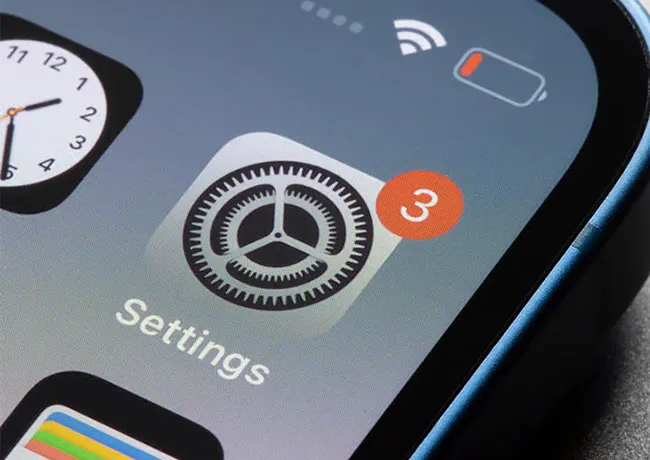
3. Reduce Motion Effects
iPhones include animations like parallax effects and smooth transitions between apps, which look nice but can subtly slow things down—especially on older devices. These motion effects also use more graphics power, which can impact performance. You can speed things up by going to Settings > Accessibility > Motion, then turning on Reduce Motion.
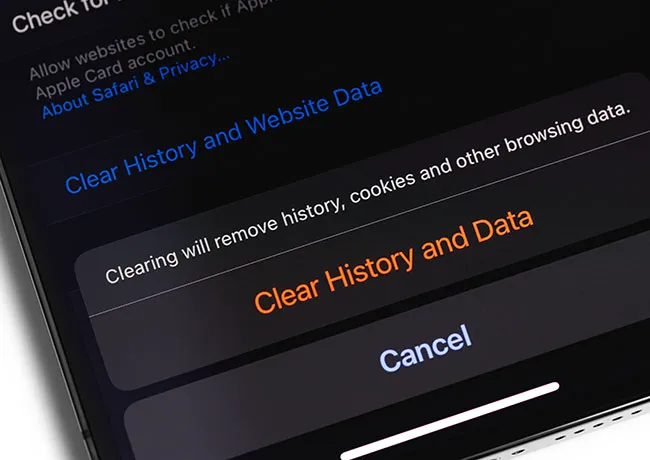
4. Clear Safari Website Data
Over time, Safari stores lots of website data—like cached pages, cookies, and history—which can take up storage and slow down your browser. If Safari is running sluggishly or your phone feels generally slowed down, clearing this data can help free up space and speed things up. Go to Settings > Safari, then scroll down and tap Clear History and Website Data.
5. Limit App Notifications
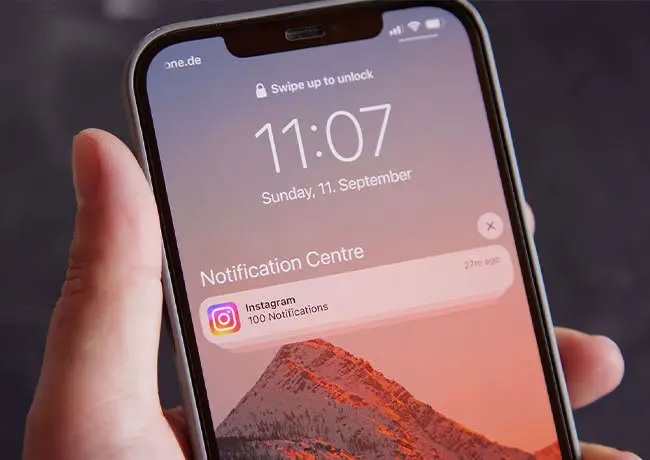
Too many app notifications can clutter your lock screen and use more power than you might think. To reduce the load, go to Settings > Notifications and turn off notifications for apps you don’t need real-time alerts from. This helps your phone stay more focused and responsive.



















