



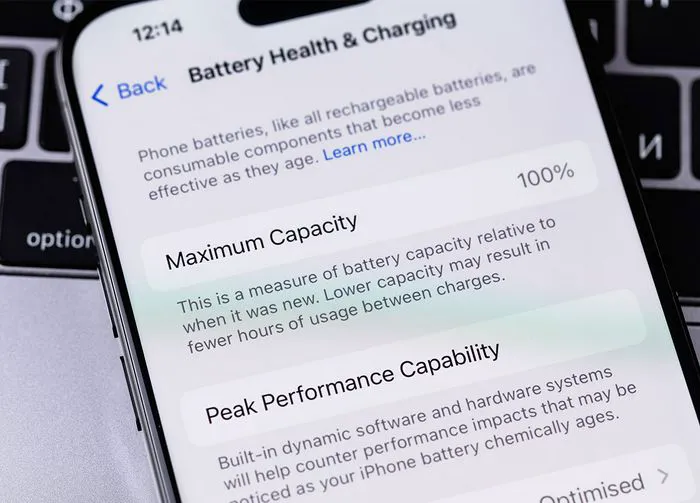
Your iPhone battery can seem moody at times and unforgiving when it comes to charging. If your phone loses power fast and you’re constantly searching for a charger, the problem may have nothing to do with your actual phone or its battery. The root of your issues can actually be certain settings that are enabled on your device and are causing massive battery drain.
Resource-intensive apps like Facebook coupled with settings that drain your phone can spell big problems for your phone battery’s longevity. You can step in and make positive changes by focusing on these five settings that you should change before they ruin your battery.

Women Are Swapping Their Boring Water For This Ice Pop Electrolyte Mix!

1. Location Services
Location Services is a necessary setting that allows certain apps, such as navigation apps, to do their jobs properly. However, it is a battery drain when it’s left on for all apps to use any time you’re on the app. It’s also a setting to be aware of where your privacy is concerned. You can fix Location Services by heading over to Settings > Privacy & Security > Location Services. Turn the setting off completely or disable it for most apps unless that app needs it.
2. Push Email
Unless you constantly check your email for new messages, you can turn off Push Email (or Fetch) and save a lot of battery power. Go to Settings > Mail > Accounts > Fetch New Data. You can manually increase the time between fetches to something like every 30 minutes if you only check your email a few times a day. This can help save battery power.

3. Screen Brightness
A bright phone screen may be easier to read, but it’s doing a number on your battery power. The brighter your screen, the more battery your phone will consume — plain and simple. The best solution is to lower your brightness and enable your Auto-Brightness setting so that your phone detects the amount of ambient light in your environment and adjusts your screen’s brightness to suit it. Go to Settings > Display & Brightness > lower the Brightness slider or enable Auto-Brightness under the Accessibility setting.

4. Background App Refresh
How important is it to you to have your apps automatically refresh so that they are ready with new content the second you click on them? If you answered “very important,” the Background App Refresh setting may be worth the battery drainage you’ll experience from it. But if you are perfectly content waiting for apps to load, turn this setting off to save battery. Go to Settings > General > Background App Refresh and turn off Background App Refresh.

5. Notifications
Do constant notifications — like pings anytime you get an email or social media update — distract you to the point of fury? Even if you aren’t quite so worked up about notifications, they can be bothersome. There is a way to save your peace and quiet and respond to emails and other notices at your own leisure: disable Notifications. This setting isn’t just a distraction - it’s also a battery killer. Go to Settings > Notifications. You can disable the settings for specific apps.