
Gwyneth Paltrow posing with a giant lampshade for Goop campaign.
Three worst hair habits causing thinning and bald spots.
Katy Perry and Justin Trudeau at Paris premiere event.

Homepage

2 Simple Settings Changes That Can Help Stop Hackers From Getting Into Your Android

July 17, 2026 by Abigail Connolly
shefinds | Homepage
Featured image

One of today’s biggest tech concerns is preventing hackers or scammers from getting access to your valuable information, which can be done via certain settings.

Android users, like most smartphone users, have to deal with the same tech scams and more that are going around these days. Though most modern phones come with updated security features that can help prevent malware from infiltrating your device, there are more things you can do to keep it safe, like adjusting certain settings that tech pros recommend taking a look at. Read more about two Android settings tech pros say can help stop hackers from harming your device below.

house unit img
Women Are Swapping Their Boring Water For This Ice Pop Electrolyte Mix!
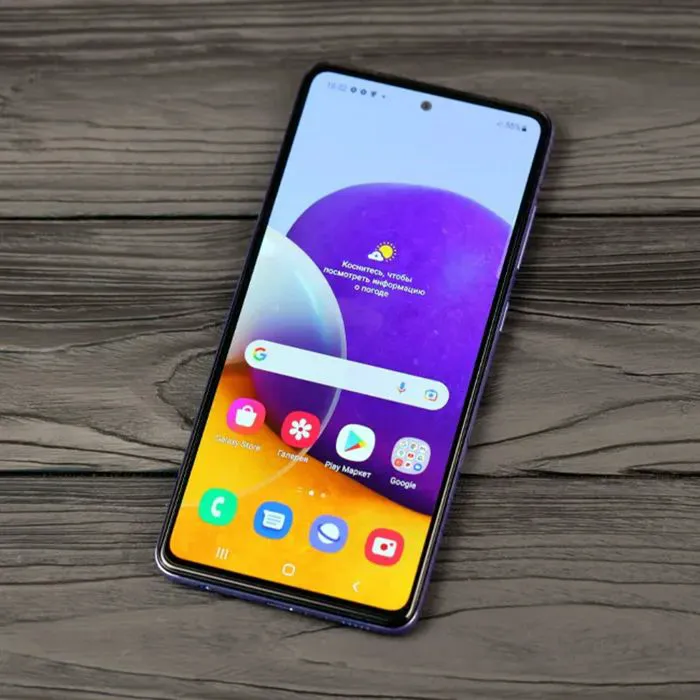
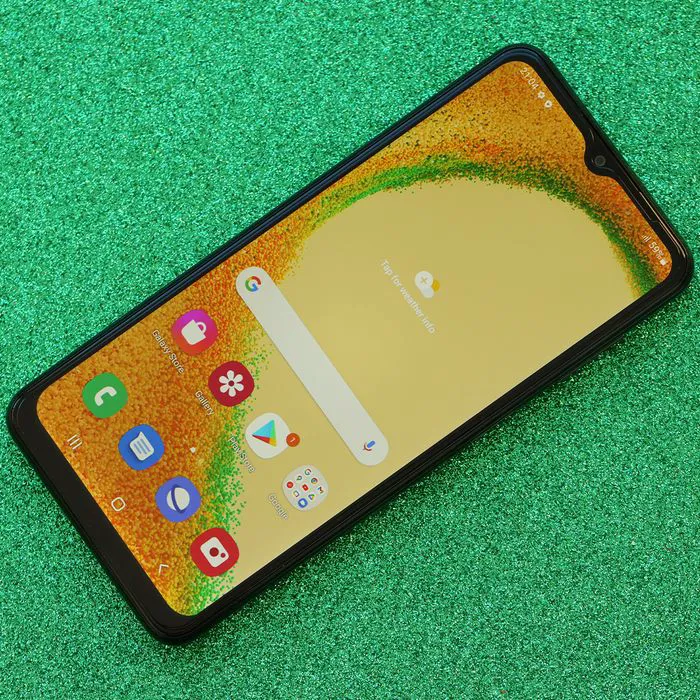
Samsung Galaxy A72 smartphone on display with vibrant screen.

1. Privacy Dashboard

An issue that a lot of smartphone owners face is giving their location information to the wrong people or platforms. There are a lot of apps on the market today that seem safe and unassuming, but will ask for your location, even if it feels as though it doesn't need it. To prevent your location from getting in the wrong hands, you can use your Privacy Dashboard to control which apps use that information and which ones don't.


"It shows you which apps have used your camera, mic, or location in the last day or week," note tech pros with Safety Detectives on YouTube. "So, scroll through and check this list. And if you see something that looks strange, like a shopping or flashlight app using your microphone, then that's not exactly normal. Tap the app and change its access to ask every time, or just don't allow it."
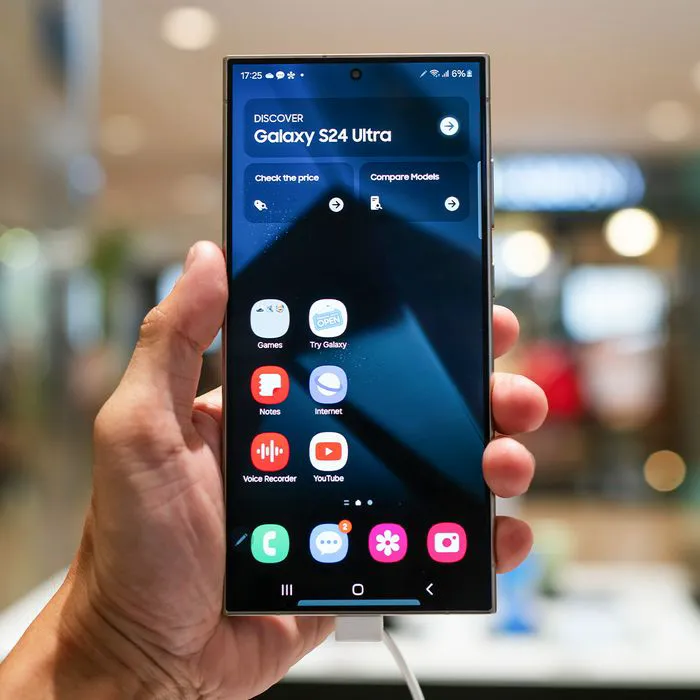
Woman holding a Galaxy S24 smartphone.

2. Permission Manager

Though having hackers get direct access to your phone to download malware is a rather rare occurrence, there are still all of these small ways that your privacy can be leaked, eventually leading to some of your information being shared with malicious people. This can happen via third-party, often unused apps that not only ask for access to your location, but also your microphone and other sensitive things as well.


"Over time, apps can start to pile up," adds Safety Detectives. "Things like old games, delivery apps, and random utilities you downloaded once and completely forgot about. The problem is that those apps still keep their permissions. Some might still have access to your camera, mic, or location even though you haven't opened them in months. But Android can thankfully fix this automatically."


"Open your settings and go to privacy, then permission manager," they continue. "Scroll until you find autoreset permissions and make sure it's turned on. From now on, Android will automatically revoke permissions from any app that you haven't used in a while. Think of this as built-in privacy housekeeping. If you want to do this manually, then stay in the permission manager, check each app, and remove access from the ones that you don't use anymore. Every permission you revoke quietly cuts off another data stream that you never meant to share in the first place."


Author:

Editorial Assistant

Abigail is a journalist based in Brooklyn, New York. As an Editorial Assistant for SheFinds, she covers topics ranging from celebrity news and fashion to wellness. She has written for other publications, including Chip Chick, Bandsintown, BroadwayWorld, and more. When she isn't writing, Abigail loves spending time in the city with her friends, being a 'dog mom' to her Chihuahua, and singing along to some of her favorite music.

Kathie Lee Gifford and Frank Gifford smiling together at an event.
North West attending Paris Fashion Week in stylish attire.
Kai Trump at Republican National Convention, Fiserv Forum backdrop.
Prince William, King Charles, and Prince Harry together in public.
Woman's scalp showing bald spots and thinning hair.
LED therapy light and lipstick from Nordstrom's anniversary sale.
Bill Gates and Phoebe Adele Gates at a public event
Eva Longoria celebrating her Hollywood Walk of Fame star
Hailey Bieber modeling sold-out Gap jeans in trendy outfit.
Woman enjoying granola with berries and yogurt in a bowl.
Woman holding a Galaxy S24 smartphone.
Kimberly Guilfoyle attending amfAR Gala at Cannes.
Meghan Markle at one-year countdown event.
Taco Bell meal featuring Taco Bell lettuce.
Gigi Hadid and Bradley Cooper spotted together.
Michelle Obama at The 2024 Albies event.
Selena Gomez at Netflix premiere for 'Marty: Life Is Short'.
Kim Kardashian with daughter Chicago at public event.
Close-up of a woman's face highlighting skincare.
Ariana Grande at the Golden Globes awards ceremony.
Kathie Lee Gifford and Frank Gifford sharing a joyful moment together.
North West attending Paris Fashion Week in stylish attire.
Kai Trump at Republican National Convention, Fiserv Forum backdrop.
Prince William, King Charles, and Prince Harry together in public.
Woman's scalp showing bald spots and thinning hair.
LED therapy light and lipstick from Nordstrom's anniversary sale.
Bill Gates and Phoebe Adele Gates at a public event
Eva Longoria celebrating her Hollywood Walk of Fame star
Hailey Bieber modeling sold-out Gap jeans in trendy outfit.
Woman enjoying granola with berries and yogurt in a bowl.
Woman holding a Galaxy S24 smartphone.
Kimberly Guilfoyle attending amfAR Gala at Cannes.
Meghan Markle at one-year countdown event.
Taco Bell meal featuring Taco Bell lettuce.
Gigi Hadid and Bradley Cooper spotted together.
Michelle Obama at The 2024 Albies event.
Selena Gomez at Netflix premiere for 'Marty: Life Is Short'.
Kim Kardashian with daughter Chicago at public event.
Close-up of a woman's face highlighting skincare.
Ariana Grande at the Golden Globes awards ceremony.