






iPhones have so many settings that can help you adjust your user experience that it can be challenging to keep track of them all.
However, there are also specific settings that you should pay attention to, not just to improve the quality of your experience, but to protect yourself. Most iPhones are already set to keep your data safe, but there are some that might not be preventing your phone from doing certain things, like tracking your locations, etc. We spoke with tech experts about one of the most important settings you should adjust to keep yourself safe. Read more about it below.

Women Are Swapping Their Boring Water For This Ice Pop Electrolyte Mix!

The One Setting You Should Turn Off To Protect Your Privacy
Something that a lot of people with iPhones worry about is their location and being tracked. After all, when hackers, scammers, or simply the 'wrong person' get hold of your location, it can be quite scary. These days, our phones are super reliant on our locations, as they tend to need them for GPS and all other sorts of things. However, there are also a handful of services that likely don't need your location.
When you think about your iPhone needing to know your location at all times, what do you think of? Perhaps it's your Maps app, which needs your location in order to tell you where you are and where to go. It could also be your Find My app, which can share your precise location with loved ones in case of an emergency.
What you might not think of are apps like Instagram or gaming apps. As it turns out, there are several apps, including third-party ones, that may ask for permission to use your location services, and there's a chance you might just give them permission without thinking twice. However, it's super important to take these things into consideration. That's why you should consistently check your Tracking settings to see which apps have access to your location and which ones don't.
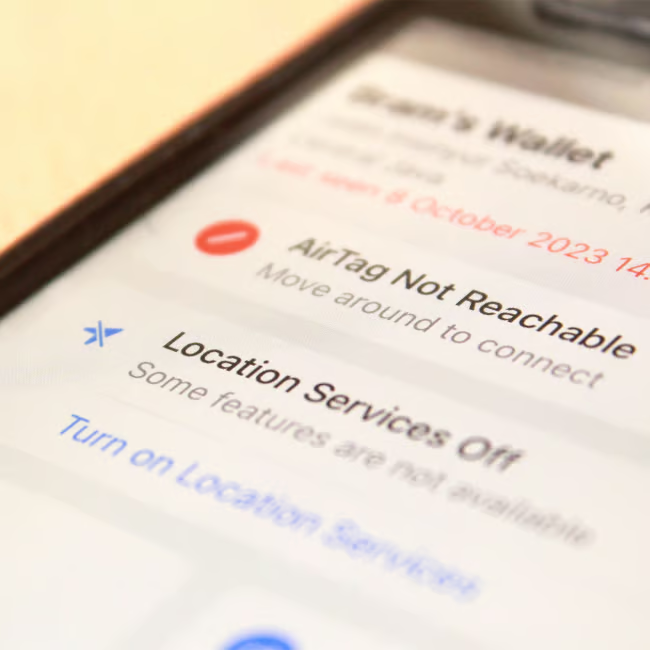
How To Adjust The 'Tracking' Settings And Turn Some Off
To take a look at all this information, you begin by opening up your Settings app, followed by Privacy & Security, and then tap on Tracking. From there, you can get a look at all the apps on your phone that have asked to access your location. Some of them might be surprising to you, and you'll likely realize that there are some apps on your device that, at the end of the day, simply do not need that information.
From the Tracking settings, you can go through the apps that want to access your location, and choose to turn them on or off. You can also turn off 'Allow Apps to Request to Track,' which will prevent all of your apps from asking for access to your location.
"By turning this option off, it will help to minimize the ability for other apps on your device to track your activity while using their app and any other activity on your device," says expert Craig Ford with Cyber Unicorns. "This is super important to help reduce unnecessary tracking of what you do online, on apps, and to help improve your overall safety."



















