


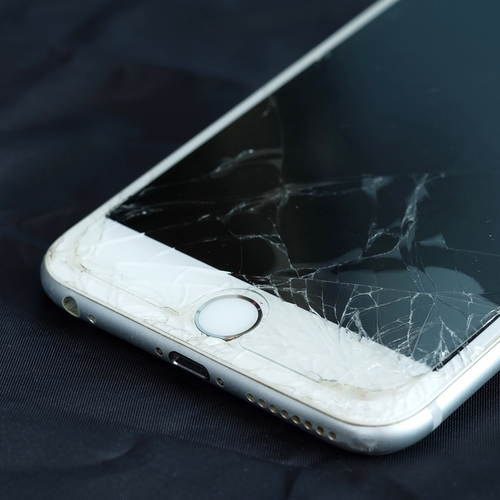
Accidents happen, but cracking your iPhone can be a truly devastating scenario. “Many of us are guilty of dropping our iPhones, and a damaged phone can mean loss of information or damaged fingers from a cracked screen,” technology expert Burton Kelso warns.
So–what’s the one thing you should do AS SOON AS you crack your iPhone screen? We consulted with leading tech experts, and here’s what they have to say:

Women Are Swapping Their Boring Water For This Ice Pop Electrolyte Mix!
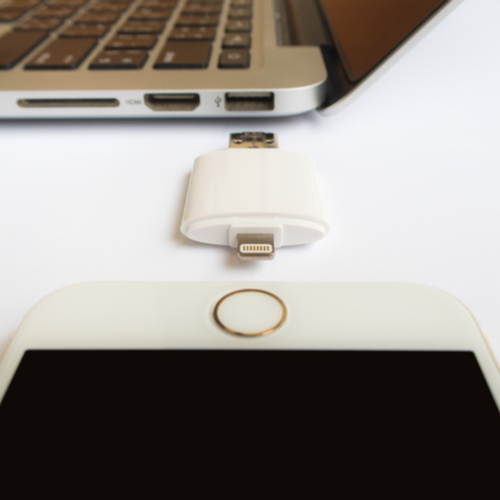
Back It Up
It's often overlooked, but the first think you should do is backup any data that isn't saved to the iCloud, Mike Towler of Mike's PC Repair Service, tells us. "The reason for this is although the phone may still be operational with a broken screen, it could get worse and become non-operational." Yikes! You should assume that any damage to the phone will get worse over time.
"Taking the phone to a repair shop for a replacement screen will usually solve your issue, however there are horror stories out there of phones being damaged worse and data being irretrievable," he warns. "You have to remember the phone can always be replaced but your data cannot." So true!
"As soon as you can, plug your iPhone into your computer and sync it to make a current backup," Kirk Harvell, data recovery specialist with Gillware, agrees. "Otherwise, you might end up losing any important data on your phone, such as your photos, videos, contacts, and SMS messages, that hasn't been backed up yet. If that happens, you'll have to send your iPhone to a data recovery lab to get the data recovered, which can be very expensive."
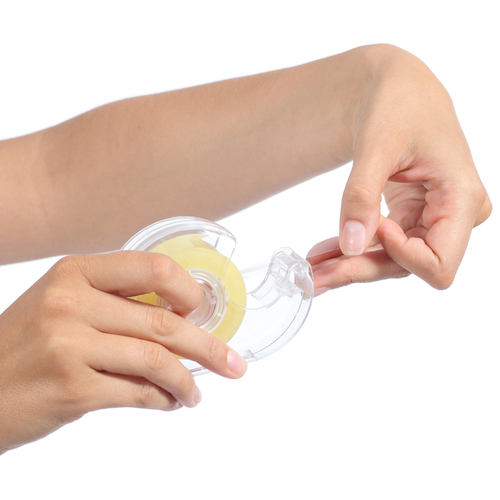
Cover It With Clear Tape
"One of the first things you should do if you crack your iPhone screen is to get a piece of clear packing tape and place it over the cracked screen," Burton Kelso, The Technology Expert, advises. "The clear tape will prevent screen shards from falling off your phone. The tape will also prevent you from slicing up your fingers and allow you to continue to use your phone."
"If your iPhone screen is cracked, it’s a really good idea to cover the display with a piece of clear packing tape or put your iPhone in a Ziploc bag," David Payette, president of Payette Forward, agrees. "That way, you can’t cut yourself on the broken glass!" 'Cuz we definitely don't want that.
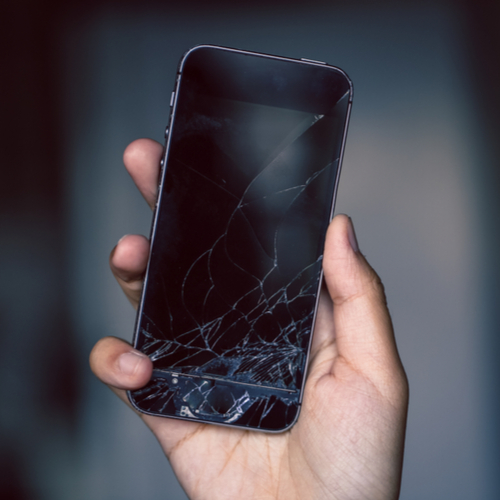
Don't Handle It Too Much
"The first thing to do when you crack your iPhone screen is to try not to handle it much," Aileen Manzel, Product Manager at PureGear, tells us. "Because the screen is glass, it can cut you-- even a small crack can result in shards falling off." Yikes!
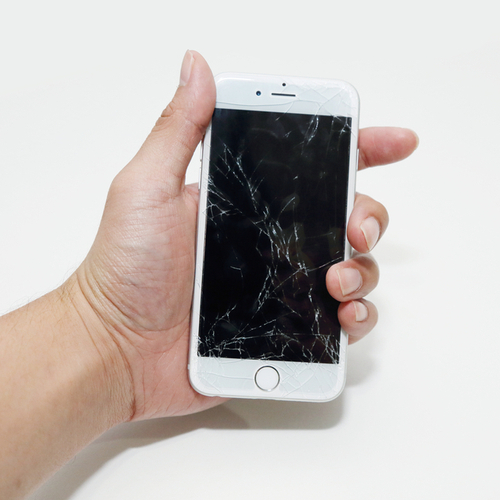
Check The Damage
"Immediately check the extent of the damage to figure out their next steps," Susan Huehnergard, manager at Mobile Klinik, tells us. "A lot of smartphone glass can shatter when dropped; if that's the case, ensure you aren't going to cut yourself on the shards of the screen left behind if you can't get to an authorized repair shop right away."
"If you think it's safe to put it in your purse or pocket for a few days, be sure to check that any cracks aren't leading into the Home Button or Fingerprint ID Sensor as cracking can expand and start to damage your phone's functionality as well as its good looks," she advises.

Take It In
All experts agree that you need to take your phone into a service provider to inspect the damage further.
"If your phone is damaged to the point where the screen cannot be viewed, you need to call a phone support professional to replace the screen. If you have an older phone unfortunately the cost of getting a new phone usually outweighs the cost of fixing it," Burton warns.
"The next thing is to get it repaired at the Apple Store or other shop," Aileen agrees. "Once repaired, buy a screen protector!" Aileen suggests PureGear's lifetime warranty-packed screen protectors for this job.
"Drop in to see a professional and have them take a quick look - a damaged screen can be fixed in an hour or two, without any appointment required," Susan advises.