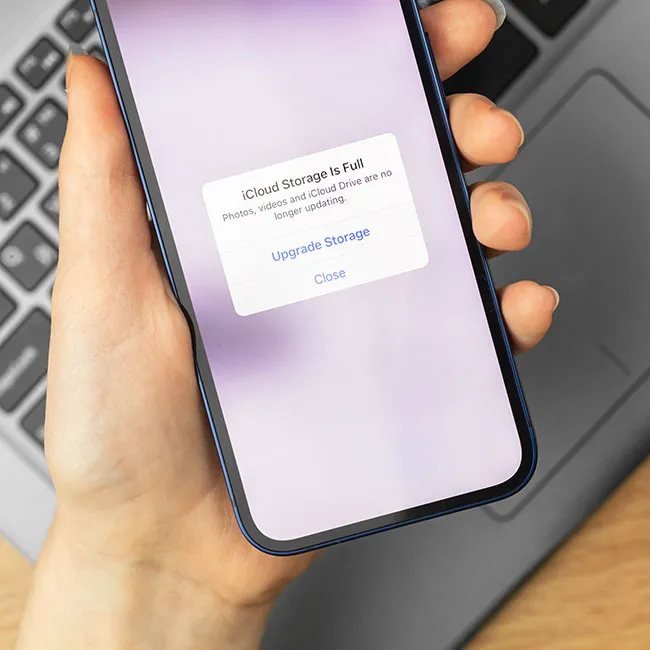
For most smartphone owners, their iPhones are like the center of their universe, holding so many of their contacts, favorite photos, and more. Therefore, when the storage fills up, it can be extremely irritating.
Once an iPhone’s storage gets filled, people tend to panic, deleting apps, pictures, videos, downloaded music, important texts, and more. However, there are actually some more behind-the-scenes storage issues going on in iPhones – they lie within the settings. There are certain settings iPhone users can switch on and off that can end up making a big difference in the amount of storage that gets taken up on your phone. We spoke with tech experts, including Daniel Dantus with Skan.AI., and Peter Barnett with Action1, about five iPhone settings you may not realize can take up more storage on your phone. Read more about them below.

Women Are Swapping Their Boring Water For This Ice Pop Electrolyte Mix!

1. Voice Memo Settings
One of the nicest features of having an iPhone is having the Voice Memos app, which allows you to record notes, songs, memories, or whatever you want. However, you likely didn't know that your phone could be holding onto all the voice memos you mean to get rid of.
"The Voice Memos app doesn't automatically clear recordings," says Dantus. "Even short clips take up more space than most users expect, especially if saved in high quality. Setting memos to auto-delete after a period or manually cleaning them helps keep storage in check."

2. iMessage Settings
It's impressive just how much content sent back and forth in our iMessage apps is kept in our iPhones. If you allow it in your settings, your iPhone can hold onto messages and other files like pictures and videos sent in your iMessage app from years back. If you don't take the time to adjust your settings, it will save numerous messages and files that will ultimately waste your storage.
"By default, iMessage saves all the media you send and receive," explains Barnett. "Over time, those GIFs, videos, and pictures take up gigabytes of space. Most people don't realize how much is sitting there. Changing the 'Keep Messages' setting to 30 days or 1 year instead of 'Forever' can free up a huge chunk of storage."
3. Background App Refresh
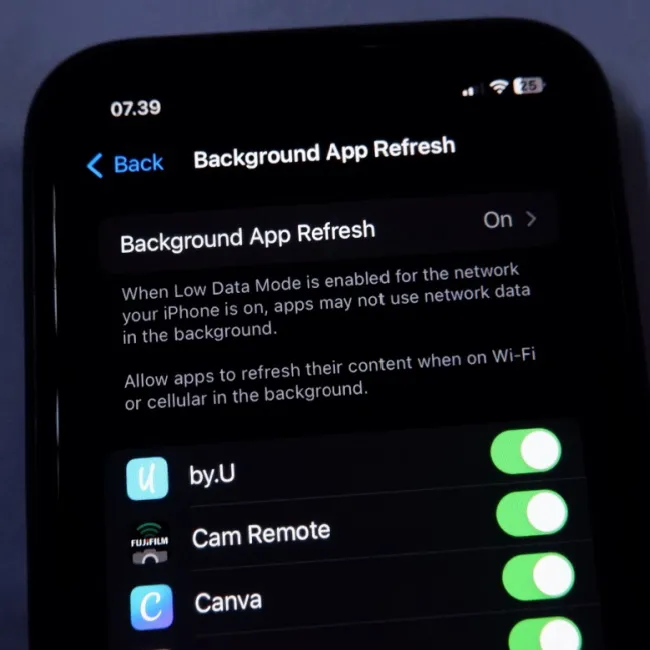
If you don't know what the Background App Refresh is, it's a feature in your settings that allows apps to update their content even when you are not using them. For example, it lets your social media apps refresh feeds and update data in the background, so everything is ready when you open them. However, this requires your phone to do a lot of work behind the scenes.
"Many apps are set to refresh content in the background by default," notes Dantus. "While it's useful, some apps also cache large chunks of data every time they update, slowly eating storage. Turning this off for apps you rarely open prevents silent storage drain."
4. iCloud Settings
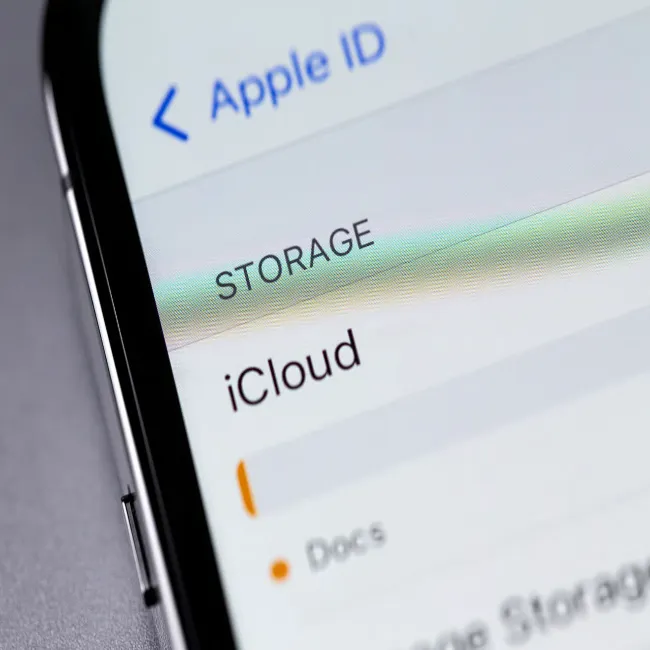
How you decide to use iCloud can make a massive impact on your storage, as enabling some of its features and adjusting some of its settings can make a big difference in what your phone doesn't or does hold onto. This is especially true with the iCloud settings pertaining to your photos.
"When 'Download and Keep Originals' is on in Photos, the phone keeps full-resolution files even if you're backing up to iCloud," says Barnett. "This duplicates storage unnecessarily. Switching to 'Optimize iPhone Storage' stores smaller versions on your device while keeping originals in iCloud."
5. Offload Unused Apps
Have you ever noticed that on your iPhone, if you haven't used an app in a really long time, it's still on your homescreen but needs to be redownloaded? That's likely because your iPhone's 'Offload Unused Apps' setting is on. The setting helps to save some storage, but not that much, because the apps that are offloaded still hold onto essential data.
"iPhones have an 'Offload Unused Apps' feature," explains Barnett. "It clears the app itself but leaves behind documents and data. If you've got apps you never use, their leftover data can still hog space. Deleting the app completely instead of just offloading it is often a better option."