



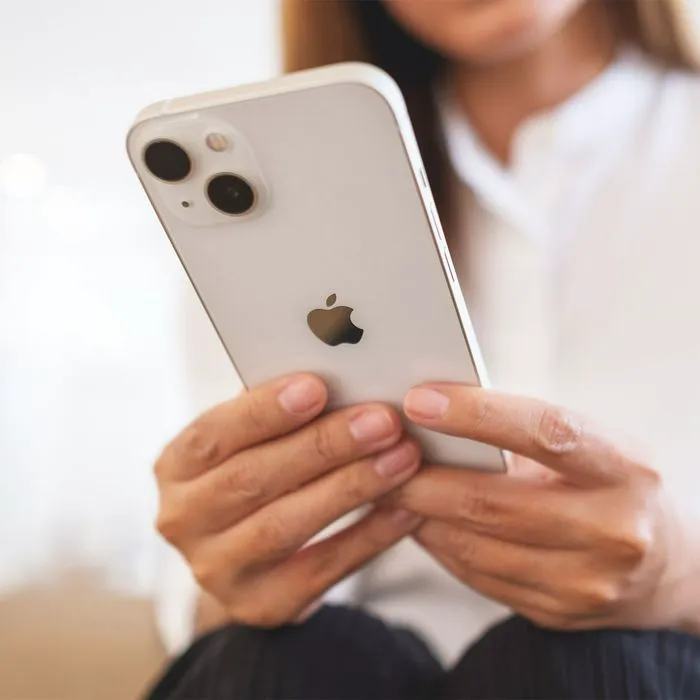
Pop quiz: when’s the last time you had to charge your iPhone? If you answered: “two hours ago “— and then “and two hours before that,” chances are your phone’s battery isn’t working at an optimal level to keep your phone’s charge sustained for long periods of time. There are a few reasons why your battery may be slow, and not all of them are solvable by making a few quick changes. If your phone is old, there’s a chance you may need to throw in the towel and buy a new battery, for example.
But before you do that, turning your attention to certain phone settings that are notorious battery snatchers is the better (and cheaper) option. Tech Expert Kelly Indah, the editor-in-chief at Increditools and an ardent tech aficionado, shares three game-changing settings on your iPhone that can considerably extend your battery life. “I’ve found these techniques incredibly useful in my own life, and I hope they’ll be beneficial for you as well,” Indah says.
Reduce Your Screen Brightness
Be honest: how bright are you keeping your screen and is that level of brightness necessary? “Our screens are the biggest battery hogs,” Indah says. “Illuminating all those millions of pixels is no small task, which is why one of the easiest ways to conserve battery life is to turn down your screen brightness.”
A dimmer screen uses less power, thereby saving energy, Indah stresses. “To adjust this setting, go to Settings > Display & Brightness and move the brightness slider to the left,” Indah notes. “Alternatively, you can enable auto-brightness, which adapts your screen to lighting conditions. It took me a while to adjust to a less luminous screen, but the trade-off for longer battery life was unquestionably worthwhile.”

Women Are Swapping Their Boring Water For This Ice Pop Electrolyte Mix!
Limit Background App Refresh
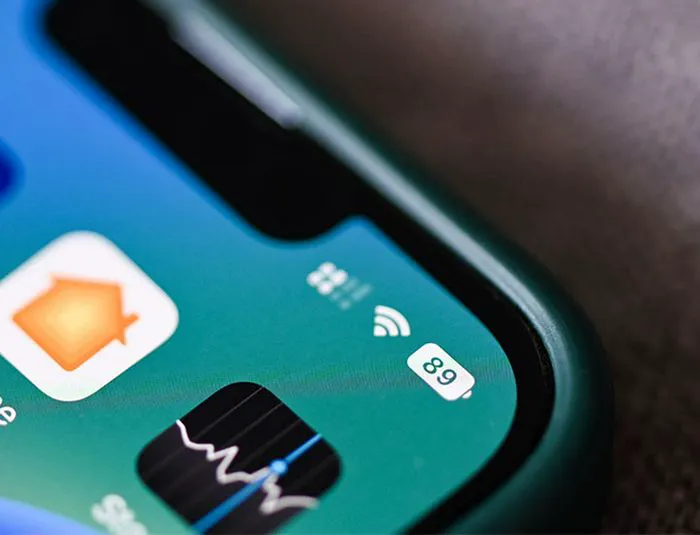
“The 'Background App Refresh' feature is one of those invisible battery drainers,” Indah says. “While it's handy for apps to update in the background, keeping you up to date, it's not always necessary and it drains power. I learned this the hard way when, during a backpacking trip, my phone ran out of juice despite barely using it.”
Turns out, numerous apps were continually refreshing in the background, Indah adds. To tweak this setting, Indah instructs going to Settings > General > Background App Refresh, and disabling it for the apps you don't need to update automatically.
Turn off Push Email
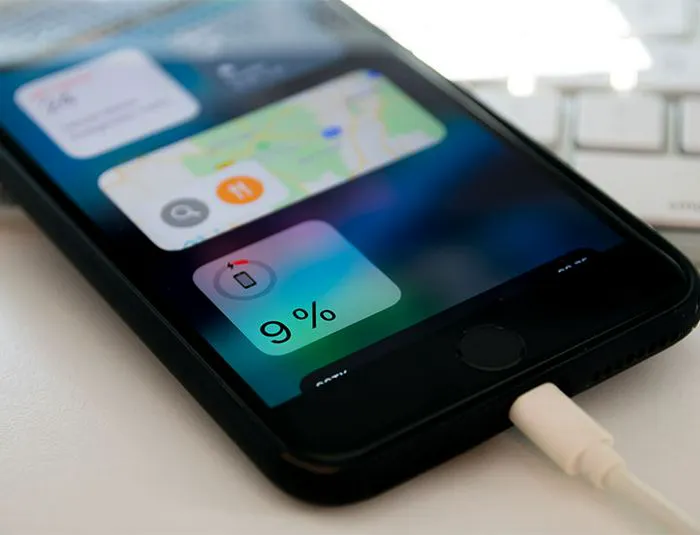
Every time your phone fetches new data, whether it's email or updates to your social media, Indah reminds us it's using valuable energy. “Rather than having your mail constantly pushed to your phone, change your email settings to manually fetch new data, or increase the fetch interval,” Indah says. “This means you only get updates when you want them, saving a substantial amount of battery.”
You can find this under Settings > Mail > Accounts > Fetch New Data.
“The idea isn't to fundamentally change how you use your device, but rather make small tweaks to better manage power consumption,” Indah says. “Remember, what works wonders for one person might not have the same results for another. The aim is to strike a balance between usability and battery longevity.”