Modern workspace with a person typing on a laptop.
Chic haircuts for women over 50 trending in 2026.
Donald Trump discussing maternal healthcare at a public event.

Beauty

4 Default Settings You Didn’t Know You Could Change For A Faster Phone

June 17, 2024 by Lisa Cupido
shefinds | Beauty
Featured image

If your iPhone is acting slow and inefficient, some of the common reasons behind the sluggish behavior But can include low storage, a poor network connection, and outdated apps and software that need to be updated. Some of these changes require a little time on your part. You may need to figure out which media you can part ways with and begin deleting files to clear up storage, or you may want to update all of your apps and unload or delete the apps you don’t use.

You can also rely on quick fixes to get you through before you make more fundamental changes to your phone — and this is where we turn our attention to four default settings. Unbeknownst to you, these setting could be enabled on your phone and they may be taking up a significant amount of battery power. The more your battery is taxed, the slower your phone may operate. Change these four settings to get your phone up to speed.

house unit img
Women Are Swapping Their Boring Water For This Ice Pop Electrolyte Mix!
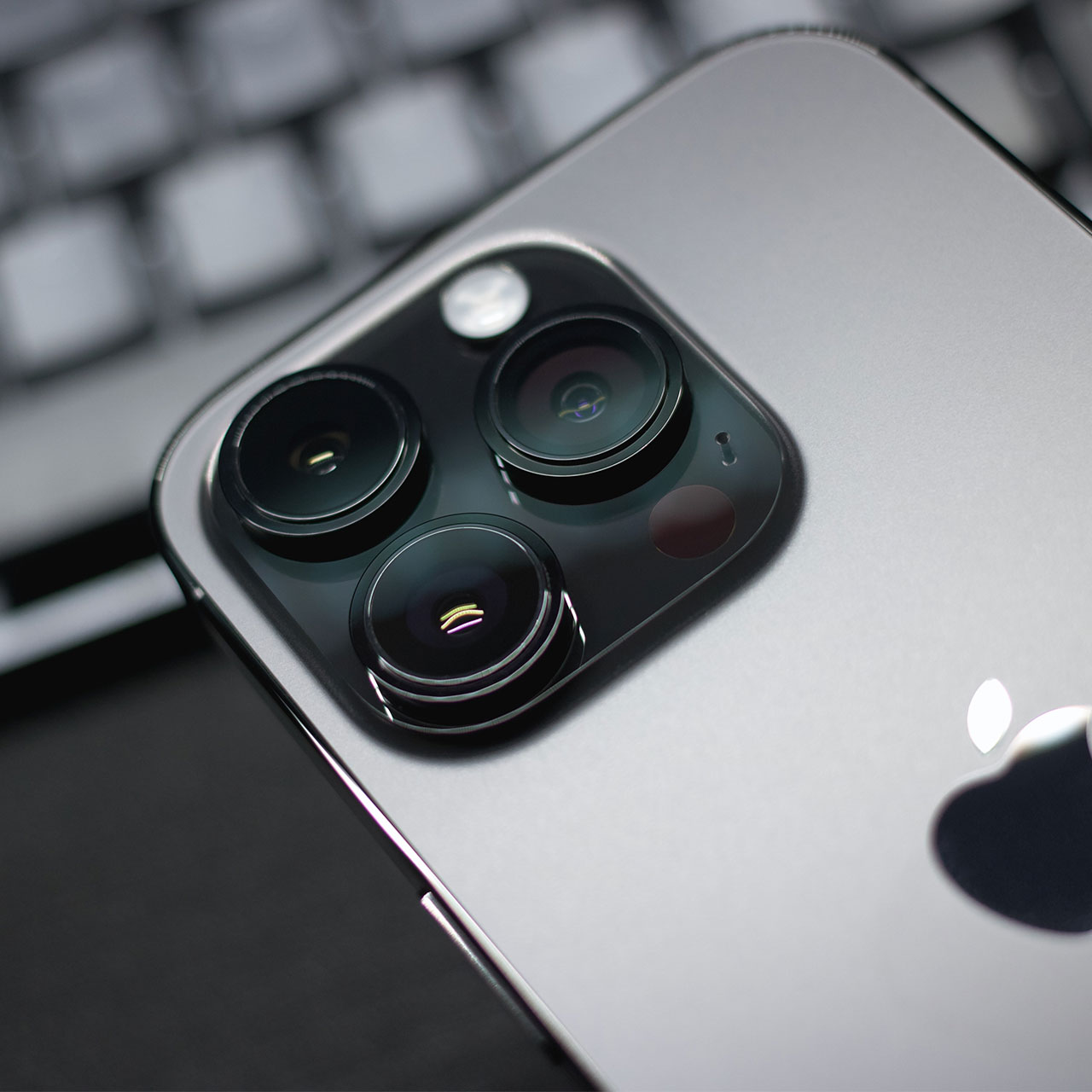
closeup-iphone-camera

Low Power Mode


Are you sure Low Power Mode isn’t turned on? Enabling this setting will help you conserve battery power so that you don’t have to run off and locate a charger asap. But, in return, it limits what you can do on your phone, including visual effects, background app refreshes, viewing videos, and more. Go to Settings > battery to disable this setting.


Brightness


The brighter your phone’s screen, the more power your battery is consuming. It makes sense then that lowering brightness saves you battery power. Go to Settings > Display & Brightness and reduce brightness as much as you’re comfortable doing.
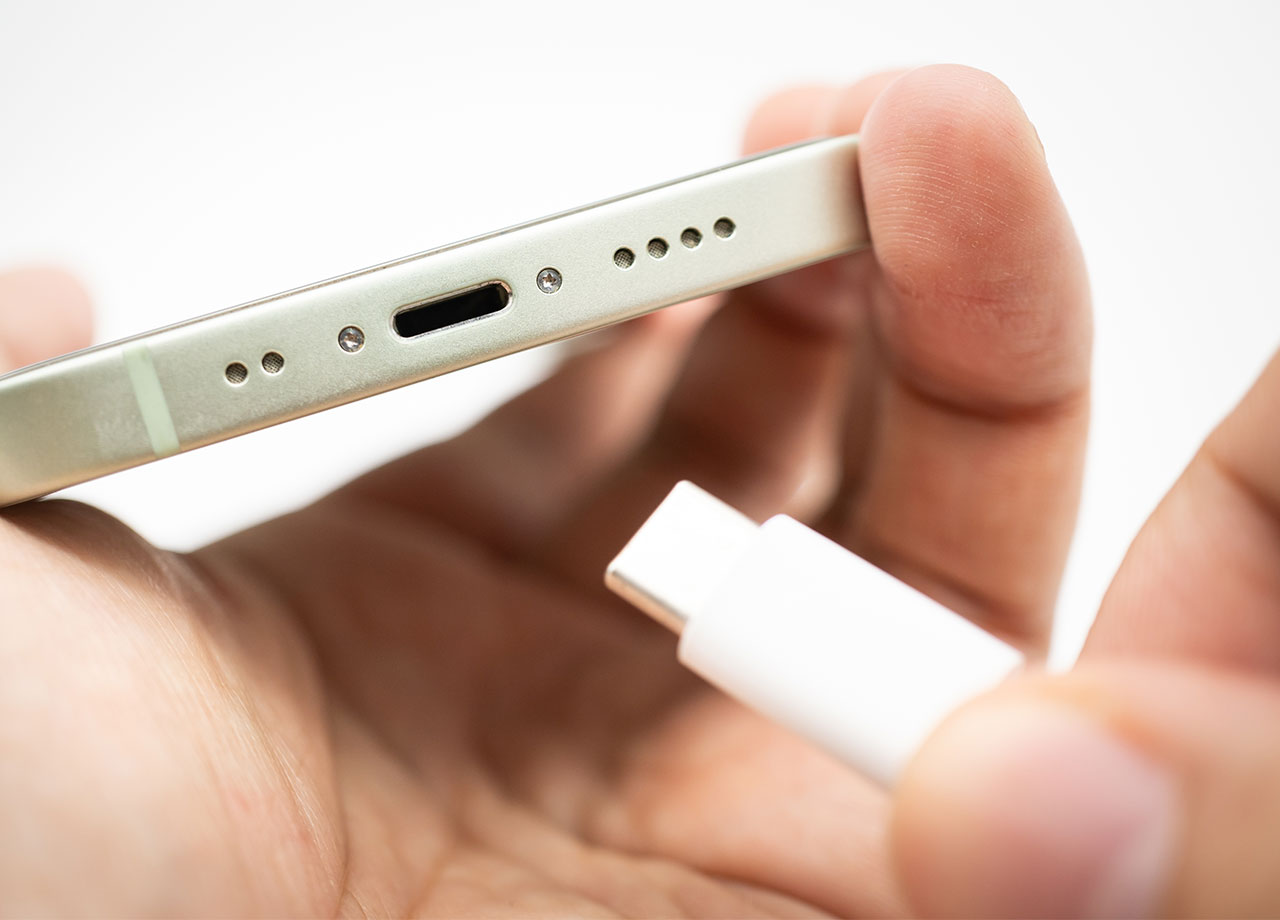
closeup-iphone-charger

Product Improvement


Apple wants to use your data to learn how it can improve its products. Do you need to allow Apple to do this, at the expense of your data and battery power? No. You can adjust this setting by going to Settings > Privacy & Security > Locations Services > System Services and turn off Product Improvement.


Fetch New Data


Apple thinks the best thing for you is to constantly refresh your email — every second — so that you never have to wait for a new email to come in when you finally do check it. The problem with this convenient service is that it eats away battery power. Change it by going to Settings > Mail > Accounts and selecting Fetch New Data. Turn off “Push” so that your email only refreshes when you click on Messages. It may take a few seconds longer, but your phone will be faster.


Author:

Lisa Fogarty is a lifestyle writer and reporter based in New York who covers health, wellness, relationships, sex, beauty, and parenting.

Woman applying sunscreen for sun protection outdoors.
The viral Italian bob hair trend for summer 2026.
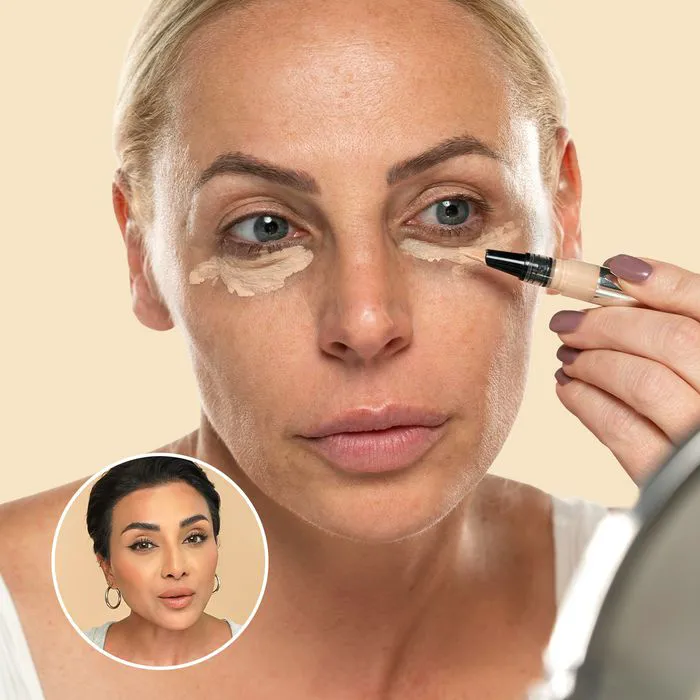
Nina Ubhi demonstrating concealer application on YouTube.
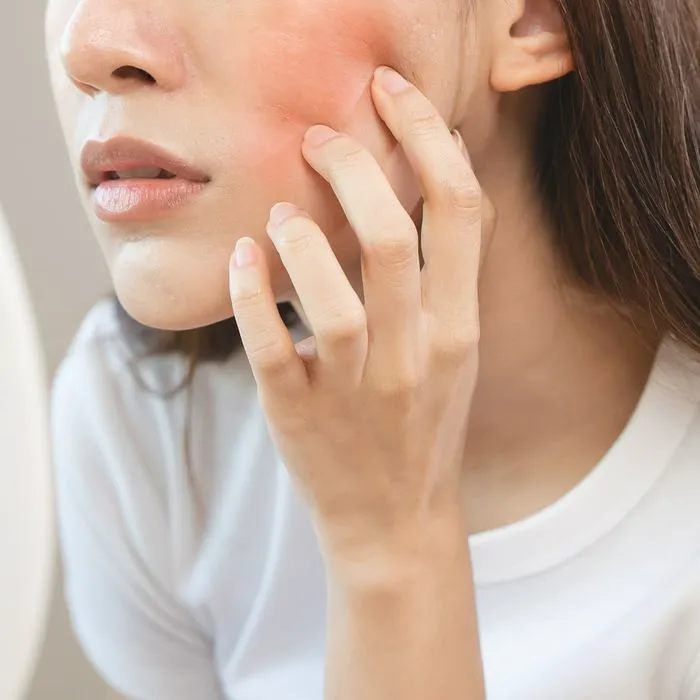
Six beauty habits causing skin inflammation unknowingly.
Older woman performing her skincare routine.
Sipping spearmint tea for relaxation and digestion.
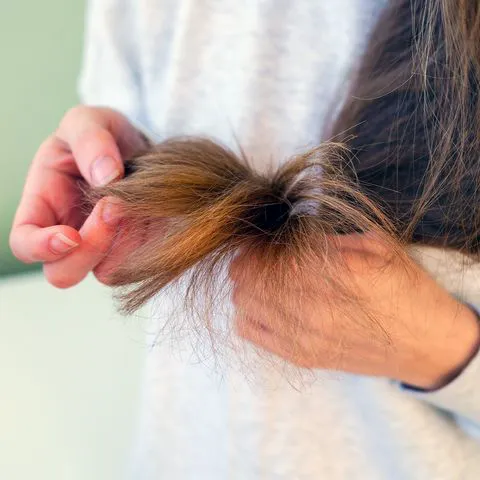
Hair mistakes that may age you, according to stylists.
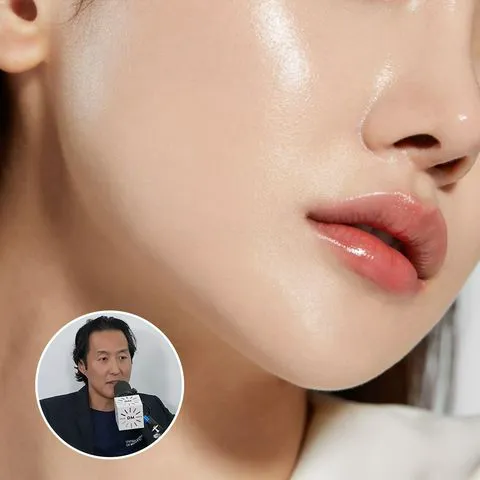
Anti-aging skincare advice from Arielle Lorre and Dr. Anthony Youn.
Best foundation types for mature skin to minimize wrinkles.
Butterfly haircut inspiration from Instagram by The Studio.
Fresh haircut styles for a polished look in 2026.
Pouring shampoo into hand for hair washing.
Everyday habits that could accelerate collagen breakdown.
Vibrant assortment of groceries from Shutterstock image.
Top summer fragrances and scents for 2026, recommended by editors.
Makeup tips from Nikol Johnson featured on YouTube.
Common skincare mistakes women over 40 make regarding fine lines (duplicate).
Hairstyles that enhance facial features and provide a subtle lift.
Pouring vitamin D drops into palm for daily health.
Hailey Bieber's haircuts designed to add volume to fine hair.
Woman applying sunscreen for sun protection outdoors.
The viral Italian bob hair trend for summer 2026.
Nina Ubhi demonstrating concealer application on YouTube.
Six beauty habits causing skin inflammation unknowingly.
Older woman performing her skincare routine.
Sipping spearmint tea for relaxation and digestion.
Hair mistakes that may age you, according to stylists.
Anti-aging skincare advice from Arielle Lorre and Dr. Anthony Youn.
Best foundation types for mature skin to minimize wrinkles.
Butterfly haircut inspiration from Instagram by The Studio.
Fresh haircut styles for a polished look in 2026.
Pouring shampoo into hand for hair washing.
Everyday habits that could accelerate collagen breakdown.
Vibrant assortment of groceries from Shutterstock image.
Top summer fragrances and scents for 2026, recommended by editors.

Beauty

Summer is my favorite season. If I could bottle up ...

Makeup tips from Nikol Johnson featured on YouTube.
Common skincare mistakes women over 40 make regarding fine lines (duplicate).
Hairstyles that enhance facial features and provide a subtle lift.
Pouring vitamin D drops into palm for daily health.
Hailey Bieber's haircuts designed to add volume to fine hair.