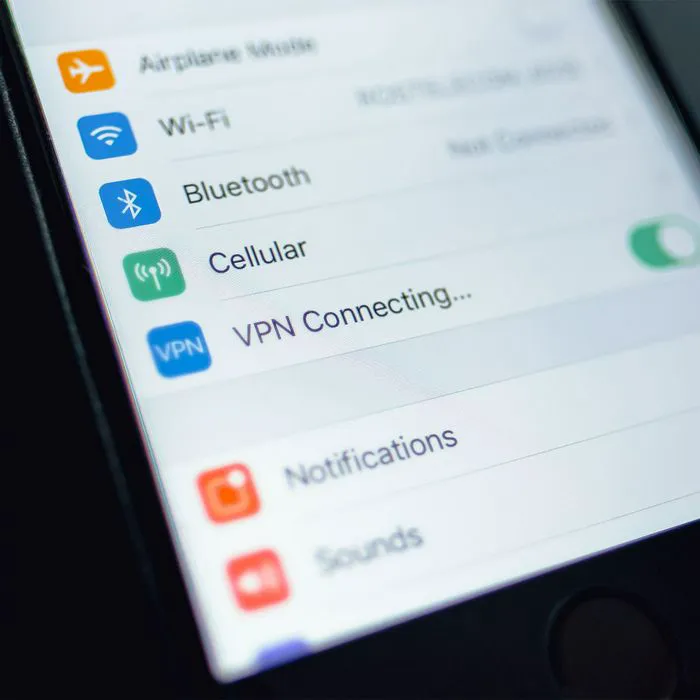
Apple does a truly decent job of keeping your iPhone as secure and safe as possible. Compared with other companies, it is stricter about the apps that it allows on the App Store and takes a good number of precautions to protect your phone from viruses and malware, including warning you about suspicious attachments in your mail.
But it can’t do everything without some work on our parts. In order to protect your data and security to the best of your ability, here are five must-know privacy tips for iPhone users that really help.
Keep Software and Apps Updated
Apple continually updates its iOS software to iron out any bugs and issues that it notices. App makers of popular apps, ideally, do the same thing. But it’s important for you to check your settings in the App store and via Settings to check if updates are available and enable them.

Women Are Swapping Their Boring Water For This Ice Pop Electrolyte Mix!
Turn on Two-Factor Authentication
Two-factor authentication is an important safeguard that requires you to provide two methods of authenticating who you are prior to using an app. These modes of authentication may include a password, but also a code sent to your email or phone as further proof. At the very least, make sure you’ve set up 2F-authentication for sites like your bank and places you shop that have access to your credit card information.
Disable Location, Camera & Microphone For Apps
Some apps work better when they have access to your location, camera, and microphone. But even those apps don’t need this access at all times. Take more control of which apps have this privilege by going to Settings > Privacy & Security. Tap on the data type (such as location or microphone) and disable it for the apps that don’t need this access.
Turn off Location Services
The Location Services setting on your iPhone is a major source of privacy issues. Take control over it by going to Settings > Privacy & Security > Locations. Disable it for most apps or set it to only turn on when you’re using a specific apps that needs it, such as a maps app with GPS.
Manage Analytics & Improvement
There’s a setting on your iPhone that’s there simply to help Apple track your analytical information in order to help it improve upon its products. Sounds great, but you don’t have to give your data over to this task unless you feel strongly about doing so. Go to Settings > Privacy & Security > Analytics & Improvement. Toggle off all of the analytics if you’d rather keep more of your data private from Apple.