Jennifer Lopez shines in balloon-sleeved blouse at American Music Awards.
Emma Stone at the Annual Actor Awards event.
Salma Hayek in a lavender gown at the Breakthrough Prize Ceremony.

Homepage

6 iPhone Default Settings To Adjust Now For A Faster Phone, Longer Battery Life, And More

July 28, 2024 by Lisa Cupido
shefinds | Homepage
Featured image

There’s a common misconception that the settings on your phone are set in your phone’s favor. While some default settings can enhance your user experience, for sure, many can also do a number on your battery and storage space, and can make your phone stall and work slower. You can have more control over some of these settings and ensure they don’t weigh your phone’s speed down, but first you need to know which settings are among the biggest offenders.

Start with these six default settings you can adjust for a faster phone, longer battery life, and more.

Background App Refresh

You probably don’t need Background App Refresh on — although it’s wonderful at updating your apps at all times (even when you aren’t using them), the battery power and resources it consumes in return isn’t worth it. Go to Settings > General > Background App Refresh and either turn it off completely or choose Wi-Fi only.

house unit img
Women Are Swapping Their Boring Water For This Ice Pop Electrolyte Mix!
iphone-charging

Widgets


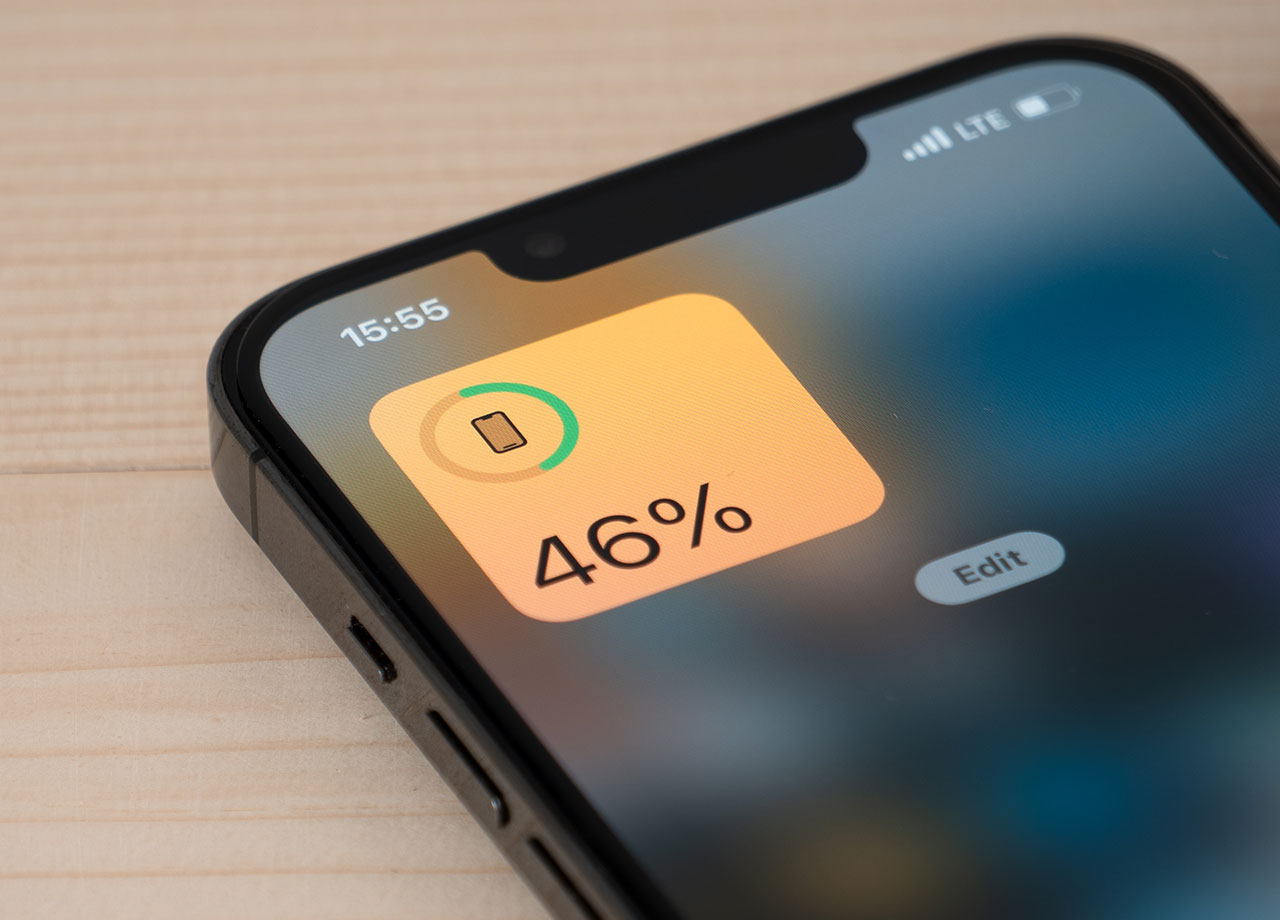
You may not need all of the widgets on your phone, and they take up battery power. Swipe right on the Home Screen, scroll to the bottom, tap Edit and delete as many widgets as you can live without.


Turn Off Location Services


Allowing apps to track your location takes up a lot of battery. This isn’t always avoidable and you’ll need location services enabled to use Maps and other apps that are helpful, but your phone does not need your location at all times. Go to Settings > Privacy & Security > Location Services and adjust settings so that apps that don’t need your location are cut off from accessing it.
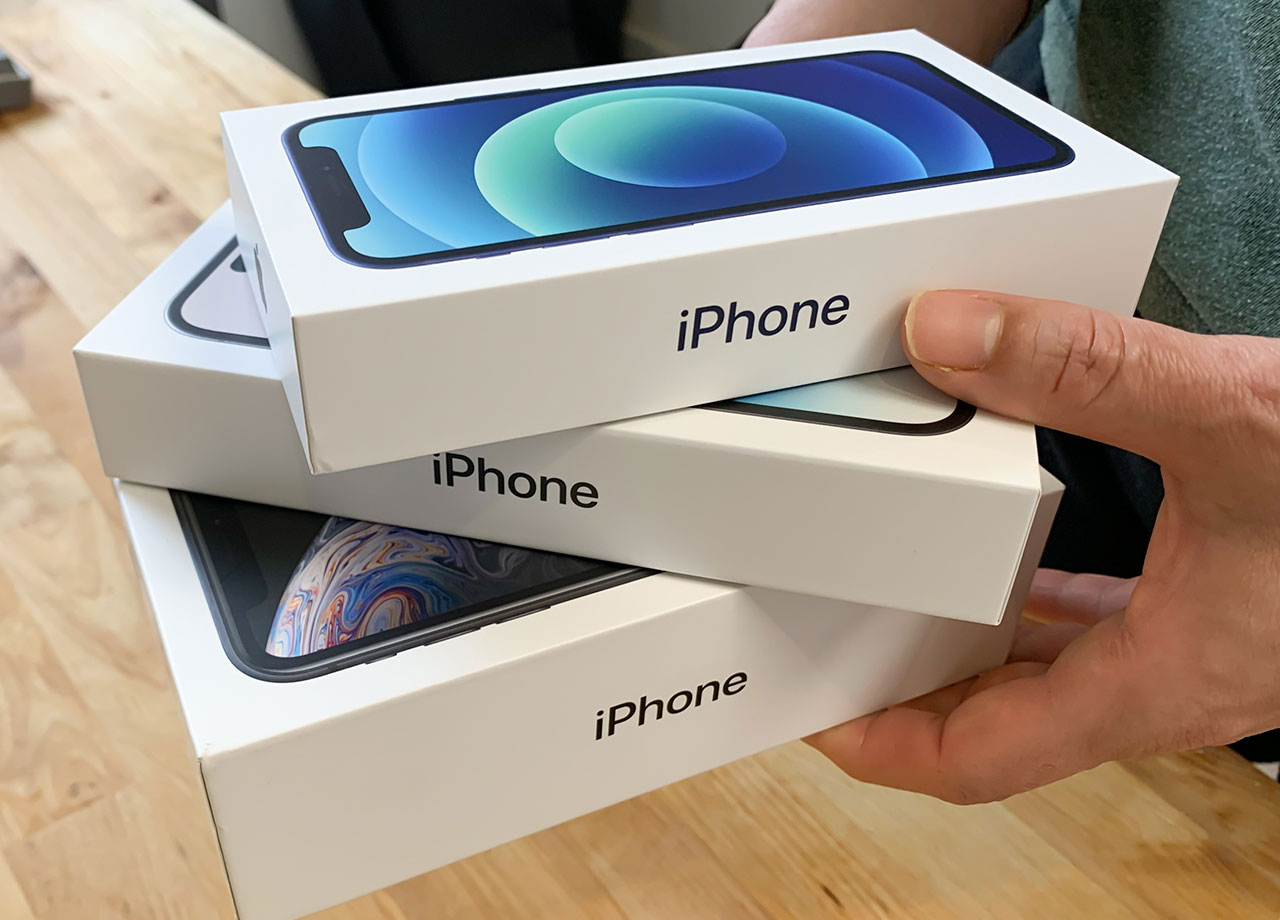
man-holding-iphone-boxes

Clear Safari Cache


The cause of your phone slowdown could be a Safari cache that is clogged with old files and search history. Go to Settings > Safari > Clear History and Website Data. This should help speed things along.


Reduce Motion


Cool graphics are one thing; cool graphics that force you to sacrifice on speed and battery are another. Go to Settings > Accessibility > Motion and toggle on Reduce Motion. This will minimizes the parallax effect of icons and transitions.


Update Software


If you’re not consistently updating your iOS software, you are allowing your phone to work less efficiently than it otherwise would. Go to Settings > General > Software Update. If there is an update available download it.


Author:

Lisa Fogarty is a lifestyle writer and reporter based in New York who covers health, wellness, relationships, sex, beauty, and parenting.

Middle-aged woman enjoying a glass of wine at home.
Best beauty deals on Amazon for Prime Day shoppers.
Ariana Grande at the Golden Globes, stunning red carpet look.
Kylie Jenner's Met Gala 2025 outfit featuring sophisticated black tailoring.
Woman applying sunscreen for sun protection and skincare.
Taylor Swift and Travis Kelce together at an event.
Healthy seeds, not pastries, promoting nutritious snacking choices.
Ivanka Trump and Jared Kushner at a public appearance.
Bad Bunny at the Grammy Awards red carpet.
iPhone charging plugged into a laptop for convenience.
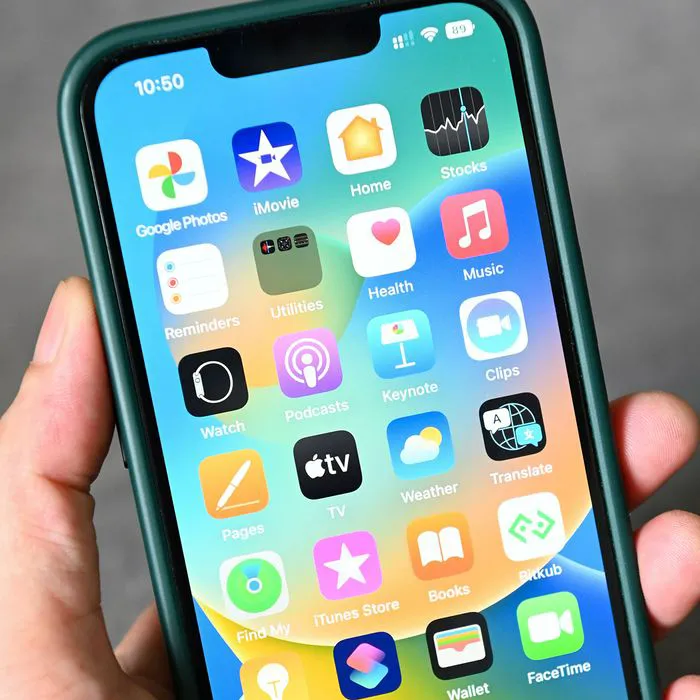
iPhone settings screen showing charging options and battery status.
Trendy Italian bob hairstyle that’s popular this summer.
Angelina Jolie receiving the Trophee Chopard award.
Selena Gomez at the Rare Impact Fund Benefit gala.
Pool lounger with cocktail and trail mix for relaxation.
Brad Pitt and Ines de Ramon at the F1 premiere.
Queen Camilla with Prince Harry and Meghan Markle.
Travis Kelce and Taylor Swift at an event.
Barack Obama with Michelle, Malia, and Sasha Obama.
Amazon Prime Day week logo on smartphone and laptop screens.
Middle-aged woman enjoying a glass of wine at home.
Best beauty deals on Amazon for Prime Day shoppers.

Beauty

Prime Day is basically a holiday for anyone who's ...

Ariana Grande at the Golden Globes, stunning red carpet look.
Kylie Jenner's Met Gala 2025 outfit featuring sophisticated black tailoring.
Woman applying sunscreen for sun protection and skincare.
Taylor Swift and Travis Kelce together at an event.
Healthy seeds, not pastries, promoting nutritious snacking choices.
Ivanka Trump and Jared Kushner at a public appearance.
Bad Bunny at the Grammy Awards red carpet.
iPhone charging plugged into a laptop for convenience.
iPhone settings screen showing charging options and battery status.
Trendy Italian bob hairstyle that’s popular this summer.
Angelina Jolie receiving the Trophee Chopard award.
Selena Gomez at the Rare Impact Fund Benefit gala.
Pool lounger with cocktail and trail mix for relaxation.
Brad Pitt and Ines de Ramon at the F1 premiere.
Queen Camilla with Prince Harry and Meghan Markle.
Travis Kelce and Taylor Swift at an event.
Barack Obama with Michelle, Malia, and Sasha Obama.
Amazon Prime Day week logo on smartphone and laptop screens.

Fashion

This summer, I might be shopping for more clothes and ...