


Achieving financial goals is all about changing your daily habits. Since we’re on our phones constantly, if we plan to change our behaviors, it’d better involve our devices.
For example, if you want to spend less on Uber rides, you should just go ahead and delete the app. And if you want to start saving more, you’ll need an app for that on your home screen. We consulted with leading financial and tech experts to discover the 9 apps you should download immediately to change your financial picture this year:
READ MORE: 4 Apps You Should Delete From Your iPhone Right Now To Double Your Phone’s Speed

Women Are Swapping Their Boring Water For This Ice Pop Electrolyte Mix!
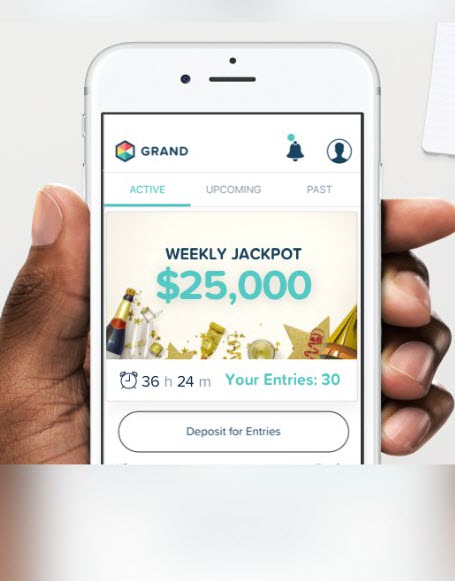
GRAND
The app recently launched a 'National Savings Lottery' that encourages you to save money by rewarding you with weekly cash prizes. Every dollar saved gives you an entry to win cash prizes each Friday (up to $1,000). You also earn 1% back on savings even if you don't win, which is ten times more interest than big banks.
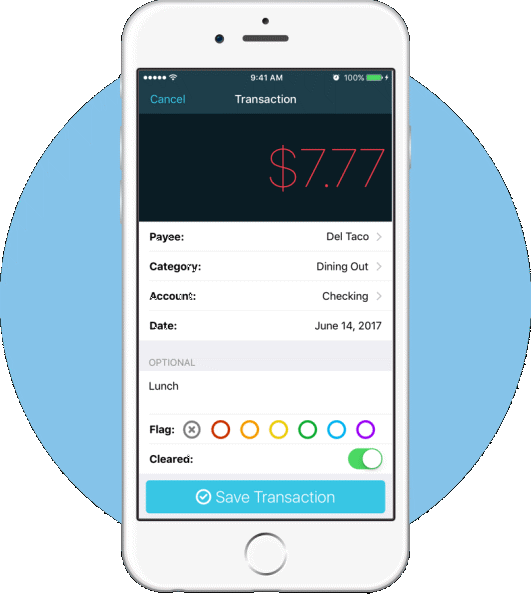
You Need A Budget
This app has 4-stars in iTunes and has helped thousands of people with everything from getting out of more than $70K in debt in 18 months to saving enough for an emergency fund and dream family vacation. Where do we sign up?
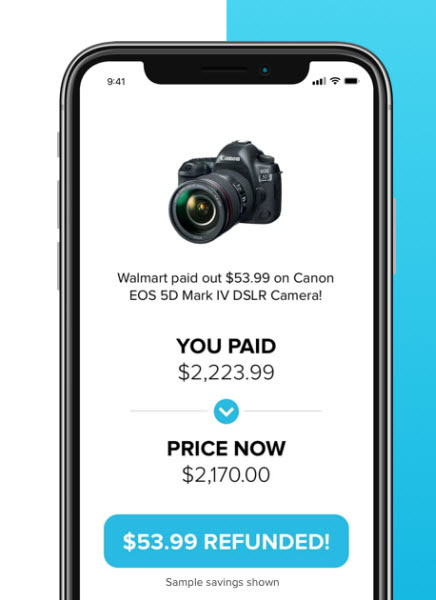
Paribus
"You can’t know every sale and deal at once, so Paribus will actually search your email and notify you if your recent purchases had a price cut or were on sale at a competitor," Lou Haverty, CFA tells us. "They will then directly contact the retailer on your behalf and request a price match for you." Nice!
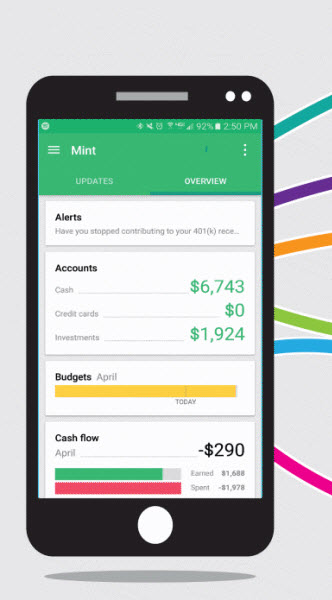
Mint
It's not new, but this app remains one of the leading financial apps on the market, experts agree. "Link your accounts and see exactly where the money you spend is going to by dividing your purchases into categories so you can see exactly where to cut back and save money," credit industry analyst Nathan Grant of Credit Card Insider tells us.
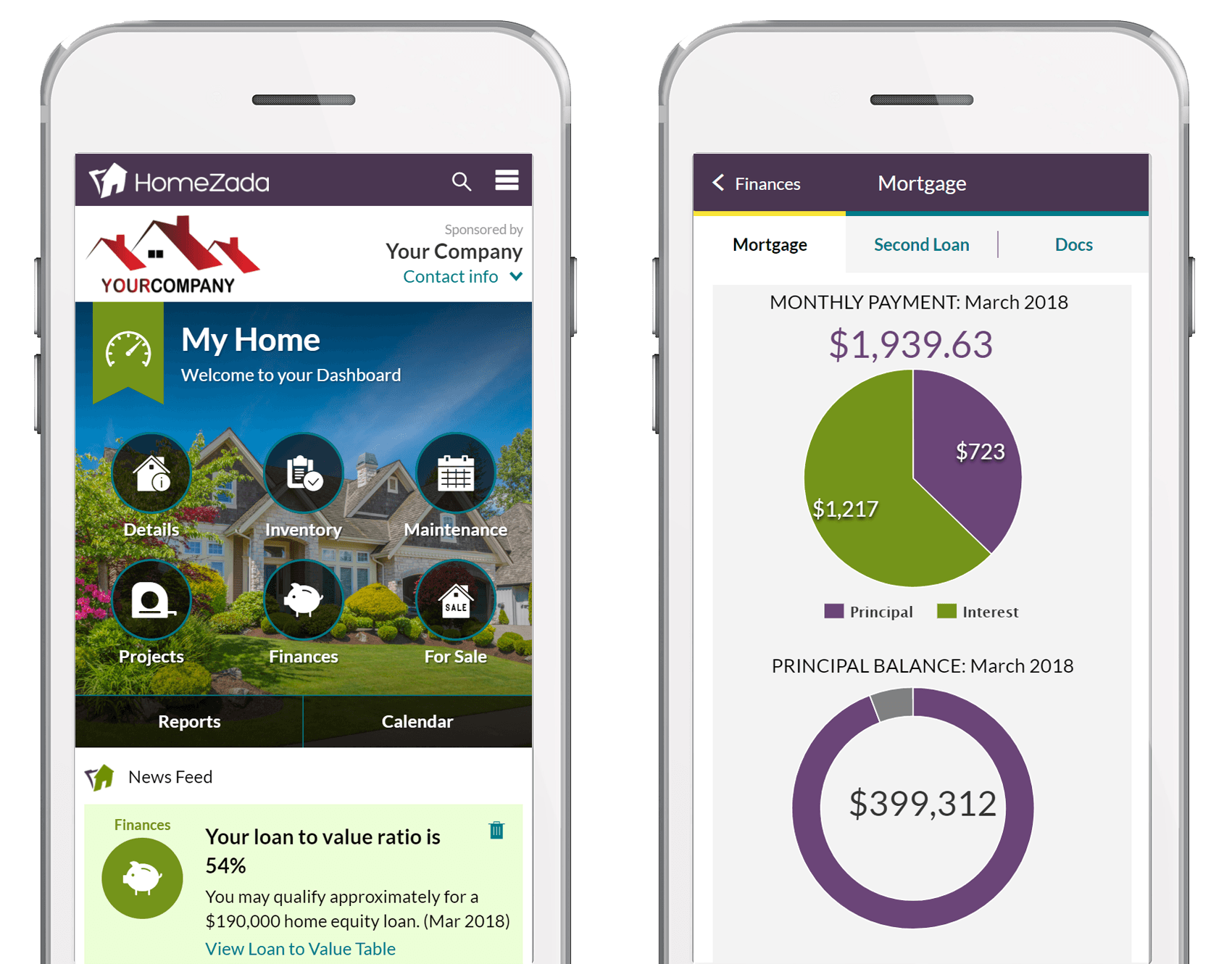
HomeZada
If you're a home owner, this app helps manage all the financial aspects you face: updating the value of your home, showing how much equity you have month to month as well as your mortgage schedule, managing home improvement costs, and more.
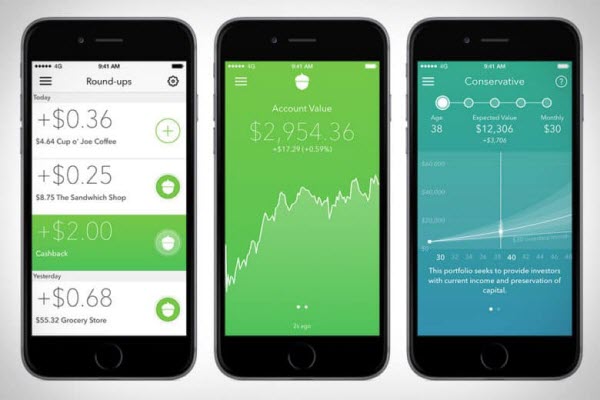
Acorn
Experts recommend this app for passive saving. "It's great for saving money without even noticing it," personal finance expert Elizabeth Aldrich of Golddigger Media tells us. "It's also a good way to ease into investing if the thought of stocks and bonds makes your head spin."
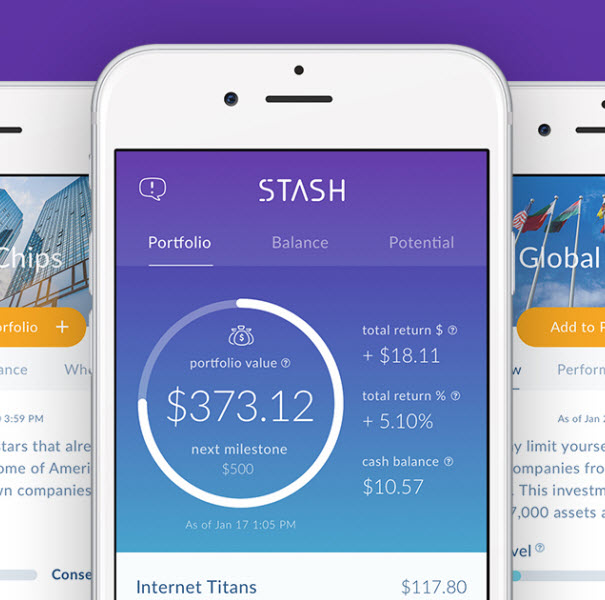
Stash
A beginner's level investing app (start with as little as $5) is perfect for anyone whose new to the world. Plus, they've got retirement accounts, card-linked offers, a debit account & more.
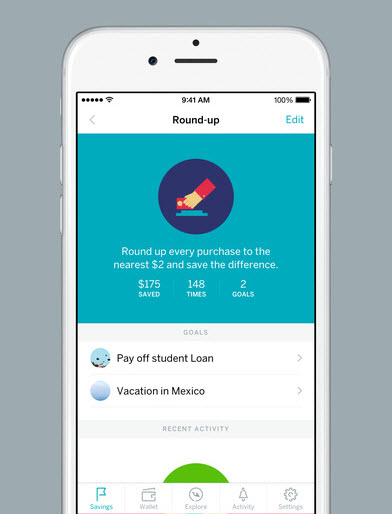
Qapital
A set-it-and-forget-it saving app that experts love. "After set up, it is completely automated, so you don't have to worry about a thing," McCall Robison, finance blogger for Best Company, tells us.
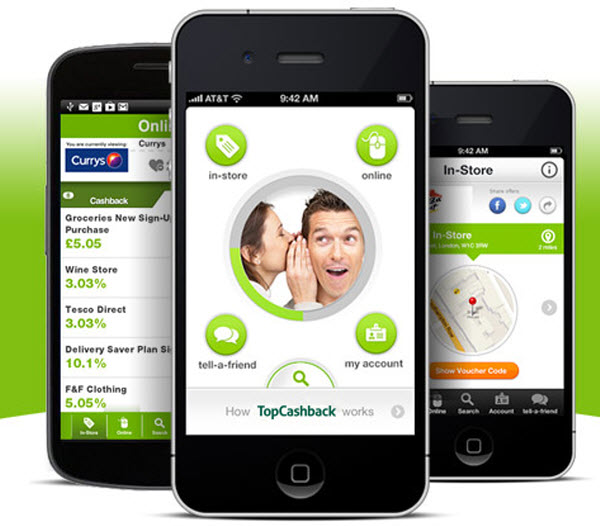
TopCashback
This rebates site is the "highest-paying cashback site" in the U.S., and gives shoppers cashback on everything from flights, hotels, clothing and more purchases.