






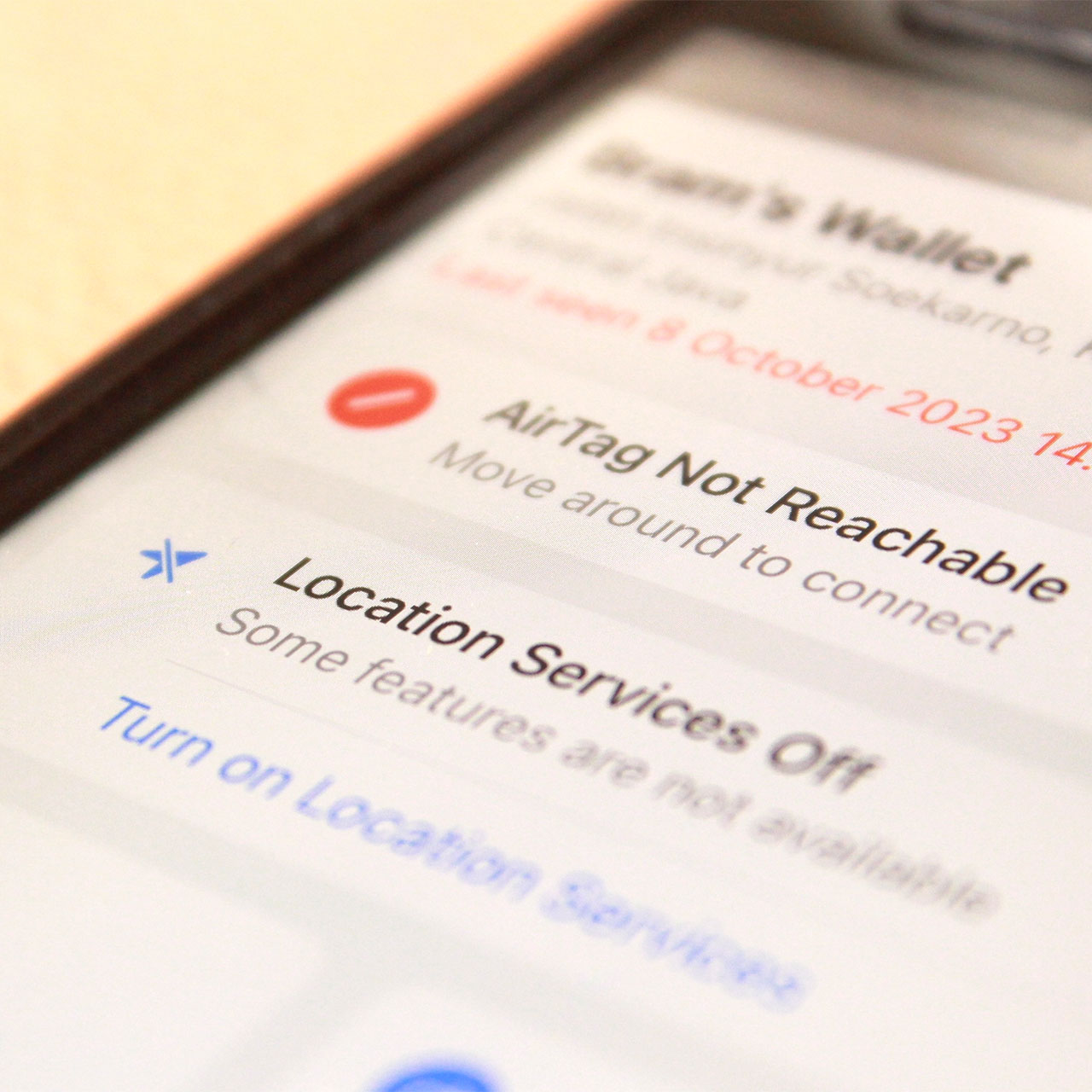
You’ve probably heard the warning a million times by now: don’t enable location services for apps, lest you risk your privacy and data. But is that advice entirely reasonable?
Some of the apps you’re using require your location, plain and simple. But with that in mind, it can be difficult to determine when you should enable location, and for which apps, and when you should turn it off. Here’s how tech experts would advise you to approach location settings, including how to keep your data safe.
Enable Location Services When Needed
You shouldn’t be afraid of enabling location services when it’s needed. For example, if an app is designed to help you figure out the location of the nearest gas station or restaurant that’s serving amazing vegan meals, you need location services turned on to make that magic happen.

Women Are Swapping Their Boring Water For This Ice Pop Electrolyte Mix!

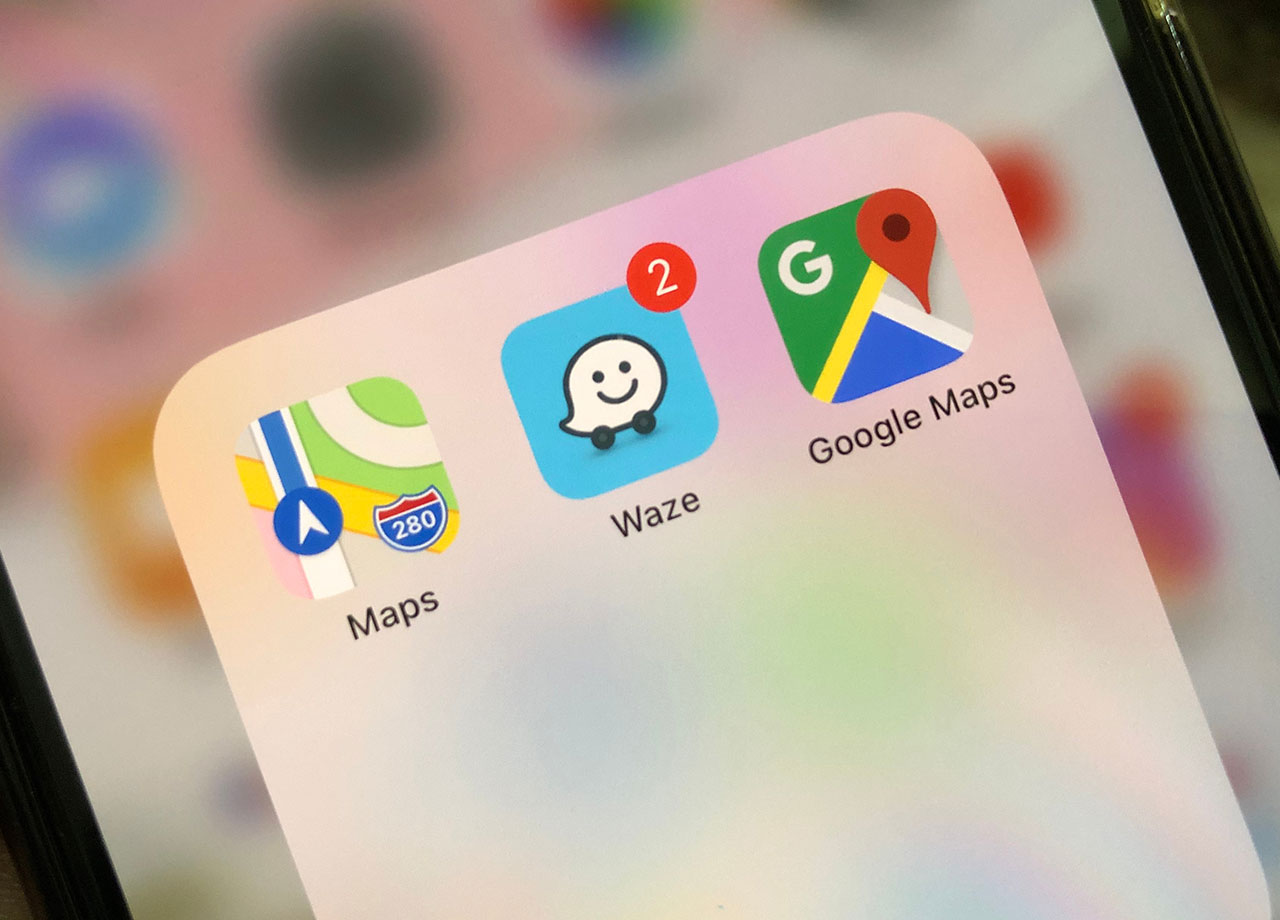
Some of the apps that will require location services include Google Maps, Waze, Uber, Lyft, or any number of weather apps. Apps that track your health, medicine, and fitness may also benefit from location access as they can give you a more accurate picture of your needs depending on your current status.
Stay cautious though if an app is requesting unnecessary or excessive location permissions — you should wonder why it wants to know your location and what it plans to do with that access. Some apps will sell your location data to third-party advertisers and attempt to profit from your needs (based on your location). Also, make sure you trust the app that is requesting your location.
Manage Location Access
The smartest way to protect your location data is by making it a priority to routinely manage your location access. To do this, review your apps’ permissions regularly by going to Privacy > Location Services in iPhone settings. If an app doesn’t require your exact location, choose to give the app your “approximate location” instead. Most importantly, only allow those apps that need your location to have access to it when you’re using the app, not at all times.
You don’t have to be scared of location services or turn it off at all times. But knowing how and when to allow apps to use it and managing your location settings is the smart way to make location services work for you with fewer security risks.



















