

Christina Aguilera at the Annual Breakthrough Prize Ceremony
Expert hairstyles for hair loss and bald spots.
Tom Brady and Alix Earle at Wimbledon in a stylish skirt suit

Homepage

2 Hidden Android Battery Settings That Could Improve Performance And Power

July 13, 2026 by Abigail Connolly
shefinds | Homepage
Featured image

If you’re an Android user, you know how important it is to keep your device’s battery healthy and functioning to the best of its ability.

When people think about their smartphones and how to keep their batteries in tip-top shape, they often resort to the type of charger they use or how long they charge it. However, there are many other ways to improve your device’s battery life and performance, including through your settings. Using information from tech pros, we’re listing two settings that can help improve your Android’s battery life. Read more about them below.

house unit img
Women Are Swapping Their Boring Water For This Ice Pop Electrolyte Mix!
Christina Aguilera's 4th of July concert controversy in Philadelphia

1. Wi-Fi Scanning

One of the biggest culprits of a draining battery, not just on Androids but on any smartphone, is a setting that keeps things running in the background on your device. For instance, apps that run in the background can quickly drain a battery. Wi-Fi Scanning, when turned on, can do the same.


"The Wi-Fi Scanning setting is not under Connections, it's under Location, and most Android users never find it, and have no idea that it's been running in the background since the day they bought the phone," explains tech pro Elliot Sterling. "Wi-Fi Scanning is not dependent on your Wi-Fi toggle, so your phone is constantly scanning for Wi-Fi networks in the background to provide location information even when you don't use a map or navigation app on a given day."
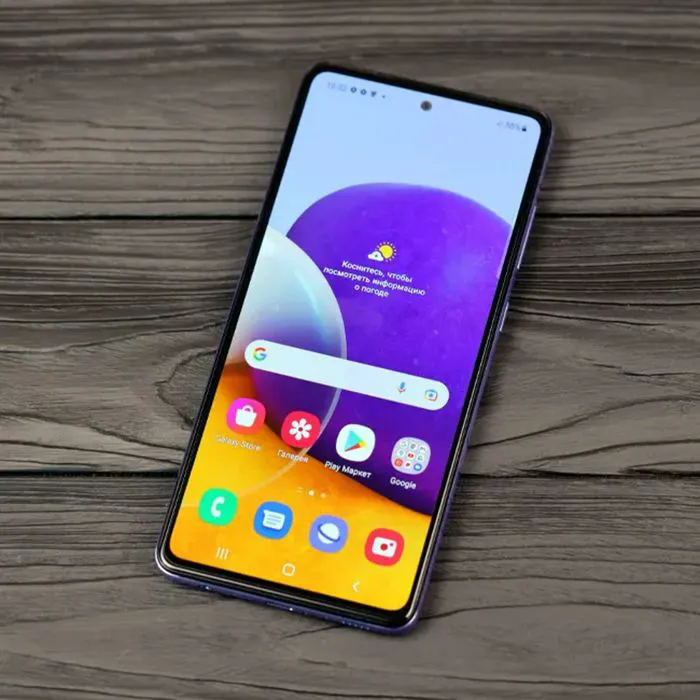
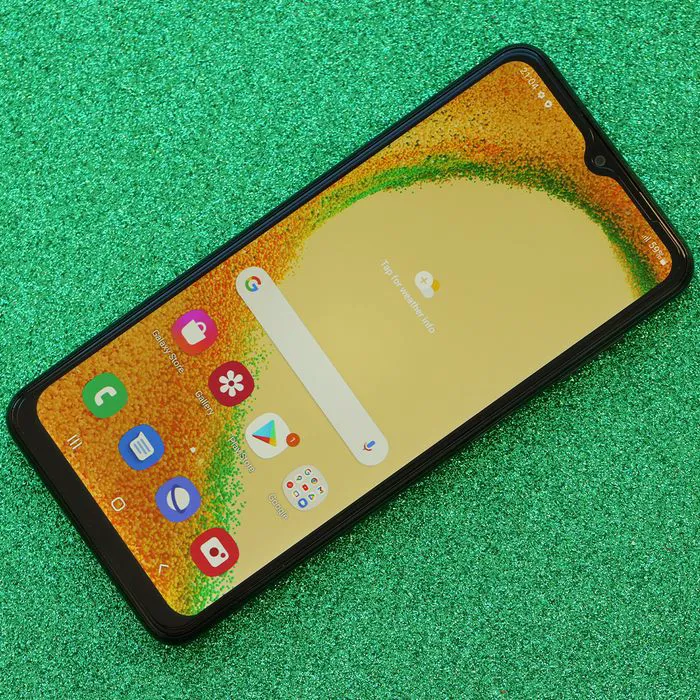
Samsung Galaxy A72 showcasing modern smartphone design and features

2. Location Services

With today's smartphones, there are so many apps that ask for your location or require it to function. Of course, some of them do need it in order to work; however, not all of them do. In fact, giving a surplus of apps to your location can actually make your phone work harder, which is why you should use your Location Services setting to be selective.


"Most of the apps, when users sign up, let them use the app without considering access to location," says expert Noam Birnbaum. "This translates to your GPS requesting for no reason at all. For your weather app to function, you must have your location available to you. Your calculator doesn't. I suggest that all my clients think about the following settings. Location, App Permissions, and ask every time or Deny on every app unless the app really needs it. GPS is one of the battery-draining components within your phone."


Author:

Editorial Assistant

Abigail is a journalist based in Brooklyn, New York. As an Editorial Assistant for SheFinds, she covers topics ranging from celebrity news and fashion to wellness. She has written for other publications, including Chip Chick, Bandsintown, BroadwayWorld, and more. When she isn't writing, Abigail loves spending time in the city with her friends, being a 'dog mom' to her Chihuahua, and singing along to some of her favorite music.

Katy Perry dances with Justin Trudeau at Tribeca Festival
Donald Trump with Tiffany Trump and Michael Boulo at an event.
Kylie Jenner in pink satin dress at Academy Museum Gala
Sandra Bullock mourning Bryan Randall's death, seeking privacy.
Gigi Hadid at the Met Gala showcasing her 'Love Layers' haircut.
Aisle of cultured dairy products in an American supermarket.
Hunter Biden discusses Melania Trump's legal threats over Epstein comments.
Erika Kirk at America's AmericaFest celebration event.
Matt Damon at the Oppenheimer UK Premiere event
Oprah Winfrey at American Ballet Theatre Fall Gala 2023
Savannah Guthrie at Project Healthy Minds World Mental Health Day Gala.
Ivanka Trump engaging with supporters during campaign speech.
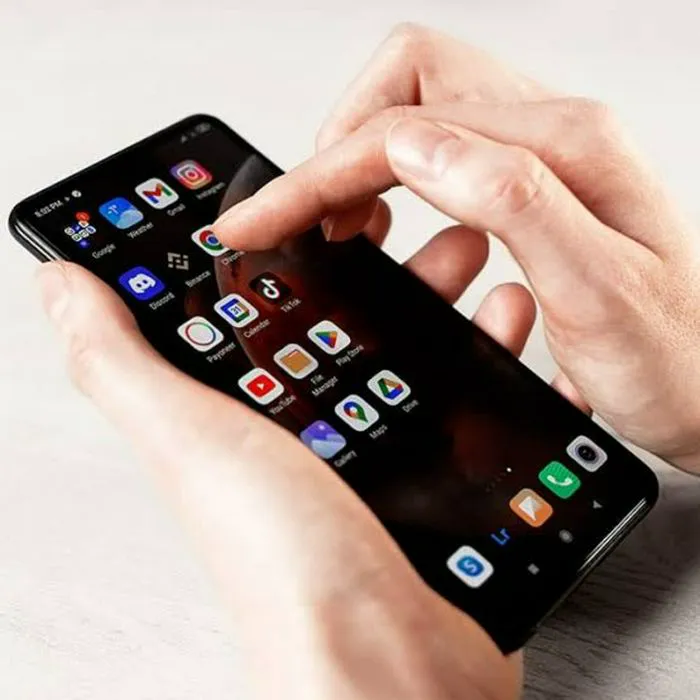
Close-up of hands using iPhone 17 Pro Max for tech tasks.
Eyeshadow tips for women over 50 for youthful appearance
Woman enjoying walnuts as a healthy snack.
Lauren Sanchez at the Annual Living Legends of Aviation Awards
Queen Elizabeth and ex-Prince Andrew at a royal event
Miley Cyrus at the Avatar: Fire and Ash premiere
Donald Trump and Emmanuel Macron addressing reporters together
Kim Kardashian and North West share a fun moment together.
Katy Perry dances with Justin Trudeau at Tribeca Festival
Donald Trump with Tiffany Trump and Michael Boulo at an event.
Kylie Jenner in pink satin dress at Academy Museum Gala
Sandra Bullock mourning Bryan Randall's death, seeking privacy.
Gigi Hadid at the Met Gala showcasing her 'Love Layers' haircut.
Aisle of cultured dairy products in an American supermarket.
Hunter Biden discusses Melania Trump's legal threats over Epstein comments.
Erika Kirk at America's AmericaFest celebration event.
Matt Damon at the Oppenheimer UK Premiere event
Oprah Winfrey at American Ballet Theatre Fall Gala 2023
Savannah Guthrie at Project Healthy Minds World Mental Health Day Gala.
Ivanka Trump engaging with supporters during campaign speech.
Close-up of hands using iPhone 17 Pro Max for tech tasks.
Eyeshadow tips for women over 50 for youthful appearance
Woman enjoying walnuts as a healthy snack.
Lauren Sanchez at the Annual Living Legends of Aviation Awards
Queen Elizabeth and ex-Prince Andrew at a royal event
Miley Cyrus at the Avatar: Fire and Ash premiere
Donald Trump and Emmanuel Macron addressing reporters together
Kim Kardashian and North West share a fun moment together.