



Tired woman showing effects of lack of sleep.
Delicious banana nice cream dessert for healthy eating.
Jennifer Lopez stunning in Defaience at AMAs 2025.

Homepage

Want Better Battery Life? Make Sure To Change These 3 iPhone Settings, Experts Say

May 16, 2025 by Lisa Cupido
shefinds | Homepage
Featured image

A better, more efficient iPhone battery starts with knowing which settings you can make work in your favor — sometimes that means enabling them, and other times it means disabling them.

Some settings can truly run your battery low and cause you to run looking for a charger. Many of us have several battery-sucking settings on at the same time, or we aren’t taking advantage of settings that can save us battery power and conserve it until we have time to charge our devices. Here are three iPhone settings you should either have switched on or turned off for a longer-lasting battery.

house unit img
Women Are Swapping Their Boring Water For This Ice Pop Electrolyte Mix!
iphone-auto-lock

1. Auto-Lock


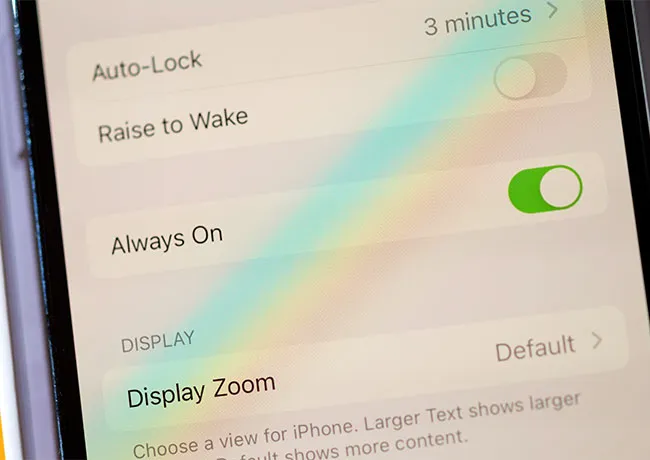
When iPhone Auto-Lock is enabled, a signal is sent to your phone’s screen to turn off after a certain period of inactivity. This helps conserve battery power and keeps your phone from performing unnecessary background activities. Go to Settings > Display & Brightness > Auto-Lock. Choose a time: 30 seconds, 1 minute, 2 minutes, etc. The shorter the time, the more battery you’ll save.
background-app-refresh

2. Background App Refresh


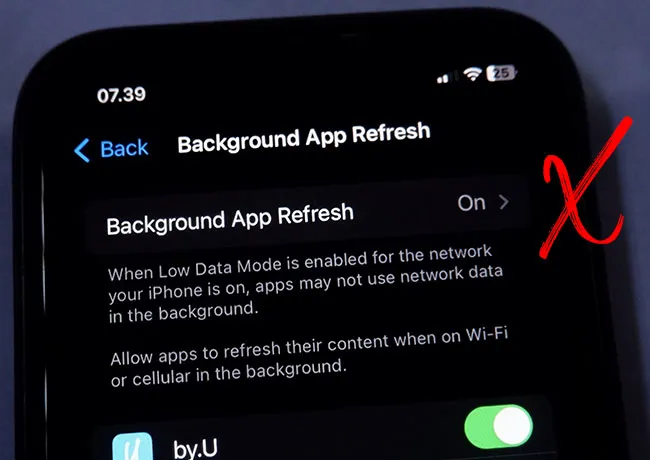
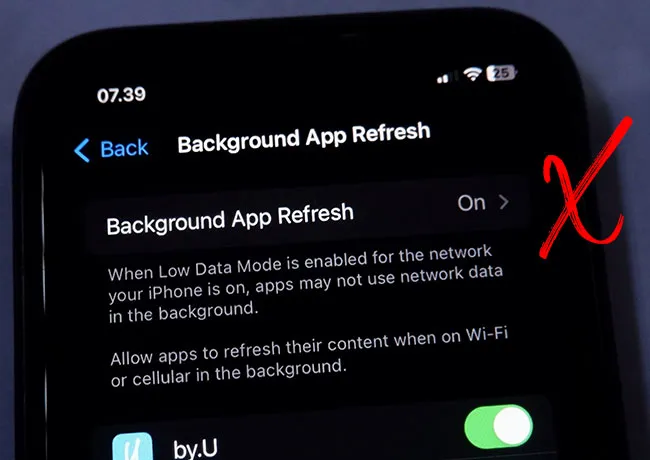
Background App Refresh is one setting you’ll want to disable, if not for all apps, then for most of them. This setting prompts your phone to continually run processes in the background that update apps so that they are completely up-to-date at all times. The problem with this convenience is that it is taxing on your battery. To disable it for certain apps, or all apps, go to Settings > General > Background App Refresh.
iphone-low-power-mode

3. Low Power Mode


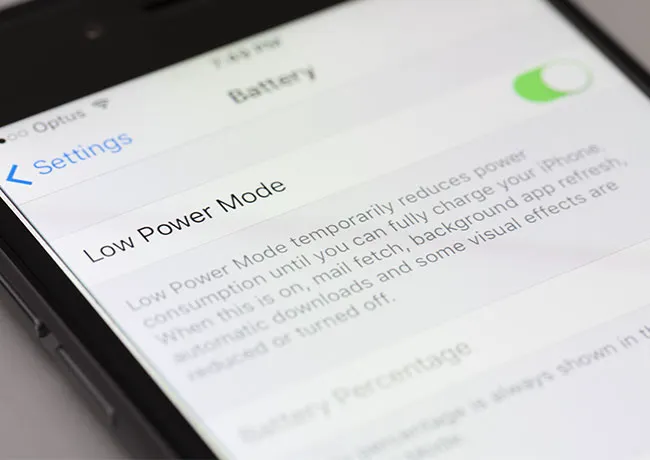
If you’re far from a charger when your iPhone battery drips below 20 percent, turn on Low Power Mode to conserve battery power. This setting will temporarily reduce power usage and do things like lower screen brightness, reduce mail fetch frequency, and disable visual effects. But these are minor inconveniences for the benefit of not watching your phone die when you still need it to function.


Author:

Lisa Fogarty is a lifestyle writer and reporter based in New York who covers health, wellness, relationships, sex, beauty, and parenting.

Salma Hayek at the 12th Annual Breakthrough Prize Ceremony.
Collagen-boosting superfoods for achieving glowing summer skin.
Middle-aged woman enjoying a glass of wine.
Best Prime Day beauty deals on Amazon.
Ariana Grande at the Golden Globes, dazzling in a glamorous gown.
Kylie Jenner's stylish black outfit at Met Gala 2025.
Woman applying sunscreen for sun protection.
Taylor Swift and Travis Kelce together in candid moment.
Healthy seeds displayed, not pastries.
Ivanka Trump and Jared Kushner at social event.
Bad Bunny performing at the Grammy Awards.
iPhone charging while connected to a laptop.
iPhone settings screen while charging.
Trending Italian bob hairstyle for summer.
Angelina Jolie receiving The Trophee Chopard Award.
Selena Gomez at Rare Impact Fund Benefit event.
Colorful poolside cocktail and snack setup on a lounger
Brad Pitt and Ines de Ramon at F1 World Premiere.
Queen Camilla with Prince Harry and Meghan Markle.
Travis Kelce and Taylor Swift sharing a moment together.
Salma Hayek at the 12th Annual Breakthrough Prize Ceremony.
Collagen-boosting superfoods for achieving glowing summer skin.
Middle-aged woman enjoying a glass of wine.
Best Prime Day beauty deals on Amazon.

Beauty

Prime Day is basically a holiday for anyone who's ...

Ariana Grande at the Golden Globes, dazzling in a glamorous gown.
Kylie Jenner's stylish black outfit at Met Gala 2025.
Woman applying sunscreen for sun protection.
Taylor Swift and Travis Kelce together in candid moment.
Healthy seeds displayed, not pastries.
Ivanka Trump and Jared Kushner at social event.
Bad Bunny performing at the Grammy Awards.
iPhone charging while connected to a laptop.
iPhone settings screen while charging.
Trending Italian bob hairstyle for summer.
Angelina Jolie receiving The Trophee Chopard Award.
Selena Gomez at Rare Impact Fund Benefit event.
Refreshing summer drink and trail mix by the poolside
Brad Pitt and Ines de Ramon at F1 World Premiere.
Queen Camilla with Prince Harry and Meghan Markle.
Travis Kelce and Taylor Swift sharing a moment together.

















