



Madonna in blue mini dress and metallic boots at Paris event.
Taylor Swift's private jet amidst wedding preparations controversy.
Woman showing signs of fatigue from lack of sleep.

Homepage

An Apple Expert Tells Us How To Clear Up Storage On Your iPhone Without Losing Any Data

October 15, 2022 by Lisa Cupido
shefinds | Homepage
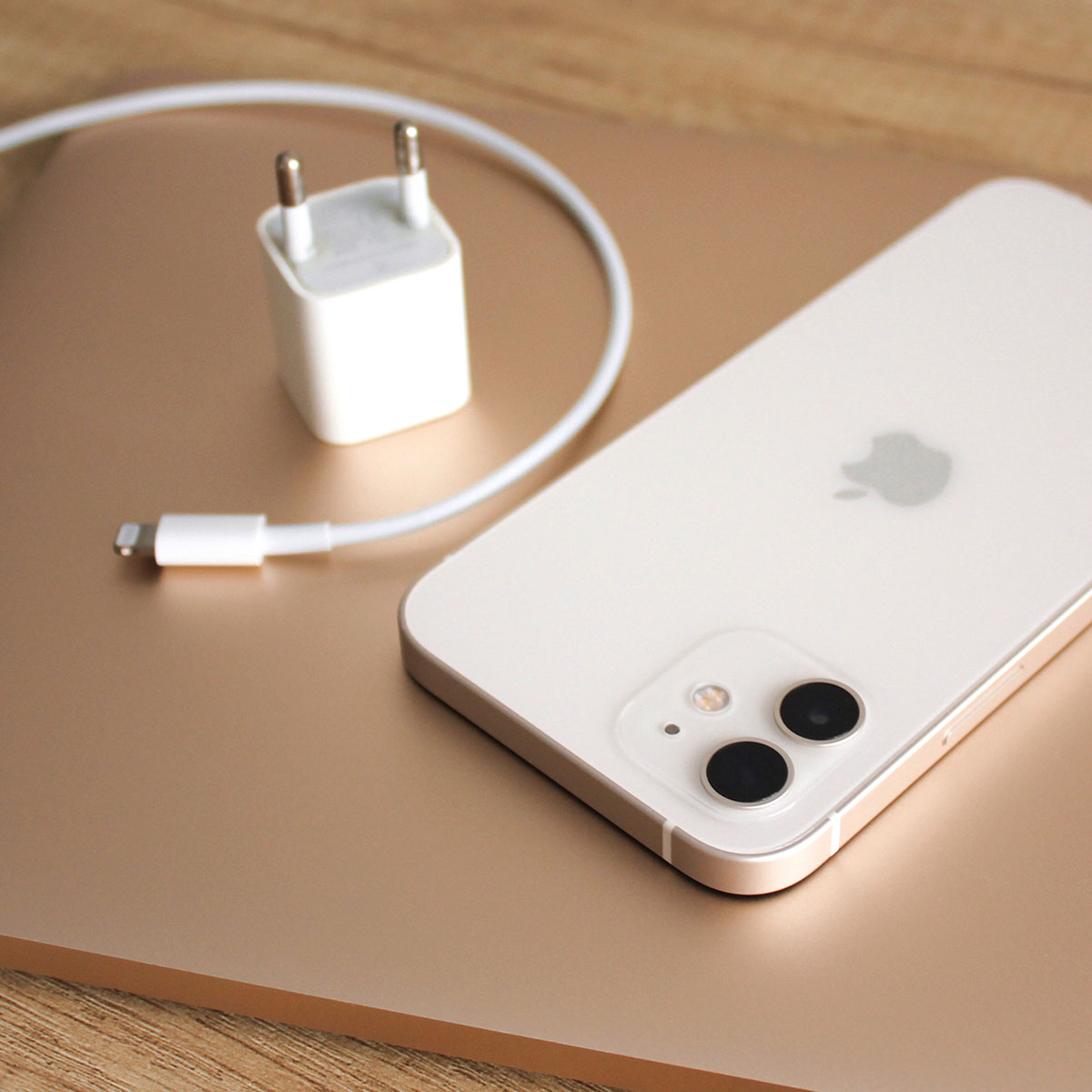
Featured image

An iPhone that lacks storage space is a sorry sight. It becomes impossible to do nearly anything without enough storage — from downloading apps to taking more photos and videos. And it’s important to free up that storage so that you can get the most out of your smart phone experience. But where to even start? Min Tom, CEO and founder of Happy Hong Konger, tells us how to clear up storage on your iPhone without losing any data. 

Organize Your Photo Library

The main space taker is a photo, Tom confirms. “It goes without saying that deleting your entire photo library is a bad idea, but there are probably certain items you can get rid of, such as duplicate photos (those you downloaded twice or three times), photos that are similar or identical, screenshots you no longer need, and larger films,” Tom says. 

Clear Cache in Browser

“Do you frequently use Chrome or Safari on your iPhone to access the web?” Tom said. “If so, kindly be aware that your device can be storing caches and other unnecessary data. And you’d be shocked to see how much space you can clear up by simply deleting your browser’s cache.”

Here’s how Tom says to proceed with this: 

First, select Settings > General followed by iPhone Storage.

Step 2: Select the app at the top of the list from the list of applications you now see. Typically, this will be a messaging, Snapchat, Facebook, YouTube, Spotify, or another social media app.

Step 3: Next, click Delete App as displayed below.

Step 4: Subsequently, reinstall the application by going to the App Store.

Large Attachments in Messages Can Be Removed

Texting isn’t limited to just texts — other attachments you get sent take up a lot of storage space. “GIFs, selfies, memes, and quick videos are sent and received,” Tom said. “Whether or not you manually saved the content to Photos, it will all eventually be preserved on your iPhone. If you text frequently, the cost eventually mounts up.”

To access iPhone storage, Tom says to go to Settings > General.

Step 2: Find Messages by scrolling down and tapping on it.

Step 3: A list of Photos, Top Conversations, Stickers, GIFs, and Others will now appear. Find the category that takes up the most room and tap on it.

Step 4: Tap Edit in the top right corner.

Step 5: Choose every attachment you want to delete.

In the final step, tap the Trash icon.

“These troubleshooting guides should assist you in resolving the annoying ‘Storage Almost Full’ alert message on your iPhone device,” Tom said. “Enjoy taking fresh photos and never again be concerned about your iPhone’s lack of storage.”


Author:

Lisa Fogarty is a lifestyle writer and reporter based in New York who covers health, wellness, relationships, sex, beauty, and parenting.

Jennifer Lopez in stunning Defaience gown at American Music Awards 2025.
Emma Stone shines at the Annual Actor Awards red carpet event.
Salma Hayek attends the 12th Annual Breakthrough Prize Ceremony in style.
Collagen-boosting superfoods for glowing skin this summer season.
Middle-aged woman enjoying a glass of wine in a cozy setting.
Best Prime Day beauty deals available on Amazon right now.
Ariana Grande at the Golden Globes in glamorous attire.
Kylie Jenner showcasing black style at the 2025 Met Gala.
Woman applying sunscreen for sun protection and skincare.
Taylor Swift and Travis Kelce at a public event.
Healthy seeds as a snack alternative to pastries.
Ivanka Trump and Jared Kushner posing together.
Bad Bunny performing at the Grammys.
iPhone charging while plugged into a laptop for convenience.
iPhone charging settings displayed on the screen.
Viral Italian bob haircut trend for summer 2023.
Angelina Jolie receiving the Trophee Chopard Award.
Selena Gomez at the 3rd Annual Rare Impact Fund Benefit.
Pool lounger with cocktail and trail mix for a relaxing day.
Brad Pitt and Ines de Ramon at the F1 World Premiere.
Jennifer Lopez in stunning Defaience gown at American Music Awards 2025.
Emma Stone shines at the Annual Actor Awards red carpet event.
Salma Hayek attends the 12th Annual Breakthrough Prize Ceremony in style.
Collagen-boosting superfoods for glowing skin this summer season.
Middle-aged woman enjoying a glass of wine in a cozy setting.
Best Prime Day beauty deals available on Amazon right now.

Beauty

Prime Day is basically a holiday for anyone who's ...

Ariana Grande at the Golden Globes in glamorous attire.
Kylie Jenner showcasing black style at the 2025 Met Gala.
Woman applying sunscreen for sun protection and skincare.
Taylor Swift and Travis Kelce at a public event.
Healthy seeds as a snack alternative to pastries.
Ivanka Trump and Jared Kushner posing together.
Bad Bunny performing at the Grammys.
iPhone charging while plugged into a laptop for convenience.
iPhone charging settings displayed on the screen.
Viral Italian bob haircut trend for summer 2023.
Angelina Jolie receiving the Trophee Chopard Award.
Selena Gomez at the 3rd Annual Rare Impact Fund Benefit.
Pool lounger with cocktail and trail mix for a relaxing day.
Brad Pitt and Ines de Ramon at the F1 World Premiere.

















