







A slow iPhone is a drag. It makes everything you attempt to do ten times more frustrating and can keep you from fully enjoying your iPhone experience. Given the investment you’ve made in your phone, you should benefit from a fully working, high-speed device that downloads and uploads files with efficiency and doesn’t take a day and a half to load website pages.
There are a few things you can do to speed up your phone without having to delete apps. These include clearing your Safari browser’s cache on a regular basis, disabling Background App Refresh to conserve resources, and turning off Location settings for all apps that don’t require it. For the apps that do need GPS to function, change the setting so that it’s only accessing your location when you’re using the app.
But if you’ve exhausted all possibilities in settings and your phone is still slow, it’s a good idea to look at your most taxing apps and see where you can trim the fat. That may mean deleting a few apps here and there for the sake of a faster, better working iPhone. Here are three apps to consider deleting if you’ve had enough with a slow phone.

Women Are Swapping Their Boring Water For This Ice Pop Electrolyte Mix!
1. Apps With GPS
Gone are the days when your only options for apps with GPS were Apple and Google Maps. There are a variety of GPS apps like Waze, Maps.Me, and Here WeGo, all promising various features that can perk up your ears and make you curious about how they can best serve you. But it helps to be selective about which of these apps you download and use. Using too many of them, especially if you’re the type of driver who like to keep your options open and “shop” among the apps to find the one that provides the fastest route, can run down your battery fast and slow down your device.
2. Games
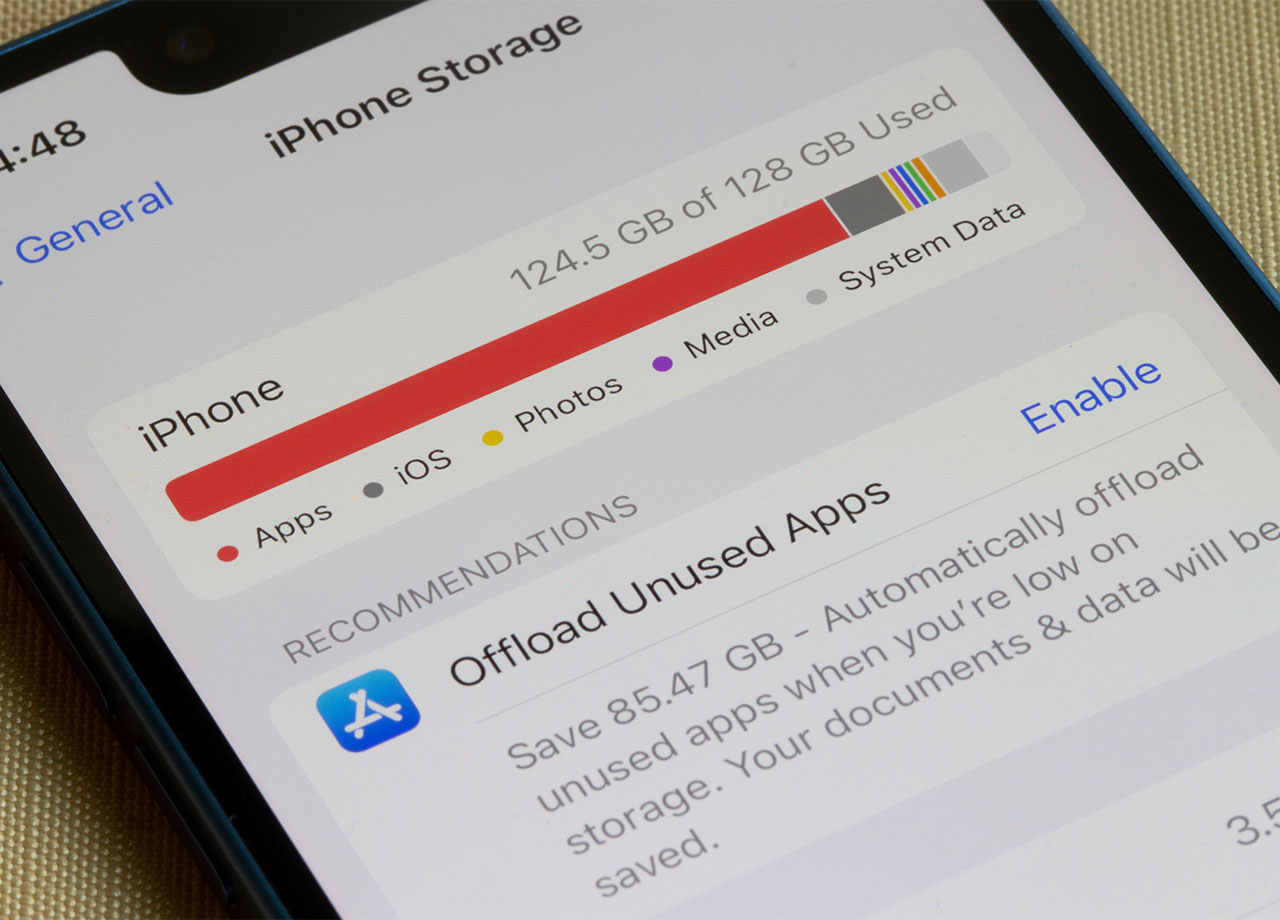
Are you the kind of iPhone user who loves games — the more the better? There’s no denying that iPhone games have become more advanced and sophisticated over the years, with many featuring intense graphics that consume a lot of battery power and storage. But, as a general rule, the more features a game boasts, the more resources it consumes. The more resources an app consumes, the more taxing it is on your phone, and that can lead to a slower device.
Consider deleting some of the games on your phone. Paying closer attention to those with lots of graphics can help more.
3. Social Media Apps
Social media apps are among the most taxing on your iPhone. These apps do a lot — from providing constant updates to playing videos and storing photos. As with gaming apps, the social media apps with the most features are the ones that will be most resource-intensive and slow your phone down faster. It can be difficult to break a social media habit, but if you can delete at least one or two of these apps, whether that means parting ways with TikTok, Facebook, or Instagram, your phone’s speed can benefit.



















