Emma Stone at the Annual Actor Awards event.
Salma Hayek in a lavender gown at the Breakthrough Prize Ceremony.
Collagen-boosting superfoods for glowing summer skin.

Homepage

2 Critical iPhone Settings To Adjust Immediately For Better Privacy And Security

January 10, 2025 by Lisa Cupido
shefinds | Homepage
Featured image

You don’t have to leave your iPhone’s privacy and security up to chance. While it’s true that sometimes bad things (like hackings) happen to good people, it’s also true that the more steps you take to beef up your security and protect your data, the better equipped your phone will be to safeguard against these threats.

Hackers are savvy. They’re always developing new, innovative ways to break through your passcodes and access personal data like bank account information, social security numbers, and more. There are two critical iPhone settings you can adjust immediately for better privacy and security. Don’t wait—follow these tips ASAP for a more secure phone.

house unit img
Women Are Swapping Their Boring Water For This Ice Pop Electrolyte Mix!
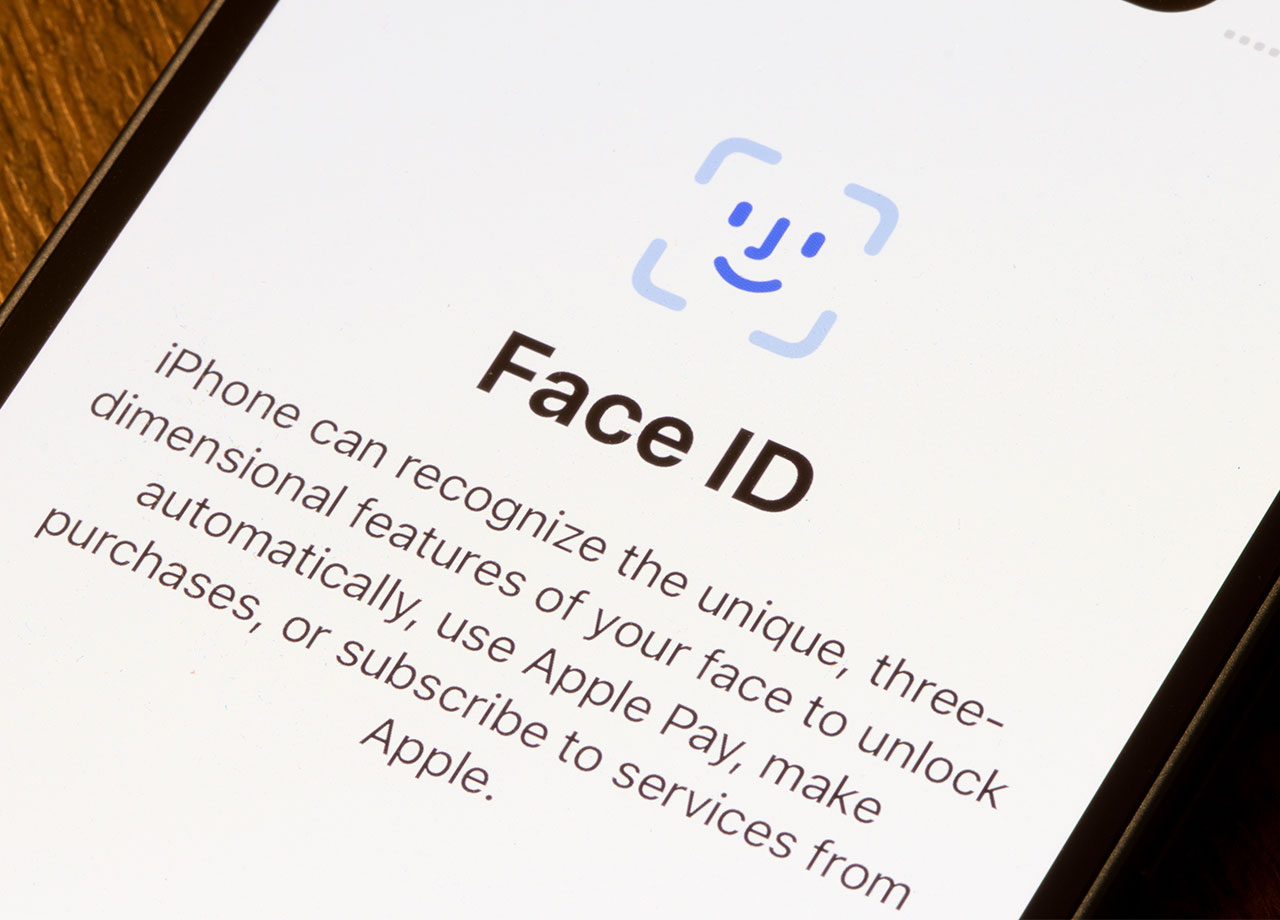
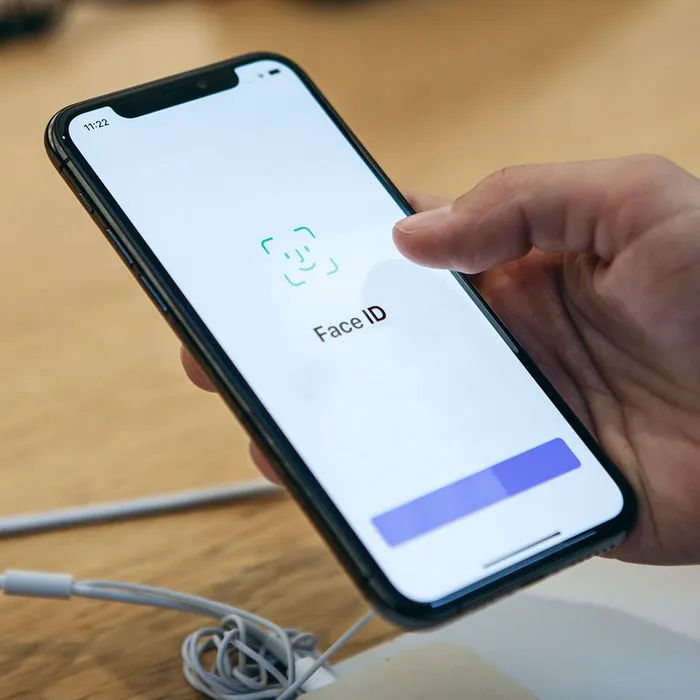
face-ID-iphone

1. Face ID/Touch ID


Face ID and Touch ID, which is fingerprint recognition, rely on something so much more difficult to break into than a random code you create: your physical characteristics. Whereas passwords can be stolen, with biometric identification there is nothing to steal — plus this data is processed and stored on your data, and not on an Apple server.


Overall, it’s a safer, more secure way to access your phone and various accounts. To set up Face ID, go to Settings > Face ID & Passcode > Set Up Face ID and allow the phone to scan your face. Set up Touch ID by going to Settings > Touch ID & Passcode > and tap “Add a Fingerprint.” Place your finger on the Home button and allow your phone to scan it.
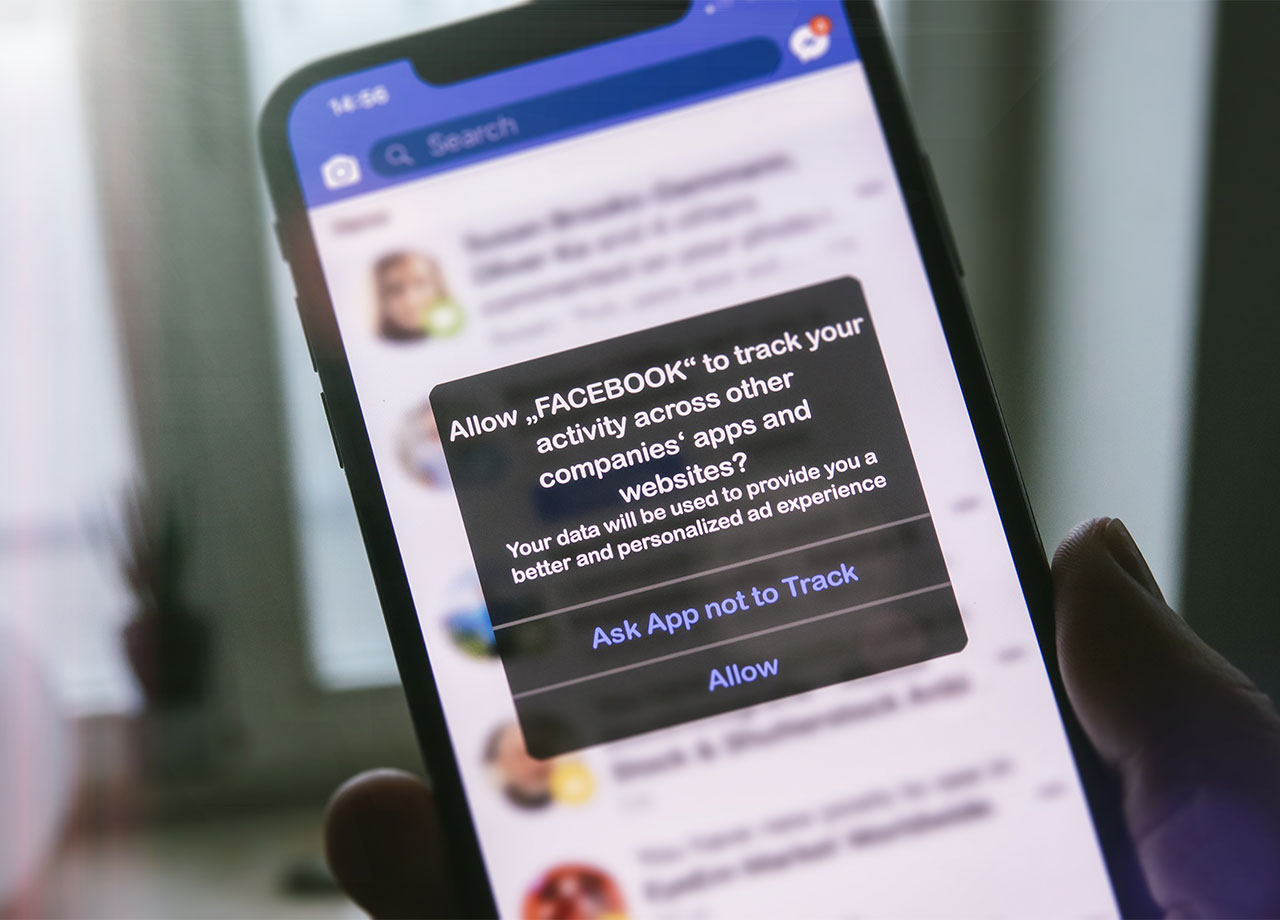
facebook-app-tracking

2. App Tracking Transparency


If you let them, most apps will track every single thing you do, including your activity across other websites and while you’re browsing Safari. They will then use your data to enhance their own app by offering you more of what they determine you’re searching for AND sell your data to third-party advertisers to turn a profit.


If this doesn’t sound good to you, there are steps you can take to reduce the amount of power apps have on your data. A feature on iPhone called App Tracking Transparency lets you control whether an app can track your activity or not. You can choose to allow tracking or ask the app not to track you — it’s that simple.


Go to Settings > Privacy > Tracking. Here you’ll be able to manage tracking preferences for individual apps.


Author:

Lisa Fogarty is a lifestyle writer and reporter based in New York who covers health, wellness, relationships, sex, beauty, and parenting.

Best beauty deals on Amazon for Prime Day shoppers.
Ariana Grande at the Golden Globes, stunning red carpet look.
Kylie Jenner's Met Gala 2025 outfit featuring sophisticated black tailoring.
Woman applying sunscreen for sun protection and skincare.
Taylor Swift and Travis Kelce together at an event.
Healthy seeds, not pastries, promoting nutritious snacking choices.
Ivanka Trump and Jared Kushner at a public appearance.
Bad Bunny at the Grammy Awards red carpet.
iPhone charging plugged into a laptop for convenience.
iPhone settings screen showing charging options and battery status.
Trendy Italian bob hairstyle that’s popular this summer.
Angelina Jolie receiving the Trophee Chopard award.
Selena Gomez at the Rare Impact Fund Benefit gala.
Pool lounger with cocktail and trail mix for relaxation.
Brad Pitt and Ines de Ramon at the F1 premiere.
Queen Camilla with Prince Harry and Meghan Markle.
Travis Kelce and Taylor Swift at an event.
Barack Obama with Michelle, Malia, and Sasha Obama.
Amazon Prime Day week logo on smartphone and laptop screens.
Woman applying concealer for a flawless makeup finish.
Best beauty deals on Amazon for Prime Day shoppers.

Beauty

Prime Day is basically a holiday for anyone who's ...

Ariana Grande at the Golden Globes, stunning red carpet look.
Kylie Jenner's Met Gala 2025 outfit featuring sophisticated black tailoring.
Woman applying sunscreen for sun protection and skincare.
Taylor Swift and Travis Kelce together at an event.
Healthy seeds, not pastries, promoting nutritious snacking choices.
Ivanka Trump and Jared Kushner at a public appearance.
Bad Bunny at the Grammy Awards red carpet.
iPhone charging plugged into a laptop for convenience.
iPhone settings screen showing charging options and battery status.
Trendy Italian bob hairstyle that’s popular this summer.
Angelina Jolie receiving the Trophee Chopard award.
Selena Gomez at the Rare Impact Fund Benefit gala.
Pool lounger with cocktail and trail mix for relaxation.
Brad Pitt and Ines de Ramon at the F1 premiere.
Queen Camilla with Prince Harry and Meghan Markle.
Travis Kelce and Taylor Swift at an event.
Barack Obama with Michelle, Malia, and Sasha Obama.
Amazon Prime Day week logo on smartphone and laptop screens.

Fashion

This summer, I might be shopping for more clothes and ...

Woman applying concealer for a flawless makeup finish.