Jennifer Lopez shines in balloon-sleeved blouse at American Music Awards.
Emma Stone at the Annual Actor Awards event.
Salma Hayek in a lavender gown at the Breakthrough Prize Ceremony.

Homepage

The 3 iPhone Settings You Need To Disable Immediately For Privacy, According To Pros

October 20, 2024 by Lisa Cupido
shefinds | Homepage
Featured image

When you own an iPhone, there’s always a chance that your device is collecting more data about you than you’d feel comfortable giving it on your own. Yet, this is what you could unknowingly be doing by simply downloading certain apps and not paying attention to their permissions policies, which could allow them to share your data with third parties for profit.

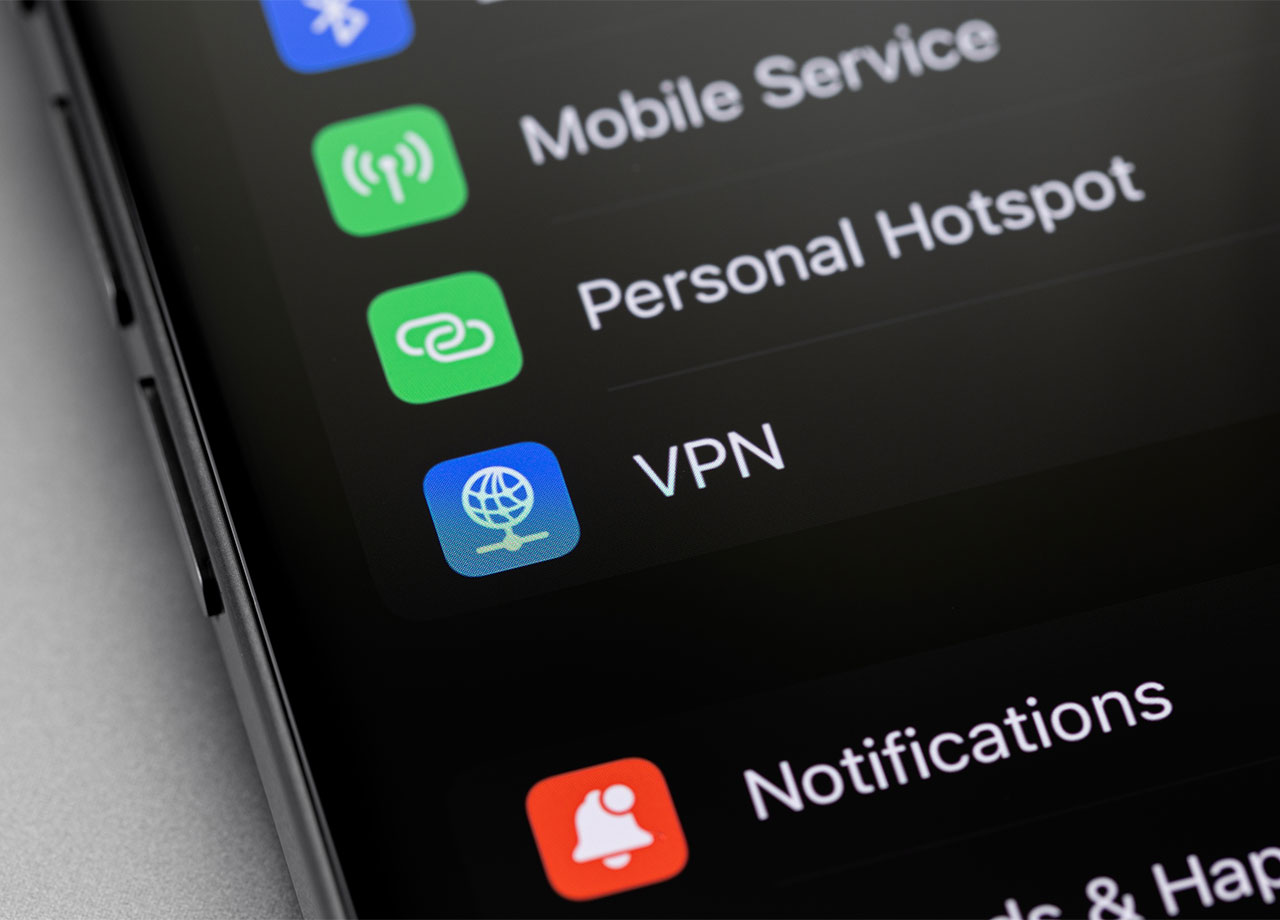
But it’s not just apps that are making you less private and your data less secure. Your phone can share your location, collect data from you even when you aren’t actively using apps, and allow apps to track your activity. It’s important to become familiar with some of the settings on your device that are most responsible for these potential issues. Consider disabling these three iPhone settings immediately for privacy.

house unit img
Women Are Swapping Their Boring Water For This Ice Pop Electrolyte Mix!
iphone-privacy-settings

1. Location Services


Be careful with the settings you’ve enabled in Location Services — they can allow your phone to overextend its hand when it comes to which apps it allows to know your location. Go to Settings > Privacy & Security > Location Services. Either turn off Location Services completely or customize it for different apps so that you can decide which apps get access to your location when you’re using them and which never get access to it.

iphone-settings

2. Advertising Tracking


Make sure Apple isn’t giving apps the ability to track you (even when you aren’t on that app) across other apps and browsers. Go to Settings > Privacy & Security > Apple Advertising and turn off personalized ads. Then head to Settings > Privacy & Security > Tracking and disable "Allow Apps to Request to Track" to ensure these apps leave you (and your data) in peace.
white-iphone-apps-homepage

3. Background App Refresh


Did you know your apps could be collecting data about you in the background, when you aren’t actively using them? Go to Settings > General > Background App Refresh and disable it or switch it to Wi-Fi. You’ll lose out on some of the conveniences that Background App Refresh has to offer, namely updating your apps constantly so that you never have to wait and refresh them. But the privacy and battery boost you’ll gain from turning this setting off make it well worth it.


Author:

Lisa Fogarty is a lifestyle writer and reporter based in New York who covers health, wellness, relationships, sex, beauty, and parenting.

Middle-aged woman enjoying a glass of wine at home.
Best beauty deals on Amazon for Prime Day shoppers.
Ariana Grande at the Golden Globes, stunning red carpet look.
Kylie Jenner's Met Gala 2025 outfit featuring sophisticated black tailoring.
Woman applying sunscreen for sun protection and skincare.
Taylor Swift and Travis Kelce together at an event.
Healthy seeds, not pastries, promoting nutritious snacking choices.
Ivanka Trump and Jared Kushner at a public appearance.
Bad Bunny at the Grammy Awards red carpet.
iPhone charging plugged into a laptop for convenience.
iPhone settings screen showing charging options and battery status.
Trendy Italian bob hairstyle that’s popular this summer.
Angelina Jolie receiving the Trophee Chopard award.
Selena Gomez at the Rare Impact Fund Benefit gala.
Pool lounger with cocktail and trail mix for relaxation.
Brad Pitt and Ines de Ramon at the F1 premiere.
Queen Camilla with Prince Harry and Meghan Markle.
Travis Kelce and Taylor Swift at an event.
Barack Obama with Michelle, Malia, and Sasha Obama.
Amazon Prime Day week logo on smartphone and laptop screens.
Middle-aged woman enjoying a glass of wine at home.
Best beauty deals on Amazon for Prime Day shoppers.

Beauty

Prime Day is basically a holiday for anyone who's ...

Ariana Grande at the Golden Globes, stunning red carpet look.
Kylie Jenner's Met Gala 2025 outfit featuring sophisticated black tailoring.
Woman applying sunscreen for sun protection and skincare.
Taylor Swift and Travis Kelce together at an event.
Healthy seeds, not pastries, promoting nutritious snacking choices.
Ivanka Trump and Jared Kushner at a public appearance.
Bad Bunny at the Grammy Awards red carpet.
iPhone charging plugged into a laptop for convenience.
iPhone settings screen showing charging options and battery status.
Trendy Italian bob hairstyle that’s popular this summer.
Angelina Jolie receiving the Trophee Chopard award.
Selena Gomez at the Rare Impact Fund Benefit gala.
Pool lounger with cocktail and trail mix for relaxation.
Brad Pitt and Ines de Ramon at the F1 premiere.
Queen Camilla with Prince Harry and Meghan Markle.
Travis Kelce and Taylor Swift at an event.
Barack Obama with Michelle, Malia, and Sasha Obama.
Amazon Prime Day week logo on smartphone and laptop screens.

Fashion

This summer, I might be shopping for more clothes and ...