



When we’re using our iPhones, we sometimes forget that there are so many different types of settings we can adjust. Some of those settings are things we really should take a look at in order to protect our safety.
After downloading a certain app that requests permission to specific settings in your phone, you may want to double-check to ensure that it has access to only essential pieces of information. To help “maximize” your iPhone’s security and protect yourself, tech expert and content creator Scott Polderman shared three “essential” settings in a recent TikTok video that you should consider looking over or adjusting to “maximize the security on your iPhone.” Read more about them below.

Struggling With Sleep? This Rechargeable Sound Machine Is A Total Game-Changer

1. Camera Settings
When you download apps, mainly social media ones like Instagram or Snapchat, it will often ask you to access your camera so that you can take a picture or video from within the app. That's not uncommon, but did you know that some apps other than these may ask to use your camera as well?
Scott encourages his viewers to open the 'Privacy & Security' page of your Settings, then enter the 'Camera' portion and look at all the apps you've given access to your camera to ensure everything looks correct.
"Go through each app and make sure you want the camera turned on for these apps," he explains. "If you don't need them or don't use the camera, turn it off."
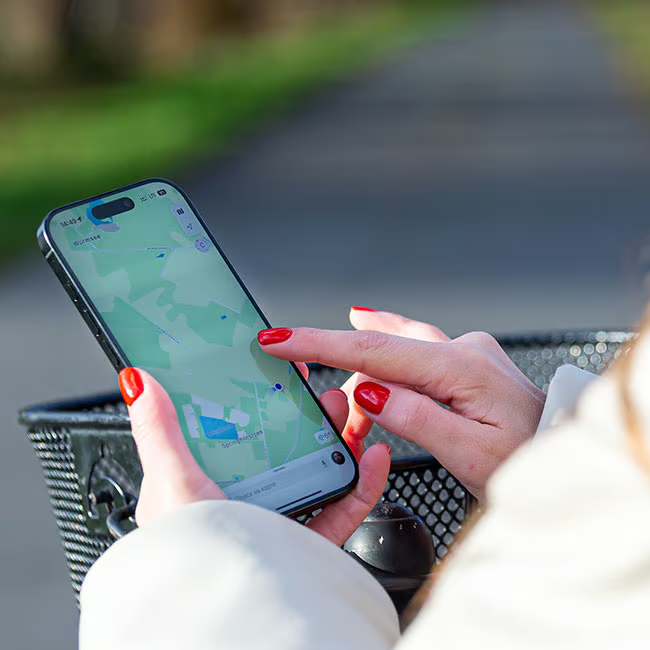
2. Location Services
Having your location services for very specific apps, like finding your loved one's location in an emergency or using a map to navigate where you're going, is crucial. Other than that, it may not be necessary to have them turned on for different apps, and in some cases, it can be dangerous.
Repeating the same action as your 'Camera' setting, Scott encourages his audience to open up the 'Location Services' page within their 'Privacy & Security' settings and "make sure each of [your] apps are set up correctly."
"I have mine on either 'while using' or 'never' as far as the app's ability to follow my location," he adds.

3. Microphone
Similarly to the Camera setting, many social media apps or any app where you need to record something will typically request permission to use your iPhone's microphone. However, some apps simply may not need it, and for your safety, you'll want to turn it off in 'Privacy & Security.'
"Go through each of these apps as well and make sure you want the microphone turned on," Scott explains. "For some reason, when I update my iOS system, some of these tend to change. But each time I add an app, I go and check and make sure that I have the settings for that set up correctly."


