



Taylor Swift beside her private jet in 2024.
Woman looking tired after a sleepless night.
Delicious banana nice cream dessert.

Homepage

Tech Experts Share The Genius Hacks That Will Make Your iPhone Run So Much Faster In 2026

December 23, 2025 by Abigail Connolly
shefinds | Homepage
Featured image

When you are an iPhone owner, it can be overwhelming to think about all the different features and functions your cellphone comes with.

If you’re using an iPhone in 2026, then you’ll likely want to do what you can in order to ensure it runs as fast as possible. As it turns out, there are various ‘hacks’ and tips we can use to get your phone running efficiently, and sometimes, you just have to look out for them. We spoke with tech experts about three iPhone ‘hacks’ to keep it running quickly. Read more about them below.

house unit img
Women Are Swapping Their Boring Water For This Ice Pop Electrolyte Mix!
Woman checking messages on Android phone outdoors.

1. Clear Your System Cache

One of the ways that an iPhone can slow down is when it's carrying too much memory, which might sound like something out of your control. However, there is something you can do about it.


"A hack that most people don't know about is clearing your iPhone's system cache on a regular basis," says tech pro Alex Bobes. "iOS does a good job of managing memory, but years of cached files from Safari, apps, and system updates build up and slow things down. When I help people who are frustrated about slow devices, clearing out Safari's website data and deleting apps they don't use often makes their devices noticeably faster without needing any technical knowledge."
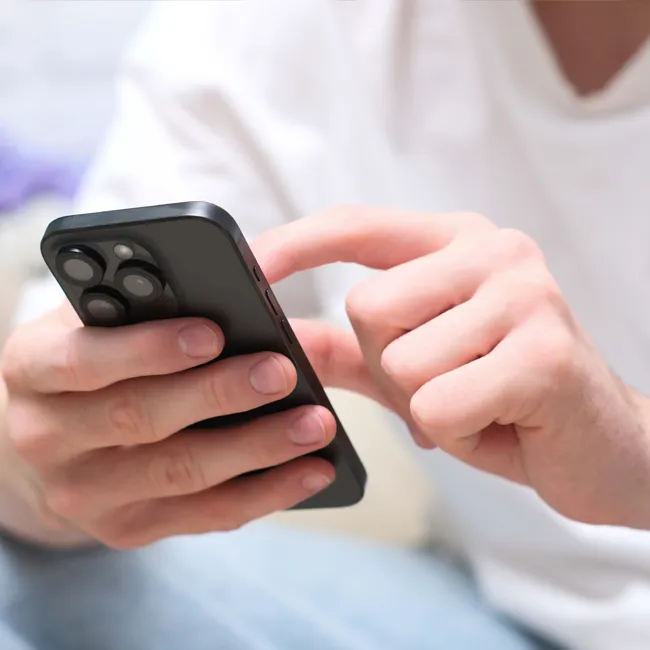
Man scrolling through smartphone in casual setting.

2. Do A 'Maintenance Restart' Routinely

Can you remember the last time you restarted your iPhone, not including when it restarts after the battery dies? As it turns out, it's suggested you purposefully restart it to keep it running smoothly.


"Over time, background processes, temporary files, and browser data pile up, especially for people who keep dozens of tabs open," explains Michael Routhier. "A regular restart clears temporary clutter in memory, and cleaning Safari's data trims a huge amount of behind‑the‑scenes processes. The experience is similar to rebooting a sluggish computer, whereas things feel snappier because the system gets a fresh start."
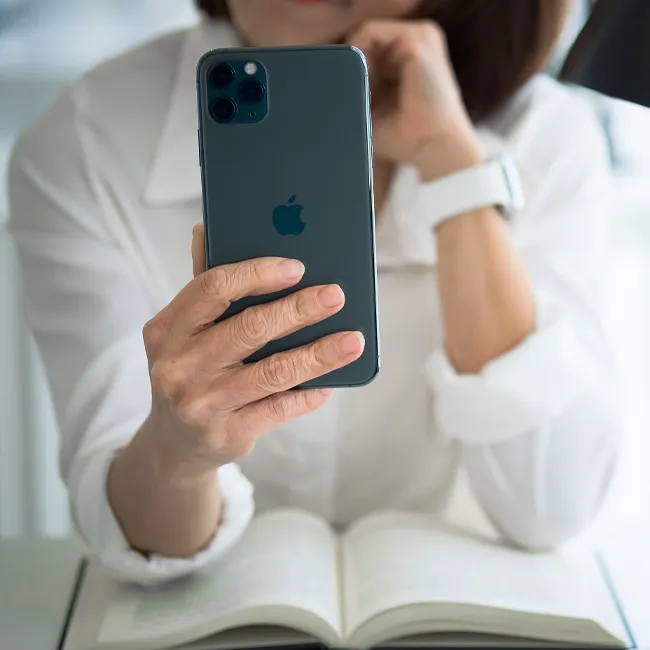
Woman holding iPhone, smiling and looking at the screen.

3. Turn Off Background App Refresh

If you didn't know, a setting that is often automatically turned on with iPhones is 'Background App Refresh,' which allows certain apps to run in the background in order to keep up news feeds, algorithms, and more.


"The easiest way to speed up your iPhone is to stop it from doing things in the background," notes Bobes. "Turning off Background App Refresh and lowering automatic syncing can free up a lot of memory and processing power. This can make even older phones feel faster right away."


Author:

Editorial Assistant

Abigail is a journalist based in Brooklyn, New York. As an Editorial Assistant for SheFinds, she covers topics ranging from celebrity news and fashion to wellness. She has written for other publications, including Chip Chick, Bandsintown, BroadwayWorld, and more. When she isn't writing, Abigail loves spending time in the city with her friends, being a 'dog mom' to her Chihuahua, and singing along to some of her favorite music.

Emma Stone at the Annual Actor Awards ceremony.
Salma Hayek at the 12th Annual Breakthrough Prize Ceremony.
Collagen-boosting superfoods for glowing summer skin.
Middle-aged woman enjoying a glass of wine.
Best Prime Day beauty deals on Amazon right now.
Ariana Grande attending the Golden Globes ceremony.
Kylie Jenner showcasing black style at the 2025 Met Gala.
Woman applying sunscreen for sun protection.
Taylor Swift and Travis Kelce together at an event.
Seeds as a healthier alternative to pastries.
Ivanka Trump and Jared Kushner posing for a photo.
Bad Bunny performing at the Grammy Awards.
iPhone charging plugged into a laptop for power.
iPhone charging settings displayed on the screen.
The viral Italian bob hairstyle trending this summer.
Angelina Jolie receiving the Trophee Chopard Award.
Selena Gomez at the 3rd Annual Rare Impact Fund Benefit.
Pool lounger with cocktail and trail mix from Aldi.
Brad Pitt and Ines de Ramon at the F1 World Premiere.
Queen Camilla, Prince Harry, and Meghan Markle together.
Emma Stone at the Annual Actor Awards ceremony.
Salma Hayek at the 12th Annual Breakthrough Prize Ceremony.
Collagen-boosting superfoods for glowing summer skin.
Middle-aged woman enjoying a glass of wine.
Best Prime Day beauty deals on Amazon right now.

Beauty

Prime Day is basically a holiday for anyone who's ...

Ariana Grande attending the Golden Globes ceremony.
Kylie Jenner showcasing black style at the 2025 Met Gala.
Woman applying sunscreen for sun protection.
Taylor Swift and Travis Kelce together at an event.
Seeds as a healthier alternative to pastries.
Ivanka Trump and Jared Kushner posing for a photo.
Bad Bunny performing at the Grammy Awards.
iPhone charging plugged into a laptop for power.
iPhone charging settings displayed on the screen.
The viral Italian bob hairstyle trending this summer.
Angelina Jolie receiving the Trophee Chopard Award.
Selena Gomez at the 3rd Annual Rare Impact Fund Benefit.
Pool lounger with cocktail and trail mix from Aldi.
Brad Pitt and Ines de Ramon at the F1 World Premiere.
Queen Camilla, Prince Harry, and Meghan Markle together.

















