
"Woman washing her hair in a bathroom setting"
"Woman with brain fog and supplements"
"Melania Trump at Women's History Month event"

Homepage

Check Your iPhone Settings! Tech Experts Say Having These 4 Turned On May Be Making Your Phone So Much Slower

June 25, 2024 by Lisa Cupido
shefinds | Homepage
Featured image

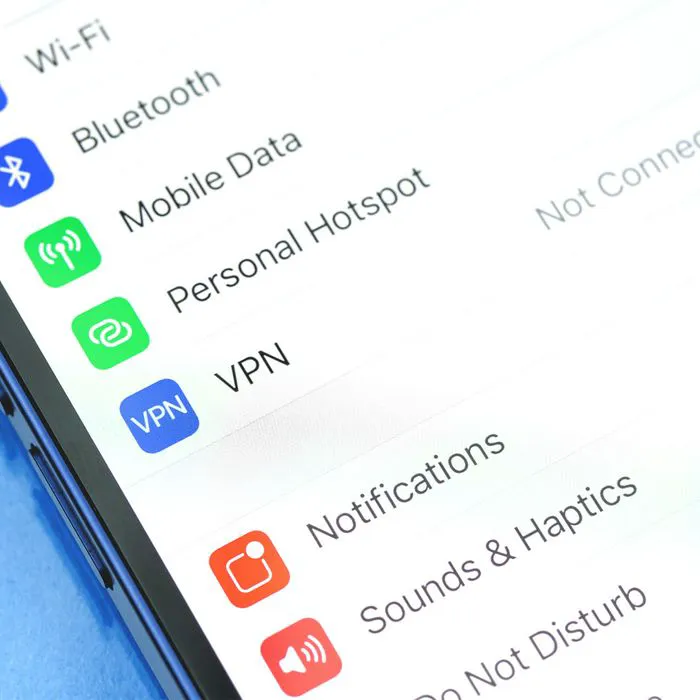
It’s time to check your iPhone settings and make a few changes if your phone is so slow it’s driving you up a wall. Your iPhone is equipped to handle your everyday tasks, including downloading apps, launching apps and updating their content in a speedy fashion, and calling up web pages when you want to access them — and you expect your device not to take forever and a day when doing these common things. If your phone has been lagging, one of the reasons might be that you have one of these four settings enabled. Disable them now to get your phone’s pace on track.

Low Power Mode

Do you regularly rely on Low Power Mode to push your phone’s charge just a little bit longer — just long enough until you can reach a charger? This is a wonderfully convenient setting that slows down your phone and limits what you can do on it, all for the sake of giving you back some battery. But forgetting to turn it off once you have charged your phone can result in a slow device. Go to Settings > Battery > toggle off Low Power Mode.

house unit img
Women Are Swapping Their Boring Water For This Ice Pop Electrolyte Mix!
iphone-settings

Check Your Battery Setting


To get to the bottom of which of your apps is taking up the most battery power, and therefore contributing to the slowing down of your device, go to Settings > Battery and review the apps (in the order in which they consume battery). If, let’s say, your top three battery-consuming apps are social media apps, you can then make a more informed choice about whether you want to keep them all.
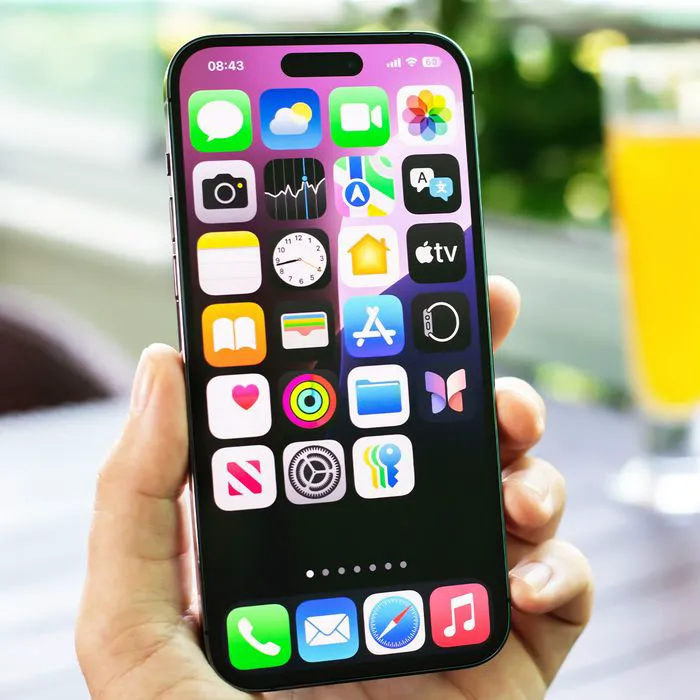
purple-iphone-in-hand

5G Setting


If your phone is very slow and you’re concerned about battery and data usage, you can temporarily disable your 5G connection and only use the LTE network connection to get it moving. Go to Settings > Cellular > Cellular Data Options > Voice & Data > LTE.


Screen Time


One of the best tips you can follow to get your phone up to speed and boost its efficiency is to delete any apps you no longer use or that you use seldomly. Checking your Screen Time setting can help because it provides a running record of your phone activity and will tell you which apps you use most often. Go to Settings > Screen Time > See All Activity. Here you’ll see a list of your most-used apps, along with how much time you spend on each.


Author:

Lisa Fogarty is a lifestyle writer and reporter based in New York who covers health, wellness, relationships, sex, beauty, and parenting.

"Carrie Underwood at the Academy of Country Music Awards"
"Woman applying serum on her face"
"Breakfast buffet with eggs benedict, fresh fruit, and pastries"
"Brad Pitt and Ines de Ramon at F1 premiere"
"DJ Khaled at the Killing Castro premiere"
"Sunday Rose fashion show"
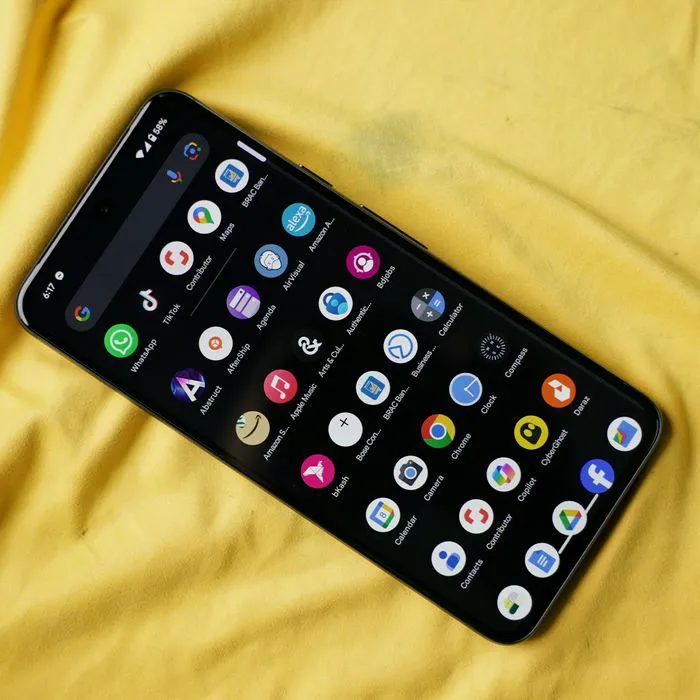
"Google Pixel 8 apps display"
"Hailey Bieber at ELLE Women in Hollywood Celebration"
"Prince Harry at mental health day gala"
"Woman waking up in the morning"
"Michelle Obama at Democratic National Convention"
"Hailey Bieber with a kicktail bob haircut"
"Justin Baldoni and Emily Baldoni at an event"
Google Pixel 8 showcasing various installed apps.
Hailey Bieber at ELLE Women in Hollywood Celebration.
Prince Harry attends mental health day gala event.
A person waking up in the morning, looking refreshed.
Michelle Obama speaking at the Democratic National Convention.
Hailey Bieber showcasing her stylish kicktail bob cut hairstyle.
Justin Baldoni and Emily Baldoni pose with Blake Lively.
Woman experiencing brain fog while taking supplements
Melania Trump in elegant polka-dot dress at July celebration
Stylish hairstyles for women over 50 in salons today.
Man holding iPhone, exploring built-in app performance.
Kai Trump poses in chic vest and skirt with Donald Trump.
Scarlett Johansson at the Jurassic World Rebirth premiere event.
Queen Camilla attending Royal Ascot Day 3 in elegant attire.
Carrie Underwood at the 54th Academy of Country Music Awards.
Woman applying serum on her face for skincare.
Breakfast buffet featuring eggs benedict, fresh fruit, and pastries.
Brad Pitt and Ines de Ramon at F1 premiere event.
DJ Khaled at the premiere of "Killing Castro."
Sunday Rose showcases fashion at the fashion show.
Google Pixel 8 showcasing various installed apps.
Hailey Bieber at ELLE Women in Hollywood Celebration.
Prince Harry attends mental health day gala event.
A person waking up in the morning, looking refreshed.
Michelle Obama speaking at the Democratic National Convention.
Hailey Bieber showcasing her stylish kicktail bob cut hairstyle.
Justin Baldoni and Emily Baldoni pose with Blake Lively.