




It might be super tempting to keep all of your passwords and personal information in your notes app, but it’s something some tech pros strongly advise against.
The notes app is a great tool that automatically comes with people’s smartphones and provides users a space to jot things down at the last minute, draft texts and emails, make shared plans, and more. Though it can hold a lot of information, and though it might be sitting behind your phone and its passcode, it doesn’t mean you should be putting anything too serious on there. Read more about why tech pros advise against putting your passwords in your Notes app below.

Women Are Swapping Their Boring Water For This Ice Pop Electrolyte Mix!
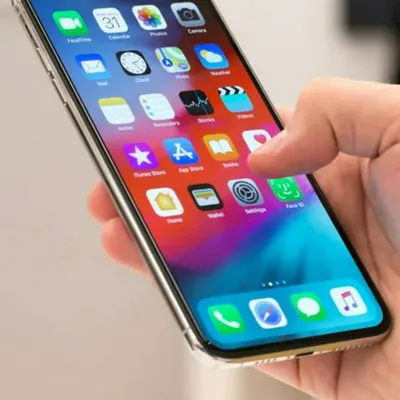
1. Update Your iPhone Regularly
Again, iPhones come with their own set of software that contains all sorts of modern safety features. However, the most updated ones won't automatically start working on your phone unless you update your iOS software regularly.
"I know being an early updater can have issues when your favorite apps aren't updated as quickly, or if you want to review forums for the latest version's issues (eg, the liquid glass update that many despised)," begins tech and cybersecurity pro Wes Anderson. "I typically waited until all the kinks were worked out in the past, too. But that changed many years ago when I became more active in digital privacy and security. Many of those updates patch critical security vulnerabilities that bad actors are currently exploiting in the wild. So it's in your best interest to update your iOS device when available, as not updating your phone leaves you exposed."