Bianca Censori with pink hair wearing a sheer dress.
Celebrity image showcasing red carpet glamour.
Natalie Portman at the Golden Globes Party.

Homepage

Got The New iPhone For Christmas? Delete These 4 Pre-Installed Apps For Extra Storage & Security

January 11, 2024 by Lisa Cupido
shefinds | Homepage
Featured image

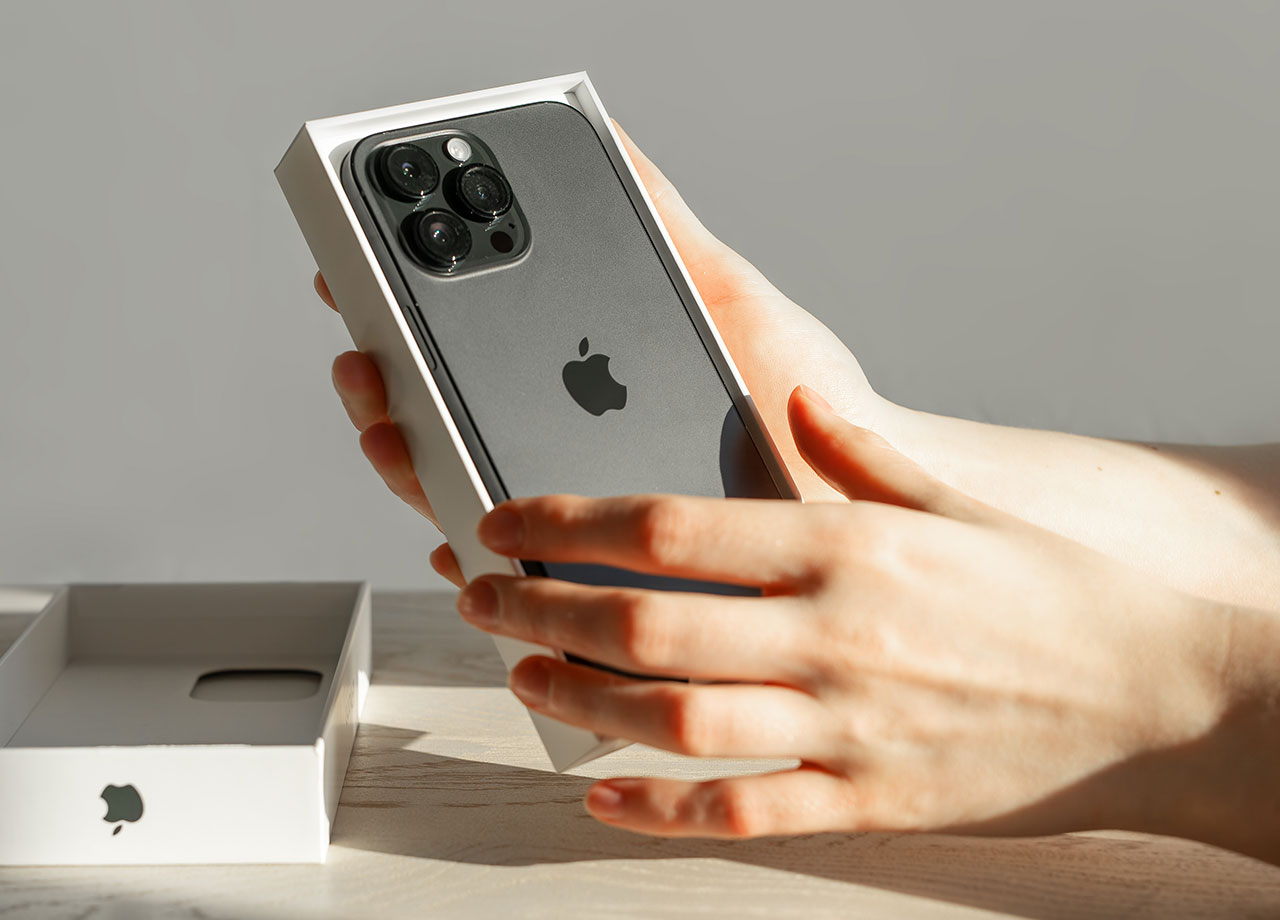
Got the new iPhone 15 as a holiday gift? Congratulations — we are sure you will be thrilled with your new device. But it’s never too early to take simple steps to keep your phone working well and maintain as much storage space and battery power as possible. 

One of the ways you can maintain a faster phone is by keeping your app usage to a minimum. Sounds impossible? We get it. You may not be eager to do without fun apps like social media, streaming services, and photo editing apps. But when is the last time to missed pre-installed apps on your device? 

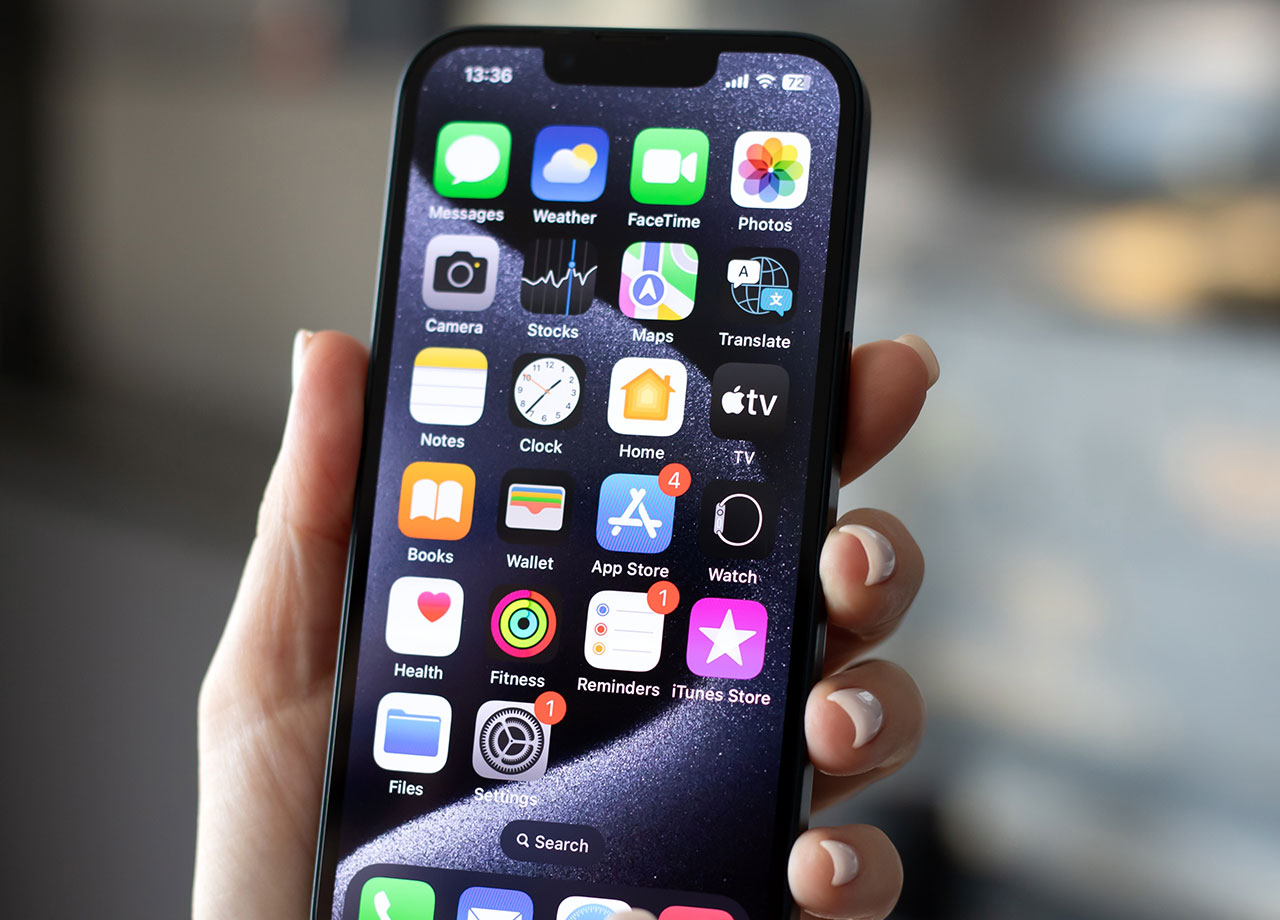
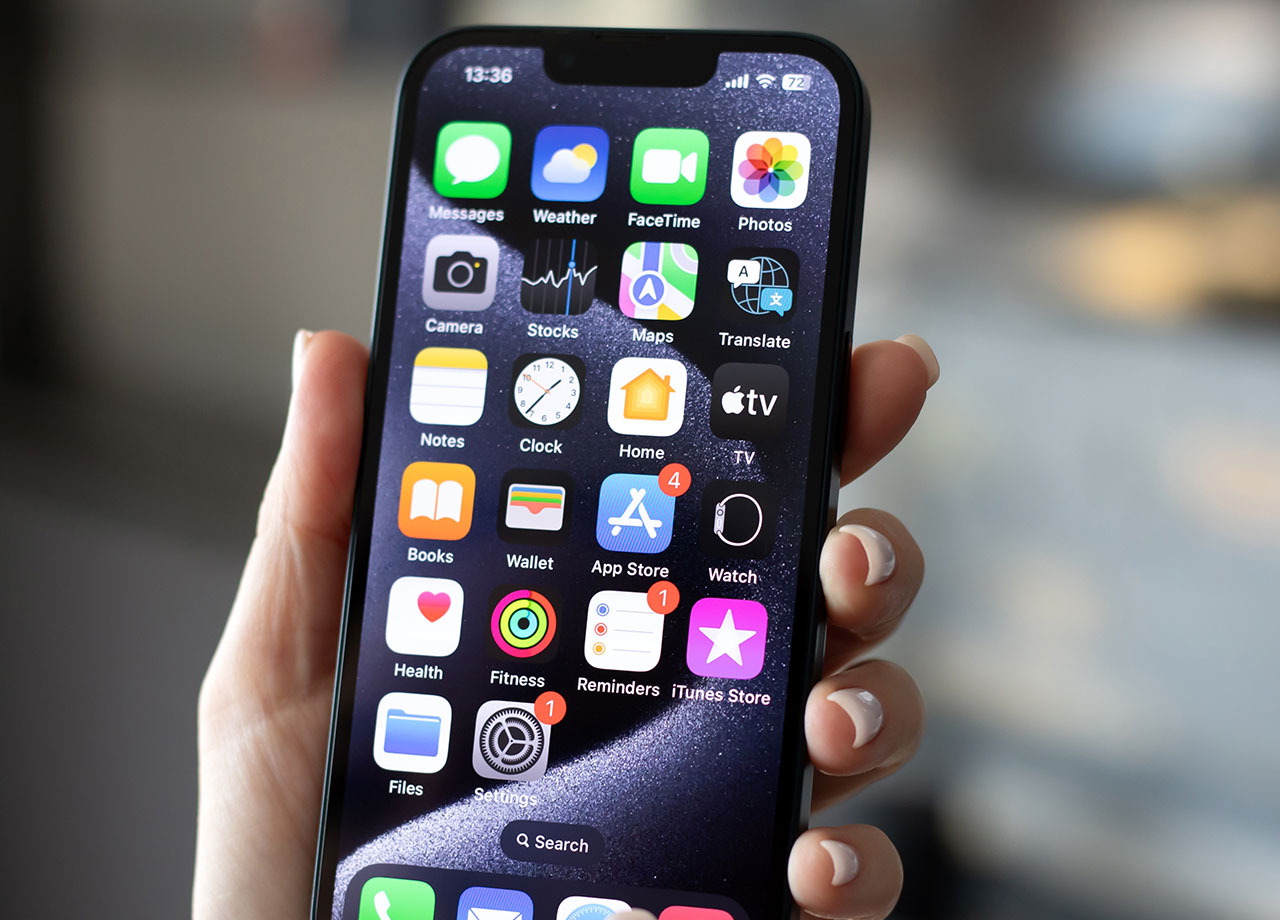
Set up your new phone for success by deleting these four pre-installed apps for extra storage and security.

house unit img
Women Are Swapping Their Boring Water For This Ice Pop Electrolyte Mix!
unboxing-new-iphone

As long as you are running iOS 10 or higher, you can successfully delete these four pre-installed apps. 


Reminders 


Compass 


Stocks 


Voice memos 


The pre-installed apps that aren’t worth your time and energy, versus the ones you should keep is a highly personal choice. Of course, if you regularly use the Stocks app or are a big fan of Voice memos and constantly leave yourself little voice messages here and there, keep those apps. But if you’ve never used these apps, deleting them can gain you back a bit of storage. 
woman-holding-iphone

Some other pre-installed apps that you can successful delete are: 


Apple Books

FaceTime

iTunes Store 

News

Tips 

Calculator

Files

Mail 

Notes

videos

Calendar

Find My Friends

Maps

Podcasts 

Home 

Music

Reminders 

Weather

Watch 

iCloud Drive 

Contacts 

Measure 


There are more customization opportunities with the latest iPhone models and software. If you choose to keep your pre-installed apps, but would like to hide them so that they don’t take up your screen space, you can do this as long as you are running iOS 14 or later. Tap and hold an empty space on your phone screen until your apps wiggle. Tap the minus sign in the upper-left corner of the app you want to hide, then select “Remove from Home Screen.” The app will vanish, but can always be placed back by going to the App Store, searching for the hidden app, and selecting “Add to Home Screen.” 

Author:

Lisa Fogarty is a lifestyle writer and reporter based in New York who covers health, wellness, relationships, sex, beauty, and parenting.

Popular coffee and fast food brands: Dunkin', Chick-fil-A, Starbucks logos.
JD Vance visiting University of Georgia for college tour event.
Jennifer Aniston and Benny Blanco at an event.
Best summer scents and fragrances of 2026 for beauty enthusiasts.
Julia Roberts at the Critics' Choice Awards.
Various iPhone apps displayed on smartphone screen.
Sofia Vergara attending the Oscars red carpet.
Kate Middleton with Prince George at a public event.
Woman adding sugar to aromatic coffee in a cozy setting.
Gwyneth Paltrow at the Golden Globes ceremony.
Donald Trump and Melania Trump at a gala.
Angelina Jolie at the AFI Festival event.
Taylor Swift and Travis Kelce at a public appearance.
Nikol Johnson sharing makeup tips on YouTube.
Ivanka Trump at the Fontainebleau Las Vegas opening.
Crofton cold brew maker and drinking glasses from Aldi.
Barron Trump at Donald Trump's inauguration ceremony.
Ariana Grande posing at the Oscars red carpet.
Assorted bagels with blueberries and butter on wooden board.
Close-up of male hands holding an Apple iPhone 17 Pro Max.
Popular coffee and fast food brands: Dunkin', Chick-fil-A, Starbucks logos.
JD Vance visiting University of Georgia for college tour event.
Jennifer Aniston and Benny Blanco at an event.
Best summer scents and fragrances of 2026 for beauty enthusiasts.

Beauty

Summer is my favorite season. If I could bottle up ...

Julia Roberts at the Critics' Choice Awards.
Various iPhone apps displayed on smartphone screen.
Sofia Vergara attending the Oscars red carpet.
Kate Middleton with Prince George at a public event.
Woman adding sugar to aromatic coffee in a cozy setting.
Gwyneth Paltrow at the Golden Globes ceremony.
Donald Trump and Melania Trump at a gala.
Angelina Jolie at the AFI Festival event.
Taylor Swift and Travis Kelce at a public appearance.
Nikol Johnson sharing makeup tips on YouTube.
Ivanka Trump at the Fontainebleau Las Vegas opening.
Crofton cold brew maker and drinking glasses from Aldi.
Barron Trump at Donald Trump's inauguration ceremony.
Ariana Grande posing at the Oscars red carpet.
Assorted bagels with blueberries and butter on wooden board.
Close-up of male hands holding an Apple iPhone 17 Pro Max.