Jennifer Lopez shines in balloon-sleeved blouse at American Music Awards.
Emma Stone at the Annual Actor Awards event.
Salma Hayek in a lavender gown at the Breakthrough Prize Ceremony.

Homepage

Worried About Phone Privacy? Try Adjusting These 3 iPhone Settings To Keep Yourself Safe

June 20, 2025 by Lisa Cupido
shefinds | Homepage
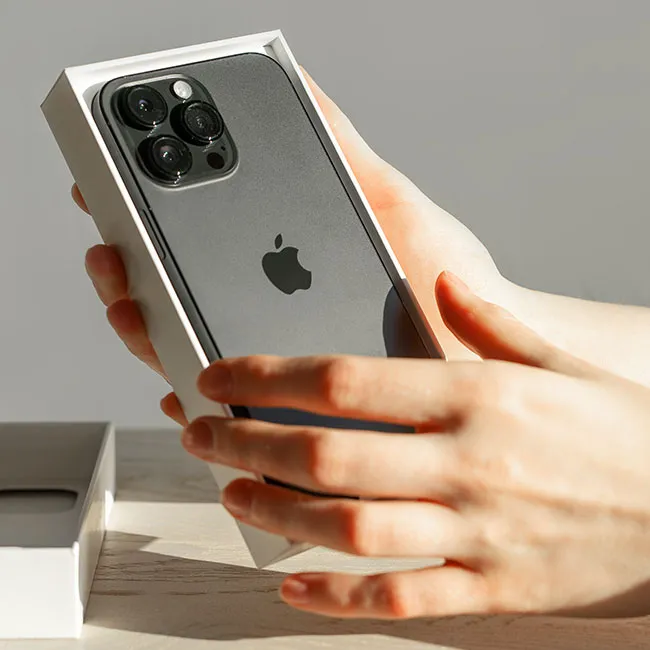
Featured image

Your iPhone is packed with powerful features designed to make life easier, but some of those same features can put your privacy at risk. A few default settings may be sharing more information than you’re comfortable with, from location data to app tracking. But don’t worry: a few small tweaks can make a big difference in protecting your personal information.

By changing the way you use just three specific iPhone settings, you can take control of your privacy and feel more confident that your data is staying where it belongs (with you). Keep yourself safer by reviewing these settings to review and making simple adjustments.

house unit img
Women Are Swapping Their Boring Water For This Ice Pop Electrolyte Mix!
iphone-significant-locations

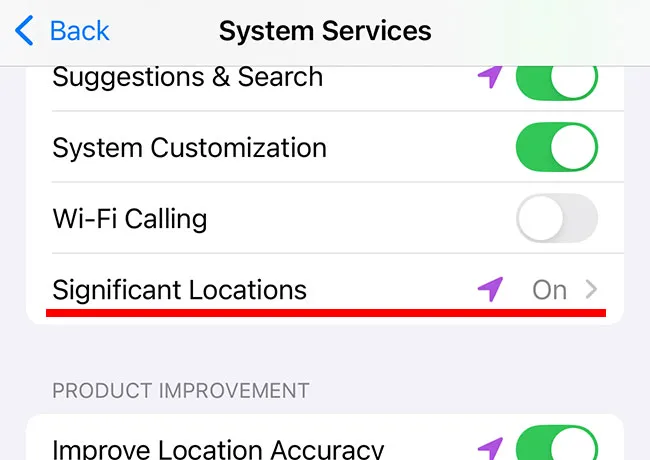
1. Significant Locations


Your iPhone keeps track of places you visit most often through a feature called Significant Locations. While this is meant to personalize services, like predicting your commute time or suggesting nearby restaurants, it also means your phone is logging a detailed map of your movements, often without you even realizing it. Even though this data is stored locally, it can still pose a privacy risk, especially if someone get ahold of your device.


To minimize this risk, you can turn off Significant Locations. Go to Settings > Privacy & Security > Location Services > System Services > Significant Locations, and toggle it off.
iphone-disable-location-services

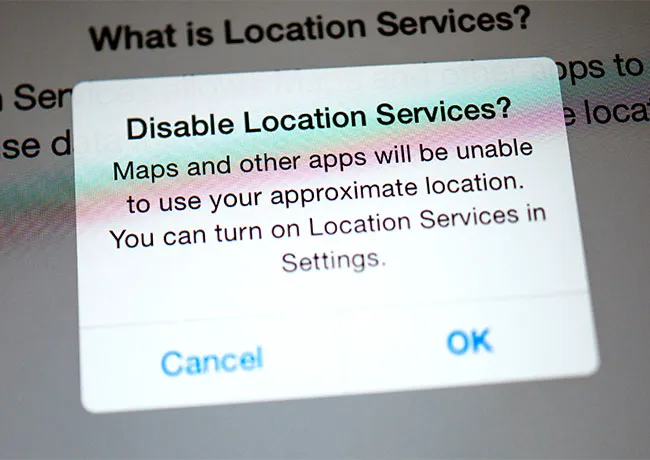
2. Location Services


Location Services control which apps can access your real-time location. But many apps request this permission even when they don’t really need it, and allowing unnecessary apps to track your location can drain your battery and expose more of your personal data to companies.


To regain control over your location information, head to Settings > Privacy & Security > Location Services and review the list of apps that may have access to your location. For each one, choose “While Using the App,” “Ask Next Time,” or “Never” depending on your comfort level.
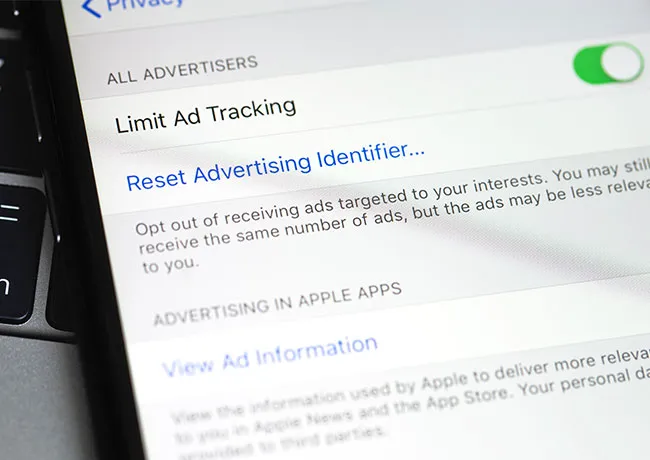
iphone-ad-tracking

3. App Tracking Transparency


Apple’s App Tracking Transparency feature gives you the option to block apps from tracking your activity across other apps and websites, which is great for privacy. When this setting is enabled, apps can’t use your data to profit from targeted ads. But if you’ve previously allowed tracking (knowingly or not), advertisers may still be collecting and sharing your data.


Go to Settings > Privacy & Security > Tracking and make sure “Allow Apps to Request to Track” is turned off. This prevents apps from even asking to track you going forward.


Author:

Lisa Fogarty is a lifestyle writer and reporter based in New York who covers health, wellness, relationships, sex, beauty, and parenting.

Middle-aged woman enjoying a glass of wine at home.
Best beauty deals on Amazon for Prime Day shoppers.
Ariana Grande at the Golden Globes, stunning red carpet look.
Kylie Jenner's Met Gala 2025 outfit featuring sophisticated black tailoring.
Woman applying sunscreen for sun protection and skincare.
Taylor Swift and Travis Kelce together at an event.
Healthy seeds, not pastries, promoting nutritious snacking choices.
Ivanka Trump and Jared Kushner at a public appearance.
Bad Bunny at the Grammy Awards red carpet.
iPhone charging plugged into a laptop for convenience.
iPhone settings screen showing charging options and battery status.
Trendy Italian bob hairstyle that’s popular this summer.
Angelina Jolie receiving the Trophee Chopard award.
Selena Gomez at the Rare Impact Fund Benefit gala.
Pool lounger with cocktail and trail mix for relaxation.
Brad Pitt and Ines de Ramon at the F1 premiere.
Queen Camilla with Prince Harry and Meghan Markle.
Travis Kelce and Taylor Swift at an event.
Barack Obama with Michelle, Malia, and Sasha Obama.
Amazon Prime Day week logo on smartphone and laptop screens.
Middle-aged woman enjoying a glass of wine at home.
Best beauty deals on Amazon for Prime Day shoppers.

Beauty

Prime Day is basically a holiday for anyone who's ...

Ariana Grande at the Golden Globes, stunning red carpet look.
Kylie Jenner's Met Gala 2025 outfit featuring sophisticated black tailoring.
Woman applying sunscreen for sun protection and skincare.
Taylor Swift and Travis Kelce together at an event.
Healthy seeds, not pastries, promoting nutritious snacking choices.
Ivanka Trump and Jared Kushner at a public appearance.
Bad Bunny at the Grammy Awards red carpet.
iPhone charging plugged into a laptop for convenience.
iPhone settings screen showing charging options and battery status.
Trendy Italian bob hairstyle that’s popular this summer.
Angelina Jolie receiving the Trophee Chopard award.
Selena Gomez at the Rare Impact Fund Benefit gala.
Pool lounger with cocktail and trail mix for relaxation.
Brad Pitt and Ines de Ramon at the F1 premiere.
Queen Camilla with Prince Harry and Meghan Markle.
Travis Kelce and Taylor Swift at an event.
Barack Obama with Michelle, Malia, and Sasha Obama.
Amazon Prime Day week logo on smartphone and laptop screens.

Fashion

This summer, I might be shopping for more clothes and ...