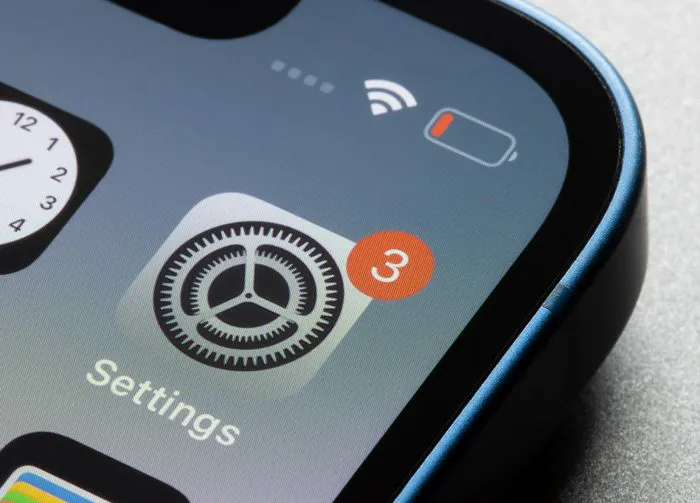
If a tech expert offered three ways to quickly help boost your iPhone battery, you’d probably take those steps, right? Your phone battery is an important factor when it comes to the longevity of your device, so figuring out the best ways to reduce the impact your phone’s apps and settings have on the battery can help save you frustration in the short term and money in the long run. Not to mention: how nice would it be to not have to scramble for a charger every hour?
Some of the iPhone settings you have enabled are taking up considerable battery resources.
Before you make any adjustments to the settings, it is recommended that you go to Settings > Battery and scroll down to see which apps are taking up the most battery power (check your battery activity over the past 10 days). Since every iPhone user is different, the settings that are taking up the most battery may not be the same for everyone. Generally speaking, here are three iPhone settings that Apple experts say you should never have on if you want a long-lasting battery.

Women Are Swapping Their Boring Water For This Ice Pop Electrolyte Mix!
2. Adjust Exposure
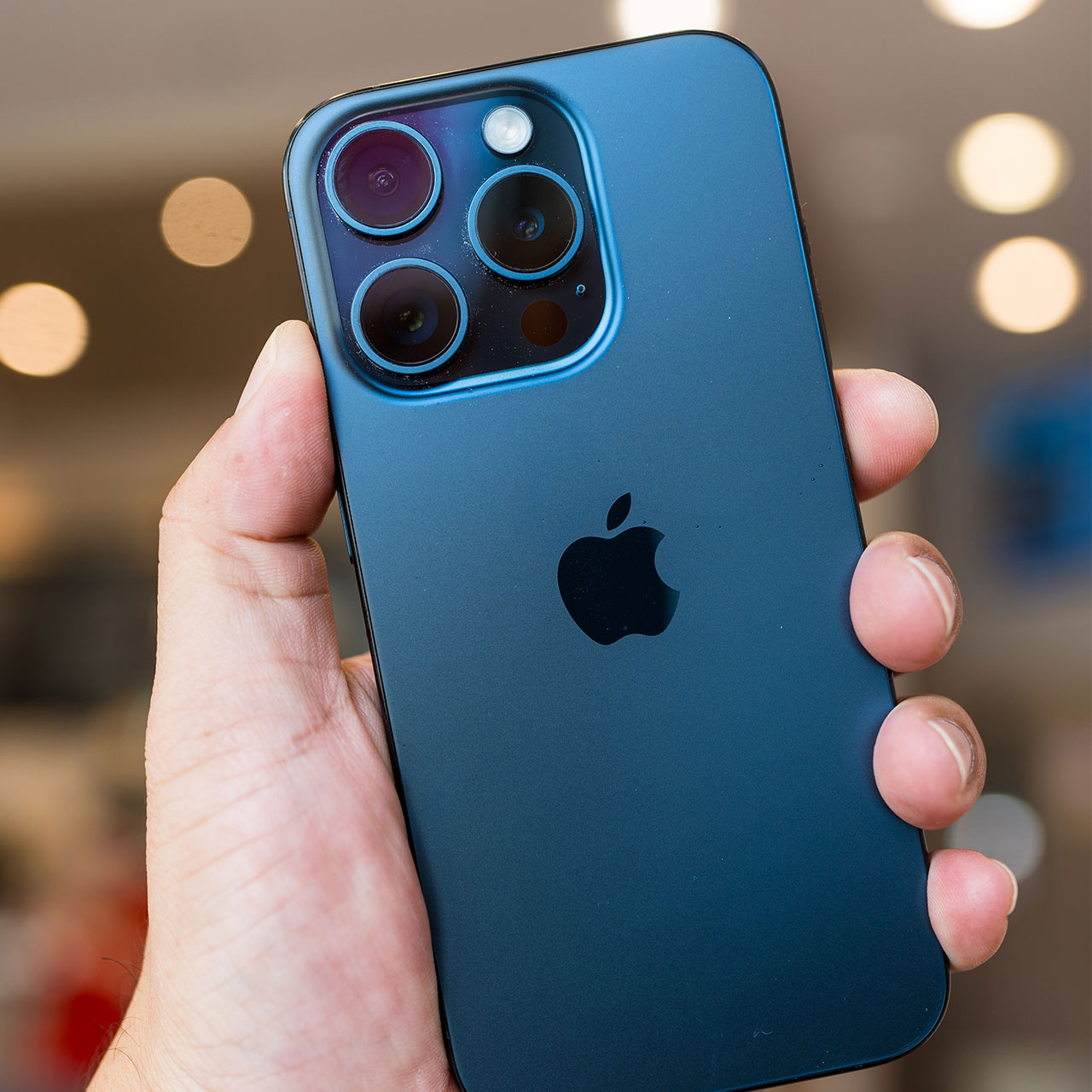
Unless you’re shooting photos in a controlled environment like a studio, with professional lighting, you can’t always control the light that is highlighting your subject. Light can make or break any photo, which is why it’s so helpful to adjust the exposure on your camera setting so that it’s perfect for each photo you take. Adjusting the exposure helps ensure your photos aren’t too dark or too light.
To adjust the exposure while snapping a photo, go to the camera app and tap on the area of the screen where you’d like your focus to be. A small sun icon with a vertical slider will appear at the bottom of your screen. Slide this up or down to adjust the exposure. You can also lock the exposure by pressing and holding the area that you tapped until you see “AE/AF Lock” pop up on your screen.
2. Auto-Lock
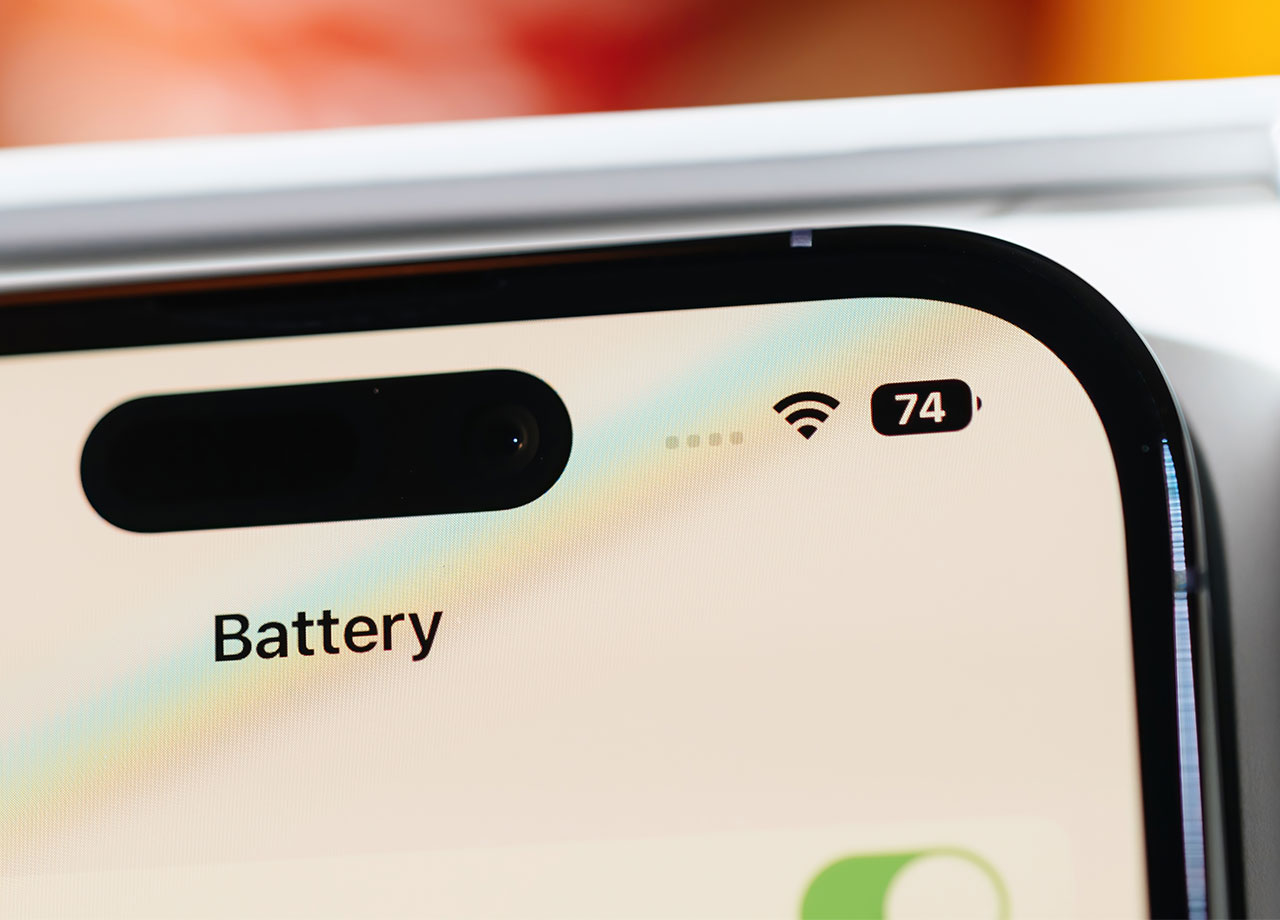
The Auto-Lock setting on your iPhone determines how long your phone’s screen will stay on before it blanks out (saving you battery). This setting gives you a few options. You can choose among 30 seconds and between 1-5 minute intervals. You can even choose “never,” which is not recommended if your goal is to conserve battery power. Setting this to a shorter auto-lock interval conserves battery and can help protect your security — if you’re at a restaurant, for example, it becomes less easy for someone to pick up your phone and access your data if the screen is locked.
To adjust this setting, go to Settings > Display & Brightness > Auto-Lock.
3. Turning Off 5G
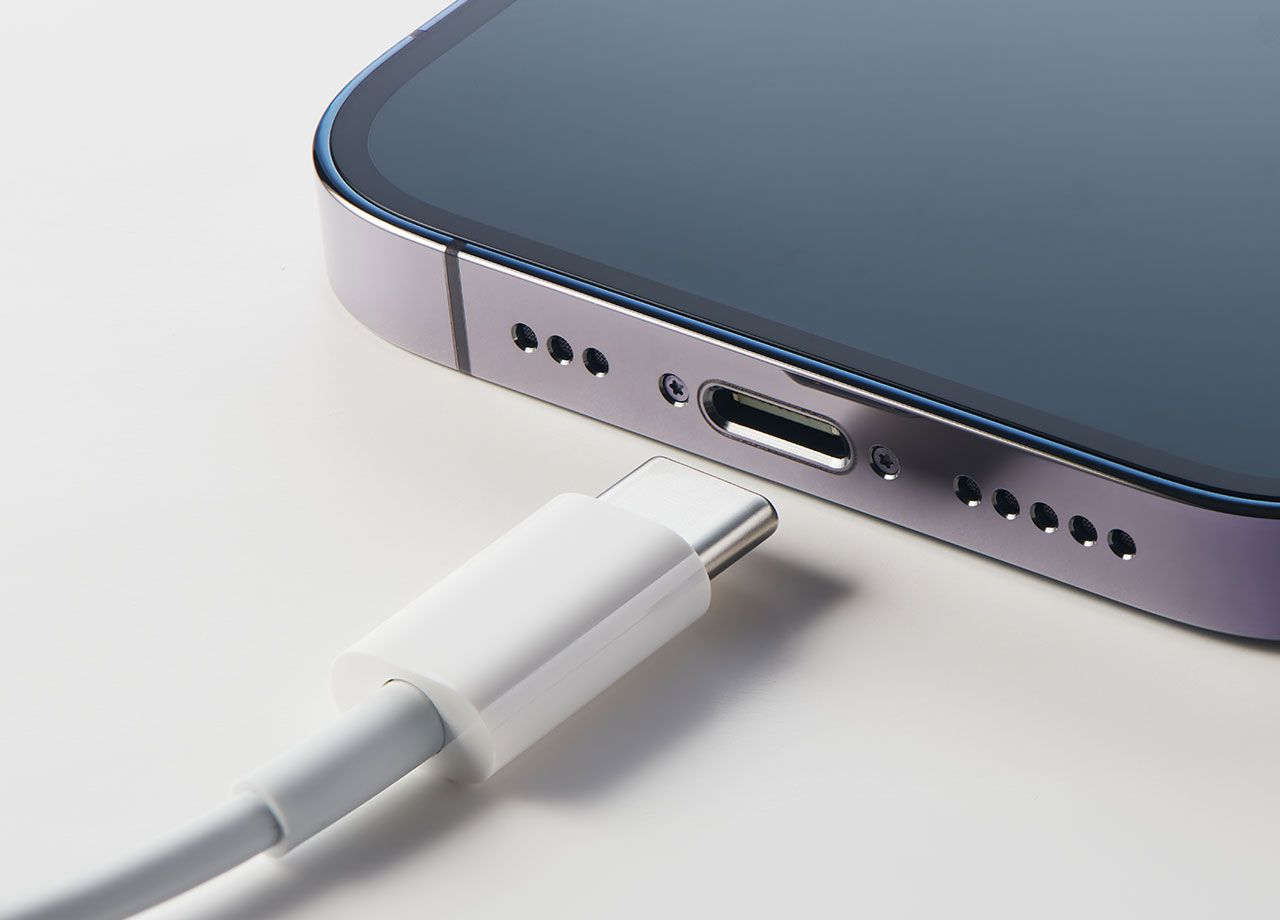
When you compare 4G to 5G, 5G takes up so much more battery power. Depending on your phone provider, it may not even be necessary to use 5G all of the time because your phone could be speedy enough as it is. To turn off 5G, go to Settings > Cellular > Cellular Data > Voice & Data. From here you can choose your preferred networks. Switching to 4G LTE is the option that disables 5G and can boost your battery power.