






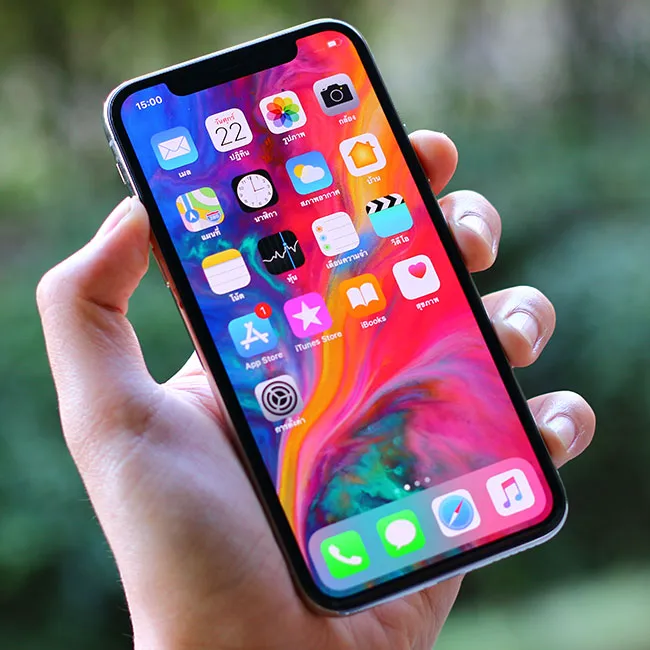
A number of the pre-installed apps on your iPhone take up some storage space, but not nearly enough for them to be problematic. If you don’t use them, the Stocks or Compass apps, for example, can be deleted from your life in order to make more room on your phone. But doing so won’t make much of a dent when it comes to boosting your storage capabilities and making your phone run faster and more efficiently.
However, there are three specific pre-installed apps that you might not even think of as “pre-installed” and these are big storage suckers. You can’t delete these apps, nor would you want to. But you can take the following steps to minimize how much storage space they consume.

Women Are Swapping Their Boring Water For This Ice Pop Electrolyte Mix!
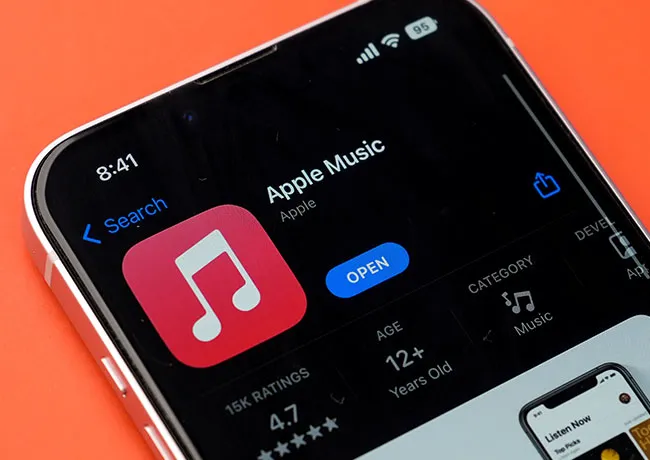
1. Apple Music
Apple Music takes up a lot of storage space, but it’s an app that many of us deem one of the most important. If you download music for offline listening or allow cached data to build up, this app can take up a significant amount of space. Some ways you can reduce the impact it has on your storage include: removing music that you’ve downloaded and no longer want by heading to Settings > General > iPhone Storage > Music. Tap on Edit and delete what no longer serves you. You can’t clear cache, but you can offload the app by going to Settings > General > iPhone Storage > Music > Offload App — this move still retains your Apple Music data. Limit automatic downloads by going to Settings > Music and disabling Automatic Downloads.
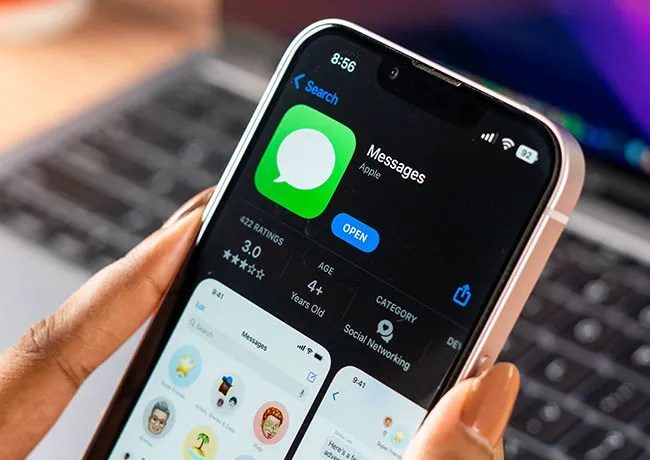
2. iMessages
Even though texts take up storage space when they accumulate, it’s really the number of images, GIFs, and media files that are sent in those texts that take up storage quickly. The best thing you can do to limit the storage it consumes is to delete large attachments. Go to Settings > General > iPhone Storage > Messages. You’ll see options that include Photos, Videos, GIFs and Stickers, and Documents. Tap on each to review them and delete in bulk to get ready of these large attachments.
3. Photos
Photos and video are among the biggest offenders when it comes to storage space consumption. Enabling iCloud Photos with “Optimize iPhone Storage” is step number one: this stores your full-resolution photos and videos in iCloud, while smaller versions stay on your phone (and this reduces the space they take up). Enable this by going to Settings > Photos > toggle on iCloud Photos > select Optimize iPhone Storage. Delete any photos you no longer need and remove duplicate photos on your phone by opening Photos > Albums > Utilities > Duplicates. Merge duplicates to reduce storage space.



















