Jennifer Lopez shines in balloon-sleeved blouse at American Music Awards.
Emma Stone at the Annual Actor Awards event.
Salma Hayek in a lavender gown at the Breakthrough Prize Ceremony.

Homepage

Tech Experts Reveal The Secret iPhone Settings For Better Performance & Battery Life

February 25, 2025 by Lisa Cupido
shefinds | Homepage
Featured image

We hear a lot about iPhone settings that you should disable for a faster phone and better performance—settings like Push Notifications and Background App Refresh are better disabled if you’re concerned about battery power or are experiencing a lagging phone. But what about those settings that you should leave turned on for the sake of your phone’s performance? A few of your iPhone settings are here to help: they can improve your battery performance, limit the amount of time you’re waiting patiently for web pages to load, and just make your overall iPhone experience so much better.

Your only job is to know which of these settings is important and ensure they are always enabled. Here are two setting that Apple wants you to keep on—and you’ll really see an improvement in your device as a result of enabling them.

house unit img
Women Are Swapping Their Boring Water For This Ice Pop Electrolyte Mix!
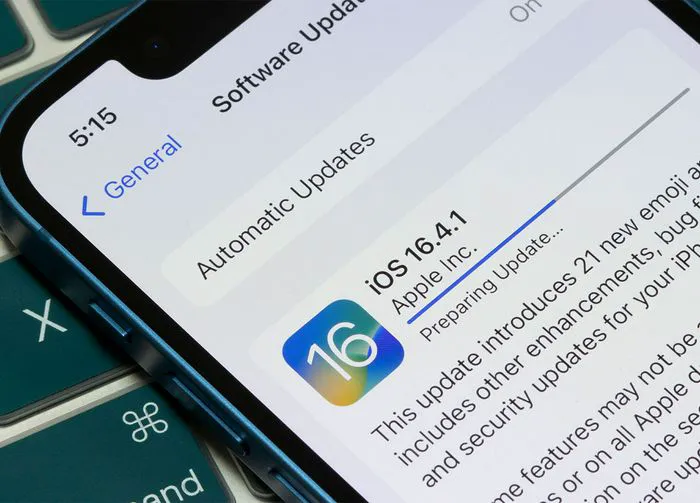
iphone-software-update

1. Automatic Software Updates


It’s really important to keep on top of software updates for a few reasons. For starters, not updating your software leaves you more vulnerable to bugs and issues that developers have uncovered with past software. Not fixing these bugs can result in security issues for you, and it can also make your phone run less efficiently. It isn’t always easy to remember to update software, though — you’re busy enough as it is. That’s why the Automatic Software Updates setting is so convenient: it will automatically download and install software updates when they become available. This is usually done overnight, when your phone is being charged.


To enable this setting, go to Settings > General > Software Update > Automatic Updates > enable Automatic Updates.
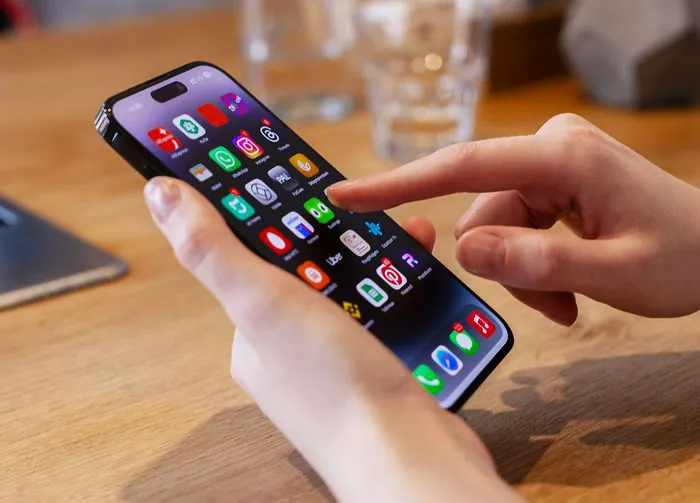
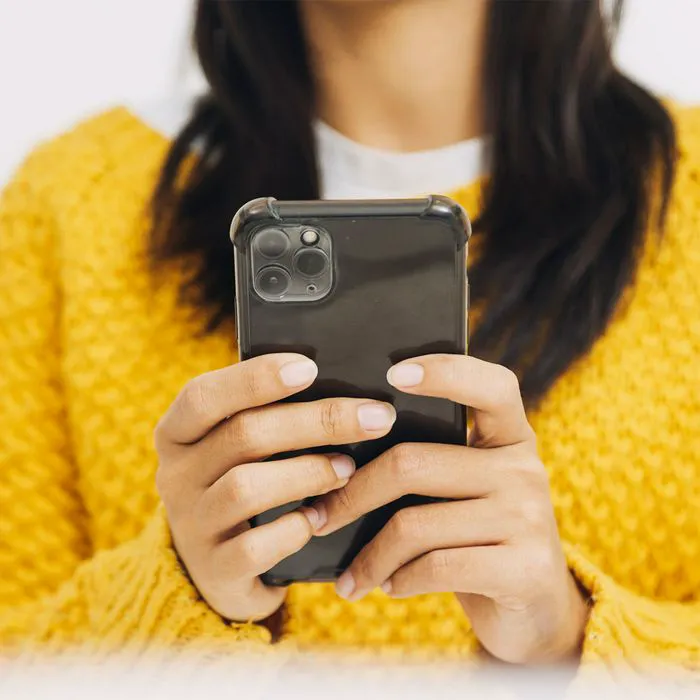
person-using-iphone

2. Optimized Battery Charging


You can rely on your iPhone to actually learn your charging habits and adjust how slowly or quickly it charges your battery so that your charging sessions can be more efficient. Optimized Battery Charging keeps your phone from charging to 100 percent too rapidly, and it aims to keep it at 80 percent until right before you’re about to discharge your phone from its charger. It learns this behavior over time, by simply monitoring how and when you charge your phone. It’s a great setting to have enabled that can great improve the lifespan of your phone’s battery.


To enable it, go to Settings > Battery > Battery Health & Charging > Optimized Battery Charging.

Author:

Lisa Fogarty is a lifestyle writer and reporter based in New York who covers health, wellness, relationships, sex, beauty, and parenting.

Middle-aged woman enjoying a glass of wine at home.
Best beauty deals on Amazon for Prime Day shoppers.
Ariana Grande at the Golden Globes, stunning red carpet look.
Kylie Jenner's Met Gala 2025 outfit featuring sophisticated black tailoring.
Woman applying sunscreen for sun protection and skincare.
Taylor Swift and Travis Kelce together at an event.
Healthy seeds, not pastries, promoting nutritious snacking choices.
Ivanka Trump and Jared Kushner at a public appearance.
Bad Bunny at the Grammy Awards red carpet.
iPhone charging plugged into a laptop for convenience.
iPhone settings screen showing charging options and battery status.
Trendy Italian bob hairstyle that’s popular this summer.
Angelina Jolie receiving the Trophee Chopard award.
Selena Gomez at the Rare Impact Fund Benefit gala.
Pool lounger with cocktail and trail mix for relaxation.
Brad Pitt and Ines de Ramon at the F1 premiere.
Queen Camilla with Prince Harry and Meghan Markle.
Travis Kelce and Taylor Swift at an event.
Barack Obama with Michelle, Malia, and Sasha Obama.
Amazon Prime Day week logo on smartphone and laptop screens.
Middle-aged woman enjoying a glass of wine at home.
Best beauty deals on Amazon for Prime Day shoppers.

Beauty

Prime Day is basically a holiday for anyone who's ...

Ariana Grande at the Golden Globes, stunning red carpet look.
Kylie Jenner's Met Gala 2025 outfit featuring sophisticated black tailoring.
Woman applying sunscreen for sun protection and skincare.
Taylor Swift and Travis Kelce together at an event.
Healthy seeds, not pastries, promoting nutritious snacking choices.
Ivanka Trump and Jared Kushner at a public appearance.
Bad Bunny at the Grammy Awards red carpet.
iPhone charging plugged into a laptop for convenience.
iPhone settings screen showing charging options and battery status.
Trendy Italian bob hairstyle that’s popular this summer.
Angelina Jolie receiving the Trophee Chopard award.
Selena Gomez at the Rare Impact Fund Benefit gala.
Pool lounger with cocktail and trail mix for relaxation.
Brad Pitt and Ines de Ramon at the F1 premiere.
Queen Camilla with Prince Harry and Meghan Markle.
Travis Kelce and Taylor Swift at an event.
Barack Obama with Michelle, Malia, and Sasha Obama.
Amazon Prime Day week logo on smartphone and laptop screens.

Fashion

This summer, I might be shopping for more clothes and ...