



Tired woman showing effects of lack of sleep.
Delicious banana nice cream dessert for healthy eating.
Jennifer Lopez stunning in Defaience at AMAs 2025.

Homepage

4 Settings Apple Experts Say You Should Change ASAP For A Faster-Running iPhone

May 10, 2025 by Lisa Cupido
shefinds | Homepage
Featured image

Want a faster iPhone that doesn’t take forever to load pages and get things done when you need them done? You may have to change a few settings — nothing major, we promise — and there’s a good chance you won’t even notice that anything is different. These four settings are to blame for battery depletion, and with battery depletion (and storage issues) comes a slower phone.

The best solution is to disable or adjust these settings and see if it helps to make a difference. Apple experts are in agreement that changing these four settings can take your phone from slow as honey to speedy.

house unit img
Women Are Swapping Their Boring Water For This Ice Pop Electrolyte Mix!
notifications-iphone

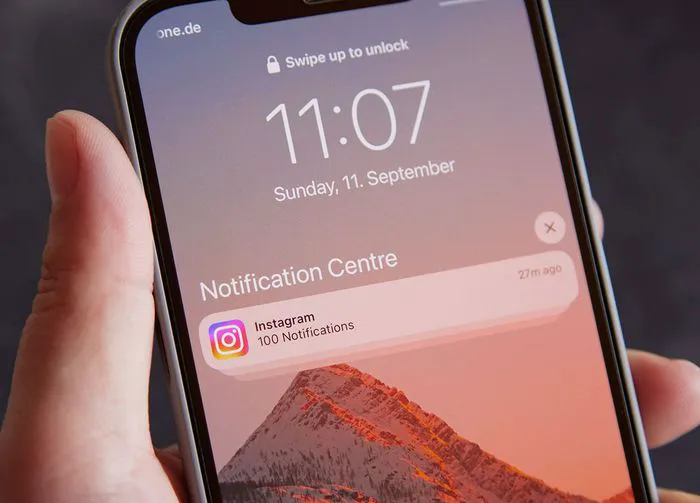
1. Notifications


When apps are enabled to send you push notification in order to alert you to new content or messages you’ve received, they are required to stay active in the background, and this takes up a lot of your phone’s resources and battery power. You can disable push notifications by going to Settings > Notifications > select the app you want to manage > toggle Off.
background-app-refresh

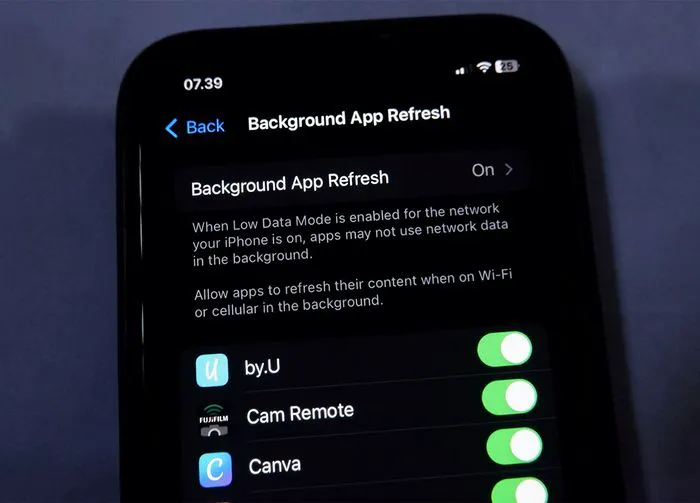
2. Background App Refresh


Background App Refresh is a nice idea in theory. This settings consistently updates your apps so that they run in the background and maintain fresh content at all times. There will never be a moment where you have to wait to get the latest content from a news source or social media app. But, as you can imagine, this puts a strain on your phone and battery. Go to Settings > General > Background App Refresh > tap this again at the top and then turn it off.
screen-brightness

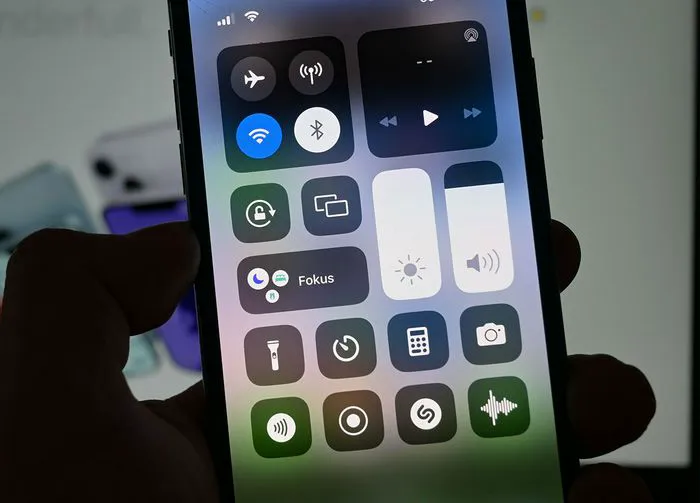
3. Screen Brightness


An overly bright screen may be easier to read and scroll, but it’s killing your phone battery. Go to Settings > Display & Brightness > drag the Brightness slider as far down as you can to eliminate some of the battery strain it has on your device.
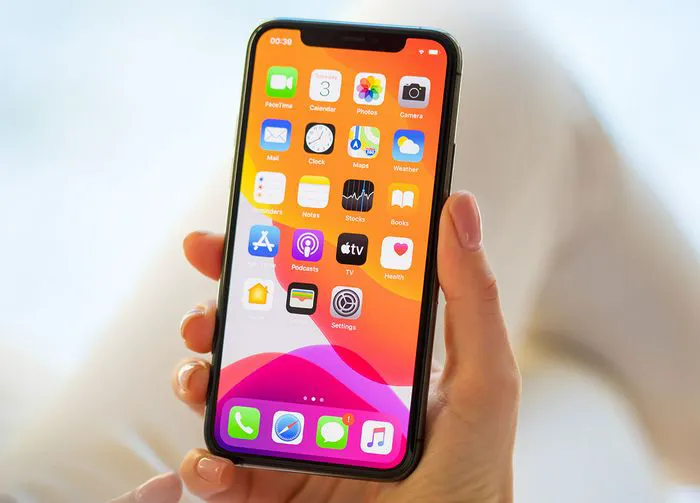
woman-using-motion-effects-iphone

4. Motion Effects


Motion effects on the iPhone, such as parallax, animations, and transitions, use GPU resources and can slow down your phone and make it lag. Disable the setting by going to Settings > Accessibility > Motion > Reduce Motion.


Author:

Lisa Fogarty is a lifestyle writer and reporter based in New York who covers health, wellness, relationships, sex, beauty, and parenting.

Image from SHEfinds
Image from SHEfinds
Middle-aged woman enjoying a glass of wine at home.
Image from SHEfinds
Image from SHEfinds
Kylie Jenner's stylish black outfit at Met Gala 2025.
Image from SHEfinds
Taylor Swift and Travis Kelce together in candid moment.
Healthy seeds instead of pastries for nutritious snacking.
Ivanka Trump and Jared Kushner at social event.
Bad Bunny performing at the Grammy Awards.
iPhone charging plugged into a laptop for power.
iPhone settings displayed while charging.
Exploring the Italian bob hair trend for summer 2023
Angelina Jolie receiving The Trophee Chopard Award.
Selena Gomez at Rare Impact Fund Benefit event.
Pool lounger with cocktail and trail mix from Aldi.
Brad Pitt and Ines de Ramon at F1 World Premiere.
Queen Camilla with Prince Harry and Meghan Markle.
Travis Kelce and Taylor Swift sharing a moment together.
Image from SHEfinds
Image from SHEfinds
Middle-aged woman enjoying a glass of wine at home.
Image from SHEfinds

Beauty

Prime Day is basically a holiday for anyone who's ...

Image from SHEfinds
Kylie Jenner's stylish black outfit at Met Gala 2025.
Image from SHEfinds
Taylor Swift and Travis Kelce together in candid moment.
Healthy seeds instead of pastries for nutritious snacking.
Ivanka Trump and Jared Kushner at social event.
Bad Bunny performing at the Grammy Awards.
iPhone charging plugged into a laptop for power.
iPhone settings displayed while charging.
Exploring the Italian bob hair trend for summer 2023
Angelina Jolie receiving The Trophee Chopard Award.
Selena Gomez at Rare Impact Fund Benefit event.
Pool lounger with cocktail and trail mix from Aldi.
Brad Pitt and Ines de Ramon at F1 World Premiere.
Queen Camilla with Prince Harry and Meghan Markle.
Travis Kelce and Taylor Swift sharing a moment together.

















