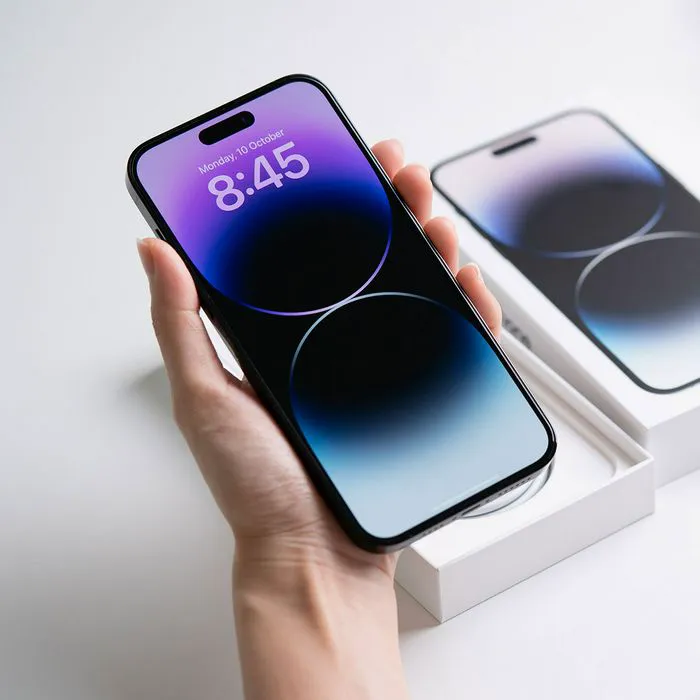
Is there anything more wasteful than a perfectly good iPhone that boasts a perfectly weak battery? You’ll know you have one of those when your phone refuses to hold a charge for longer than a few hours (or less!) or can’t be trusted to stay charged when you’re using your device for Zoom calls, to play games with intense graphics, and more.
Luckily, if you are running iOS 18, there are a few setting you can change that may help:
Try adjusting these four settings on your phone to get a longer-lasting battery.

Women Are Swapping Their Boring Water For This Ice Pop Electrolyte Mix!
1. Raise to Wake
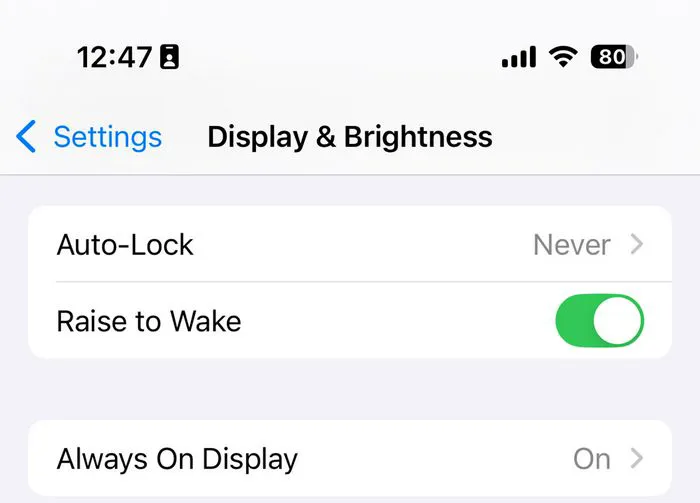
When your screen is constantly bright and “on,” you risk running your battery into the ground. The brighter your screen, the more battery it consumes, and there’s no good reason why it should lit up when you’re not even using your device. The Raise to Wake setting activates your screen only when you physically pick it up, and all of the other times, it turns to dark to conserve battery power.
Enable Raise to Wake by going to Settings > Display & Brightness > Raise to Wake.
2. Allow Audio Playback
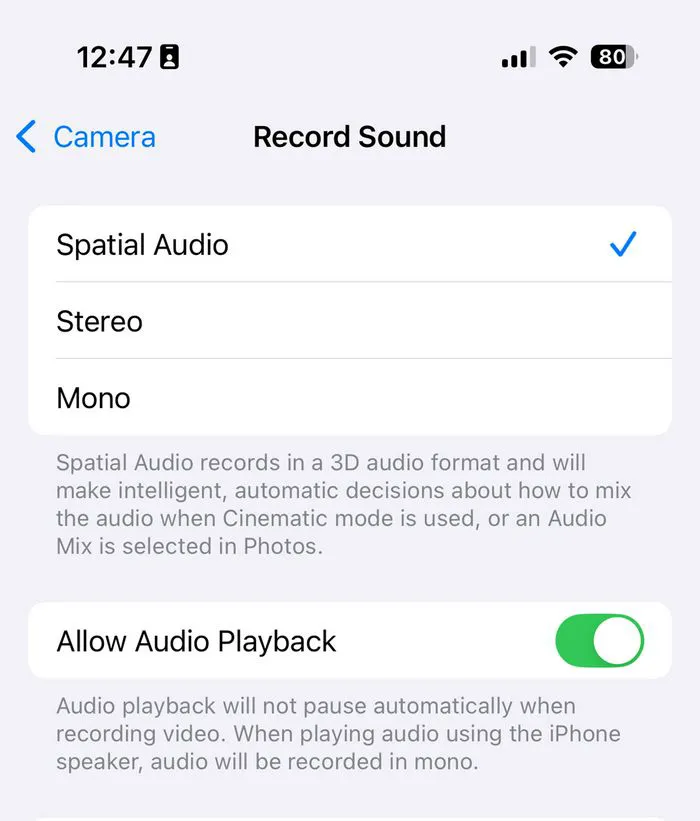
When you enable Allow Audio Playback on your phone, your iPhone’s screen doesn’t have to be unlocked for you to play music or stream podcasts. This can help your phone battery since an active screen takes up battery power. To enable this feature, go to Settings > Focus > Do Not Disturb > under the Allowed Notifications section, tap Apps. Make sure your music and podcasts apps are allowed.
3. Adjust Charge Limit
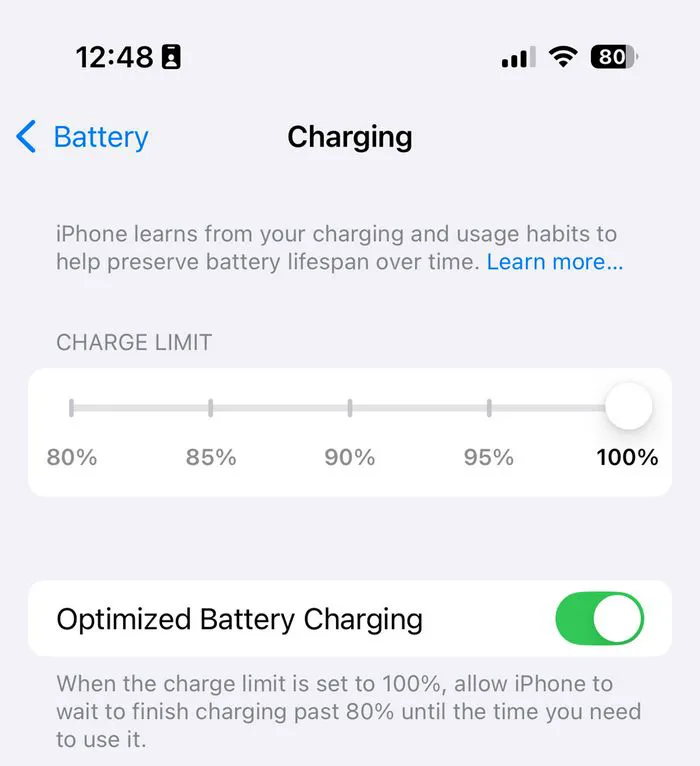
This feature is only available for iPhone 15 and up. “It’s going to prolong your iPhone battery lifespan,” according to Tech Expert Steven Lim. When this is enabled, it limits the maximum charge your iPhone will allow to 80 percent and not all the way to 100 percent. Over time, this can help your battery maintain its charge because charging it to 100 percent for extended periods can lead to battery degradation.
To enable this setting, go to Settings > Battery > Battery Health & Charging > enable Optimized Battery Charging > under this you’ll see an option for Adjust Charge Limit.
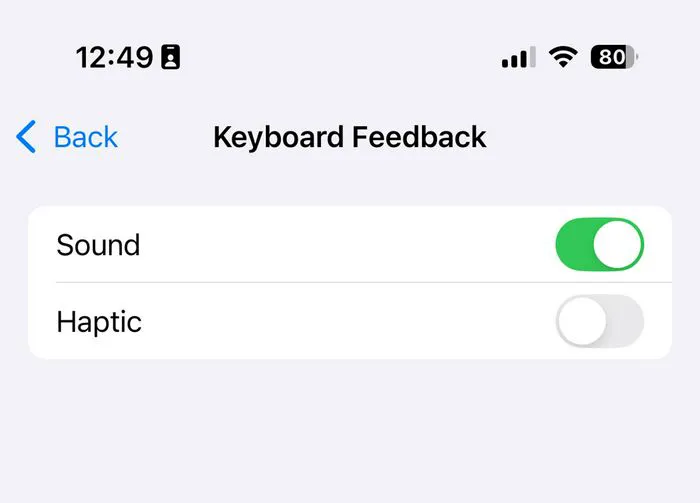
4. Sound & Haptic Feedback
When you’re doing all that you can to conserve battery power, turning off Sound & Haptic feedback can help because these feature increase the amount of processing power your phone needs (in order to produce audio). Tinkering with these features won’t save a ton of battery, but if your motto is every bit helps, turning off these features can reduce power consumption.
Go to Settings > Sounds & Haptics > under Keyboard Feedback, toggle off Sound and Haptic.