



Stylish car fragrance diffuser in sleek sneaker design
Pouring Vitamin D oil into palm for health benefits
Comparing cooking spray and olive oil for healthy cooking

Homepage

3 Settings Every iPhone User Should Turn Off Because They're Slowing Down Your Phone

May 25, 2025 by Lisa Cupido
shefinds | Homepage
Featured image

Imagine a world in which your phone doesn’t lag every time you use it. You type an email and the keyboard follows your commands. You try to download an app and it’s ready to use in less than an hour. Sounds like a pipe dream? Deleting a few settings that may be stalling your phone can help.

These three settings take up a lot of your phone’s resources. They can be important and convenient to keep on at certain times, but the battery power and storage they consume isn’t worth it. Turn them off (or change how you use them) and benefit from a faster-running phone.

house unit img
Women Are Swapping Their Boring Water For This Ice Pop Electrolyte Mix!
background-app-refresh

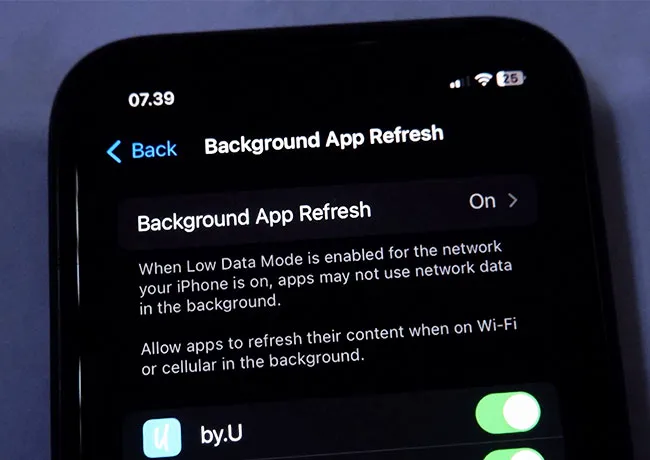
1. Background App Refresh


Background App Refresh is a convenient setting that gives apps permission to update their content in the background. That means it uses up significant battery power to keep apps fetching mail, syncing your data, and refreshing content, even when you aren’t using them. The obvious benefit — that your content is fresh the second you click on the app and there’s no waiting around — doesn’t always outweigh the negative side to this setting.


Background App Refresh can slow down your device because it makes your phone’s CPU work harder and uses up RAM memory. Go to Settings > General > Background App Refresh and turn it off completely or limit it.
location-services

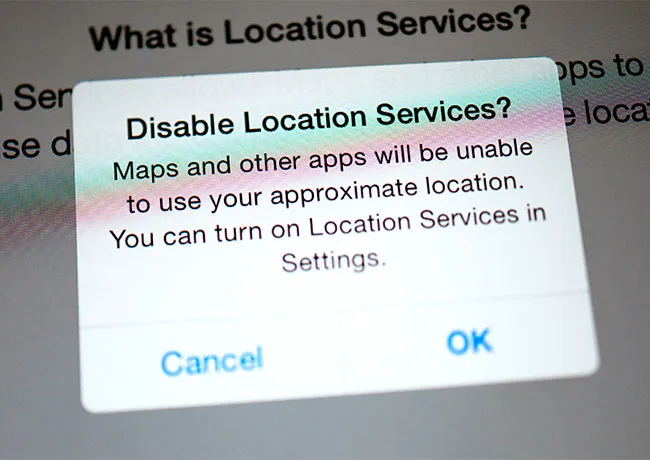
2. Location Services


Some apps, like maps and weather apps, will need your location in order to perform their regular duties. But your phone’s battery usage increases when it uses GPS, Wi-Fi, Bluetooth, and mobile networks to constantly track your position. You can limit the number of apps that have access to location and help give your phone a boost by going to Settings > Privacy & Settings > Location Services > Scroll down and set individual app permissions to Never, Ask Next Time, While Using, or Always.

iphone-push-notifications

3. Push Notifications


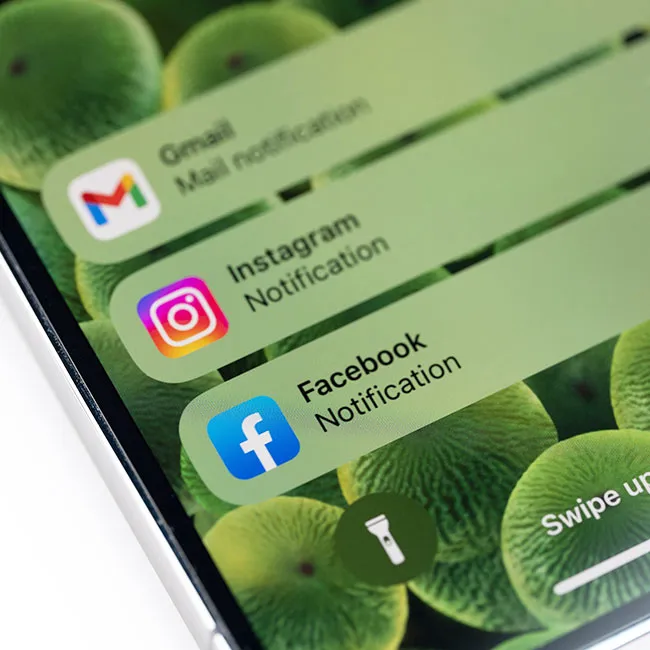
When Push Notifications is turned on for apps, you’ll never miss an opportunity to learn about a new message or post that might interest you. But keeping up to date at all times will cost major battery power and can lag your screen. Manage notifications (or turn them off completely for the sake of your phone and peace of mind) by going to Settings > Notifications > toggle Allow Notifications off.


Author:

Lisa Fogarty is a lifestyle writer and reporter based in New York who covers health, wellness, relationships, sex, beauty, and parenting.

Catherine, Princess of Wales, at a wreath-laying service.
Harper Beckham at the Netflix premiere of 'Victoria Beckham.'
Woman texting on her smartphone, capturing a candid moment.
Hailey Bieber showcasing haircuts for fine hair.
Shania Twain at Universal Music Group's Grammy Awards after-party.
Kim Kardashian at the TIME100 Gala in glamorous outfit
Older woman taking supplements with water for health.
Ivanka Trump with Tiffany, Kai, and Bettina Trump
Donald Trump at UFC Freedom 250 wrestling event
Catherine, Princess of Wales, at RHS Wellbeing Garden visit
Wavy beach tote bag and shell napkin holder on display.
Taylor Swift performing at the MTV Video Music Awards
Gavin Newsom and Karen Bass at a public event
Beautifully designed chiffon nails in vibrant colors.
Amy Adams with Aviana and Scarlett Johansson at premiere
Traditional Brazilian dish featuring rice, beans, and chicken.
Kylie Jenner with kids Stormi and Aire enjoying family time
Android phone showcasing diverse applications for user engagement.
Catherine Zeta-Jones at Ant-Man and the Wasp UK screening
Handful of various health supplements for daily use.
Catherine, Princess of Wales, at a wreath-laying service.
Harper Beckham at the Netflix premiere of 'Victoria Beckham.'
Woman texting on her smartphone, capturing a candid moment.
Hailey Bieber showcasing haircuts for fine hair.
Shania Twain at Universal Music Group's Grammy Awards after-party.
Kim Kardashian at the TIME100 Gala in glamorous outfit
Older woman taking supplements with water for health.
Ivanka Trump with Tiffany, Kai, and Bettina Trump
Donald Trump at UFC Freedom 250 wrestling event
Catherine, Princess of Wales, at RHS Wellbeing Garden visit
Wavy beach tote bag and shell napkin holder on display.
Taylor Swift performing at the MTV Video Music Awards
Gavin Newsom and Karen Bass at a public event
Beautifully designed chiffon nails in vibrant colors.
Amy Adams with Aviana and Scarlett Johansson at premiere
Traditional Brazilian dish featuring rice, beans, and chicken.
Kylie Jenner with kids Stormi and Aire enjoying family time
Android phone showcasing diverse applications for user engagement.
Catherine Zeta-Jones at Ant-Man and the Wasp UK screening
Handful of various health supplements for daily use.

















