






When your iPhone is sluggish, it seems like every single feature on it suffers. Your apps can take longer to download, open, and update with the latest content. When you try to type, your keyboard may lag and it can take time for the words to catch up with your thoughts. Webpages can take forever to load, streaming movies and TV shows may require a lesson in patience, and you may even notice your phone getting warmer than usual and its battery not charging as fast as it used to charge.
A super-slow phone can inspire you to run to the Apple Store and buy the latest model, even if you don’t need one. The only thing you may actually need is to disable a few settings that are taking up storage space and running your battery down faster than usual. Start with these three settings that could be contributing to a slower phone.

Women Are Swapping Their Boring Water For This Ice Pop Electrolyte Mix!
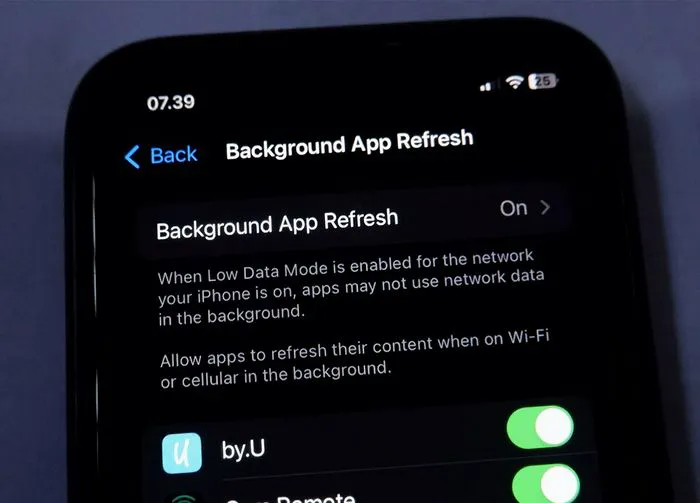
1. Background App Refresh
The Background App Refresh setting refreshes your content in the background when you’re not using the app. This means the second you click on an app like Instagram or Facebook, all of the most updated, freshest content is right there waiting for you at the top — with no need to wait for new updates.
But this convenience comes at a price: the setting consumes processing power and uses RAM, which can slow down your device. To turn off the setting, go to Settings > General > Background App Refresh. Turn this setting off or select Wi-Fi.
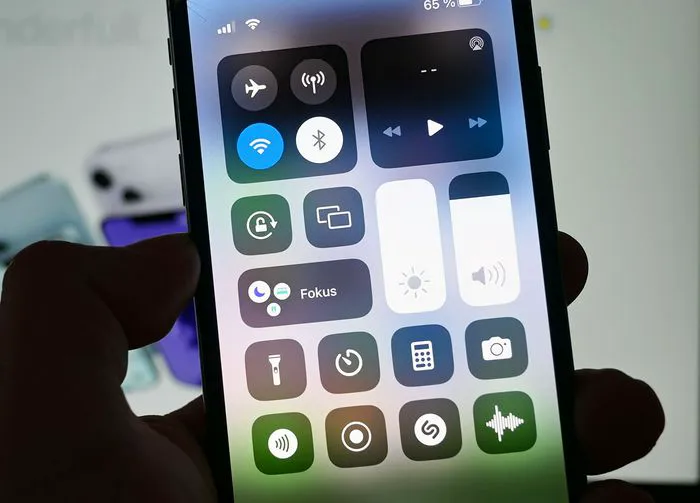
2. Screen Brightness
A too-bright iPhone screen can indirectly cause throttle performance, which slows down the device’s CPU and GPU. But the big reason why an overly bright screen can mess with your phone is that it takes up a lot more battery power, and this can make it more difficult to maintain a phone charge for longer periods of time. To control your iPhone screen brightness, go to Settings > Display & Brightness > drag the brightness slider down.
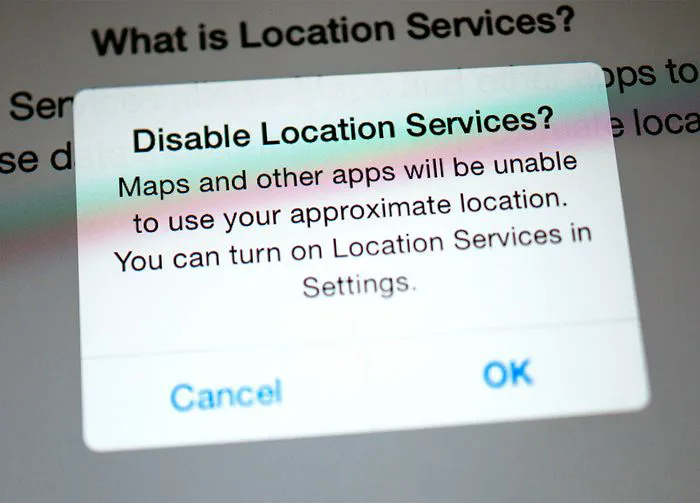
3. Location Services
Location Services allows apps to use GPS, Wi-Fi, and Bluetooth to find your location. This can be helpful for apps such as Maps and Weather, but also means your phone is working more in the background than it needs to, and this can slow down your device. Go to Settings > Privacy & Security > Location Services. Here you have the option of turning off Location Services completely or setting it to different settings depending on the app. For example, you can set it to Never, Ask Next Time, While Using the App, or Always.



















