




Every time you leave the house and connect to a new WiFi network you are opening yourself up to being more vulnerable to a security breach, especially if you don’t know or trust the network. Yet, avoiding new WiFi hook-ups is easier said than done — especially when you need to pull up directions on your phone or search for the address to a store or business pronto. There’s no need to leave anything up to chance, though. By taking control of a certain WiFi setting, you can help avoid security and privacy breaches. This is the surprising WiFi setting you need to turn off immediately, according to tech experts.
Adjust Autojoin Hotspots
The number one way you can protect yourself in the face of strange Wifi settings is to adjust your “Autojoin Hotspots” option. “Wi-Fi vulnerabilities are among the most exploited iPhone breaching methods,” says Alina Clark, co-founder of CocoDoc. “Unfortunately, your own iPhone settings may be acting as the gateway to getting your phone hacked, and losing your data if that happens.”

Women Are Swapping Their Boring Water For This Ice Pop Electrolyte Mix!
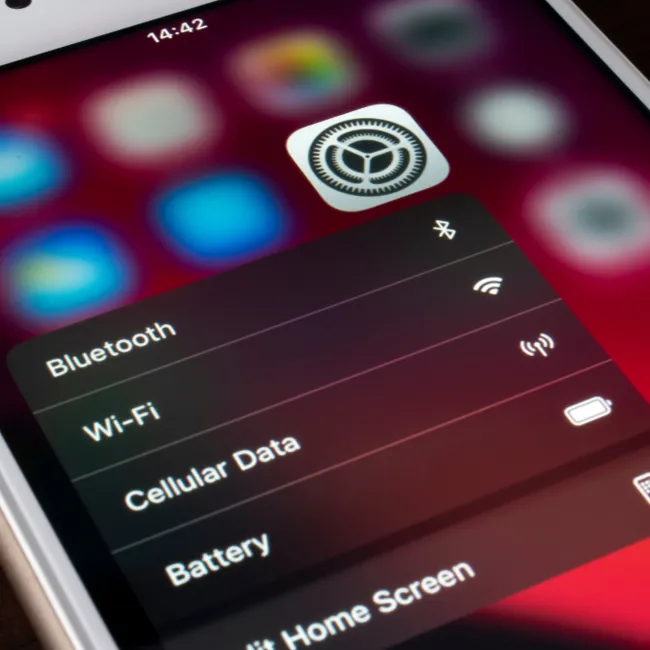
According to Clark, changing your Wi-Fi settings to lock your public Wi-Fi networks can save you a lot of trouble if you're thinking about your security. “It may be the most cliched security hack in the world, but it still remains true,” Clark says. “To think of it, public Wi-Fi connections are common grounds for hackers because they're just that, open and accessible for everyone.”
In order to change the Wi-Fi-related settings, Clark says you need to go through the “Wi-Fi” settings, click on “Ask To Join Networks” and “Autojoin hotspots” are make sure that both set to “Ask/ Ask to join “for both options shown.
“These two settings allow you to bridge the security gap that can be exploited when your phone joins a public network without your knowledge,” Clark says. “Spoofing and iPhone hacking happen quite frequently when you join networks without intending to. It also helps you avoid those instances where hackers will set up an open hotspot just to harvest data from all the phones that connect to the hotspot.”
Turn off any unnecessary location services on your iPhone
And while you are adjusting your Wifi settings, tech experts say another setting to change is Location Services. Go to Settings > Privacy > Location Services and while looking through your list of apps, locate any that specify “Always.” To prevent this app from accessing your location, change it to “Never.” These simple and effective setting adjustments will immediately boost your security and privacy.