




Chic hairstyles for women over 50 in 2026.
Donald Trump discussing maternal healthcare initiatives.
Queen Camilla and Kate Middleton at a royal event.

Tech

The One Mistake You’re Making That’s KILLING Your iPad Lifespan

December 12, 2018 by Justine Schwartz
shefinds | Tech
Featured image

In a perfect world, our tech devices would last forever. You could spend $800 on a new iPad or iPhone, and you would be able to enjoy it for the rest of your adult life. Or at least, as long as you enjoy a mattress or car. Of course, this is simply not the case–iPads and iPhones begin to wear down after a few short years. Analysts say that iPad are good for about 4 years and three months, on average. That is not a long time.

And if it’s not the hardware that gets you, it’s the iOS. Everyone dreads that day when your device is no longer compatible with software updates. And then you’ve got yourself an expensive paper weight on your hands.

house unit img
Women Are Swapping Their Boring Water For This Ice Pop Electrolyte Mix!

Person using an iPad for lifestyle content creation.

But there are some tricks and tips for making your iPad last longer. Extending the lifespan of your device will save you literally hundreds of dollars per year. So, listen up!


We asked an expert: what are the mistakes we're making on a daily basis that cut ours short?
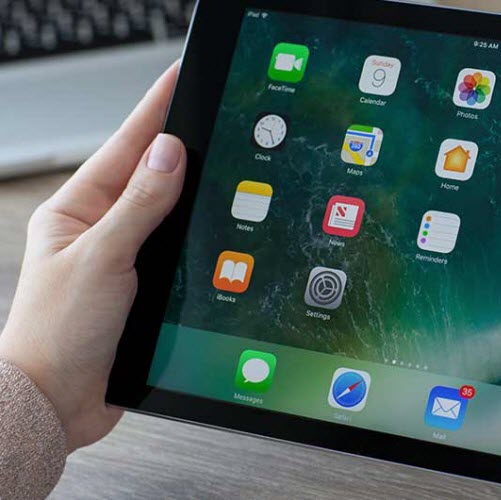
Close-up of an iPad showcasing its sleek design.

"Not turning off notifications for most apps," Derek Meister, Geek Squad Agent at Best Buy tells us. "Notifications may sometimes be misused to update you on information you don't really need outside of the app, or may even be used to advertise features or services of the app. Turn them off to improve the quality of both your and your battery's life."
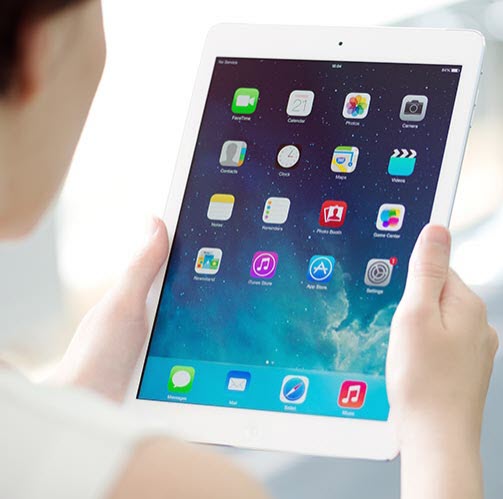
iPad device on a stylish surface for tech enthusiasts.

But that's not all. "Also, bring your device in from the car," he advises. "High temps during the summer, as well freezing cold in the winter, may affect your device's (and battery) lifespan. Your user manual will have more info on the recommended temperature range."


So--there you have it. Two easy changes you can make right away that will extend the life of your iPad.


Author:

Editorial Director

Justine Schwartz is a veteran women's lifestyle editor; she's written extensively about style & beauty tips, health advice and wedding planning. Her work has appeared in New York Magazine, Huffington Post and New York Weddings. Justine has been with SheFinds since 2010; you can reach her via email at Justine@shefinds.com.

iPhone 17 on table with modern aesthetics.
Woman using laptop while relaxing at home.
Smartphone connected to charger on a desk.
Various iPhone apps displayed on a smartphone screen.
Close-up of male hands holding an Apple iPhone 17 Pro Max.
User interacting with an iPhone in a casual setting.
Close-up of a hand holding an iPhone with visible apps.
Woman texting on a smartphone outdoors.
Android phone displaying various applications on screen.
Samsung Galaxy Z Flip 7 smartphone in a stylish setting.
Woman in jeans enjoying a fresh summer watermelon salad.
Person holding Android phone displaying various apps.
iPhone 14 showcasing multiple applications on screen.
iPhone screen showing charging settings menu.
Sony WH-CH720N headphones with iPad and laptop.
User interacting with an iPhone device.
iPhone displaying a selection of apps.
Notification of iPhone storage being full.
Individual holding an iPhone in hand.
iPhone home screen displaying popular applications.
iPhone 17 on table with modern aesthetics.
Woman using laptop while relaxing at home.
Smartphone connected to charger on a desk.
Various iPhone apps displayed on a smartphone screen.
Close-up of male hands holding an Apple iPhone 17 Pro Max.
User interacting with an iPhone in a casual setting.
Close-up of a hand holding an iPhone with visible apps.
Woman texting on a smartphone outdoors.
Android phone displaying various applications on screen.
Samsung Galaxy Z Flip 7 smartphone in a stylish setting.
Woman in jeans enjoying a fresh summer watermelon salad.
Person holding Android phone displaying various apps.
iPhone 14 showcasing multiple applications on screen.
iPhone screen showing charging settings menu.
Sony WH-CH720N headphones with iPad and laptop.
User interacting with an iPhone device.
iPhone displaying a selection of apps.
Notification of iPhone storage being full.
Individual holding an iPhone in hand.
iPhone home screen displaying popular applications.

















