

<link rel="stylesheet" href="https://www.shefinds.com/wp-content/themes/shefinds_14/custom-content-builder/styles/ccb-frontend.min.css?ver=1.0.10"> Apple Experts Explain Why Turning Off This Setting Can ‘Help You ... Skip to main content
Shakira at Zootopia 2 premiere in a stunning outfit.
Meghan Markle at the Lost Screen Memorial event.
Kai Trump and Donald Trump at NBA Finals event

Homepage

Apple Experts Explain Why Turning Off This Setting Can 'Help You Save A Lot Of Battery Life'

September 2, 2024 by Lisa Cupido
shefinds | Homepage
Featured image

What is the one complaint that seems to be universal amongst iPhone users?

The need to charge your device 10 times a day due to rapid battery drainage seems to be way up there.

There are a few factors that contribute to faster battery drainage, including the age of your phone and battery. But if your phone isn’t a decade old and you still experience slowness and a diminishing battery that can’t retain its charge for most of the day, it’s time to consider the settings and apps on your device. We already know some apps are resource-intensive monsters that consume battery — apps like Facebook and TikTok, for example. But some lesser known settings on your phone are also the cause of slow, silent, but steady battery drainage.

The Apple experts at Payette Forward have come up with 25 hacks that you can follow to fix your iPhone Battery. It will come as no surprise that many of them involve disabling or changing settings on your device.

Even though there are several settings worth changing, here’s one you may not know about that can cause battery loss.

house unit img
The Difference Between Dragging Through Your Day And Feeling Great On Your Feet? These Arch Support Insoles
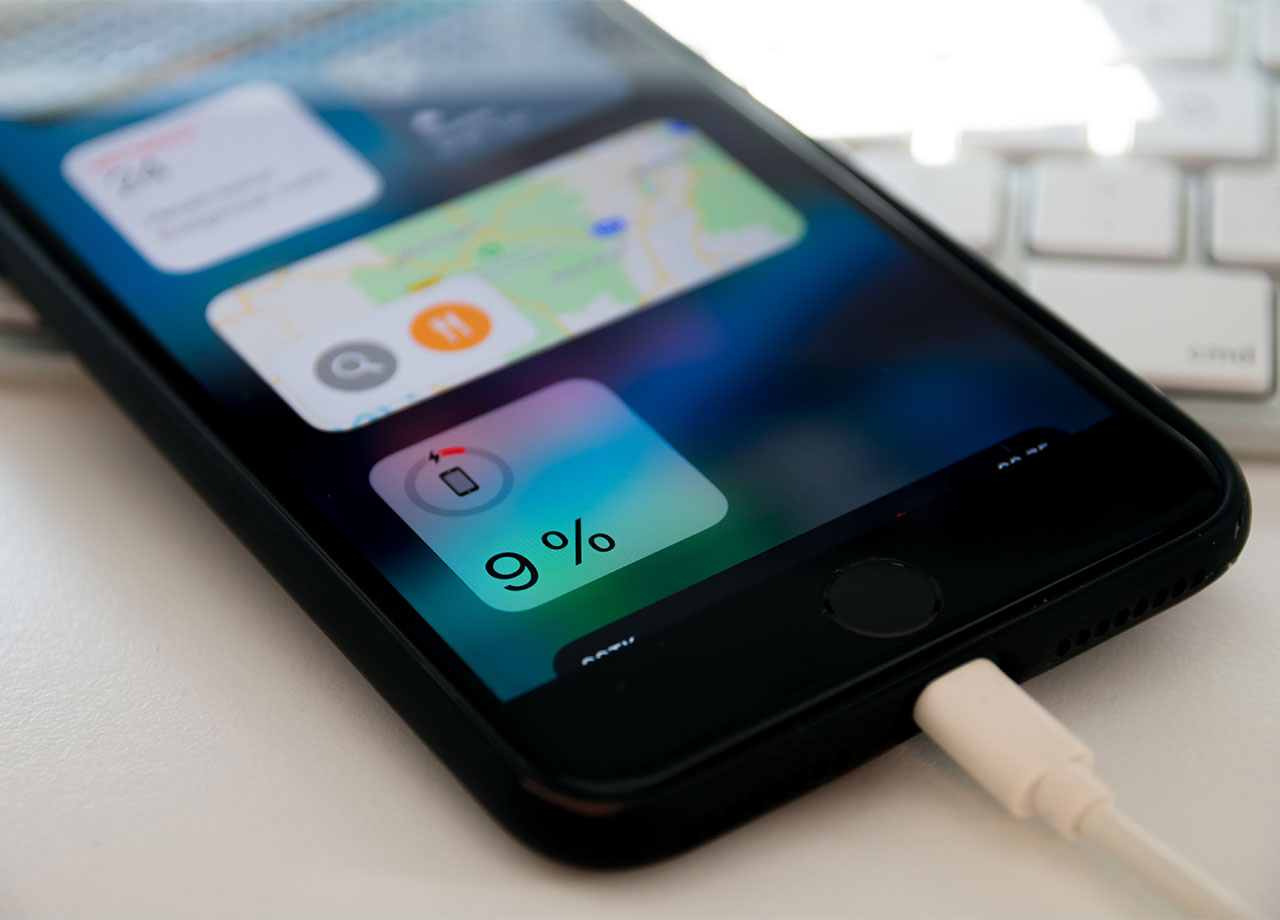
iphone-plugged-in-charger

Reduce White Point


Reduce White Point is a display setting that dims bright whites shades on your screen and makes the iPhone’s colors less intense. Changing this setting can “help you save a lot of battery,” according to the experts at Payette Forward. This setting recalibrates the brightness lighting on your iPhone, experts say, and “makes for a more pleasurable experience.”


By lowering the intensity of whiteness and light colors on your screen, it can help ease eye strain and make reading and scrolling online more comfortable. It can also help reduce glare and make texts easier to read.
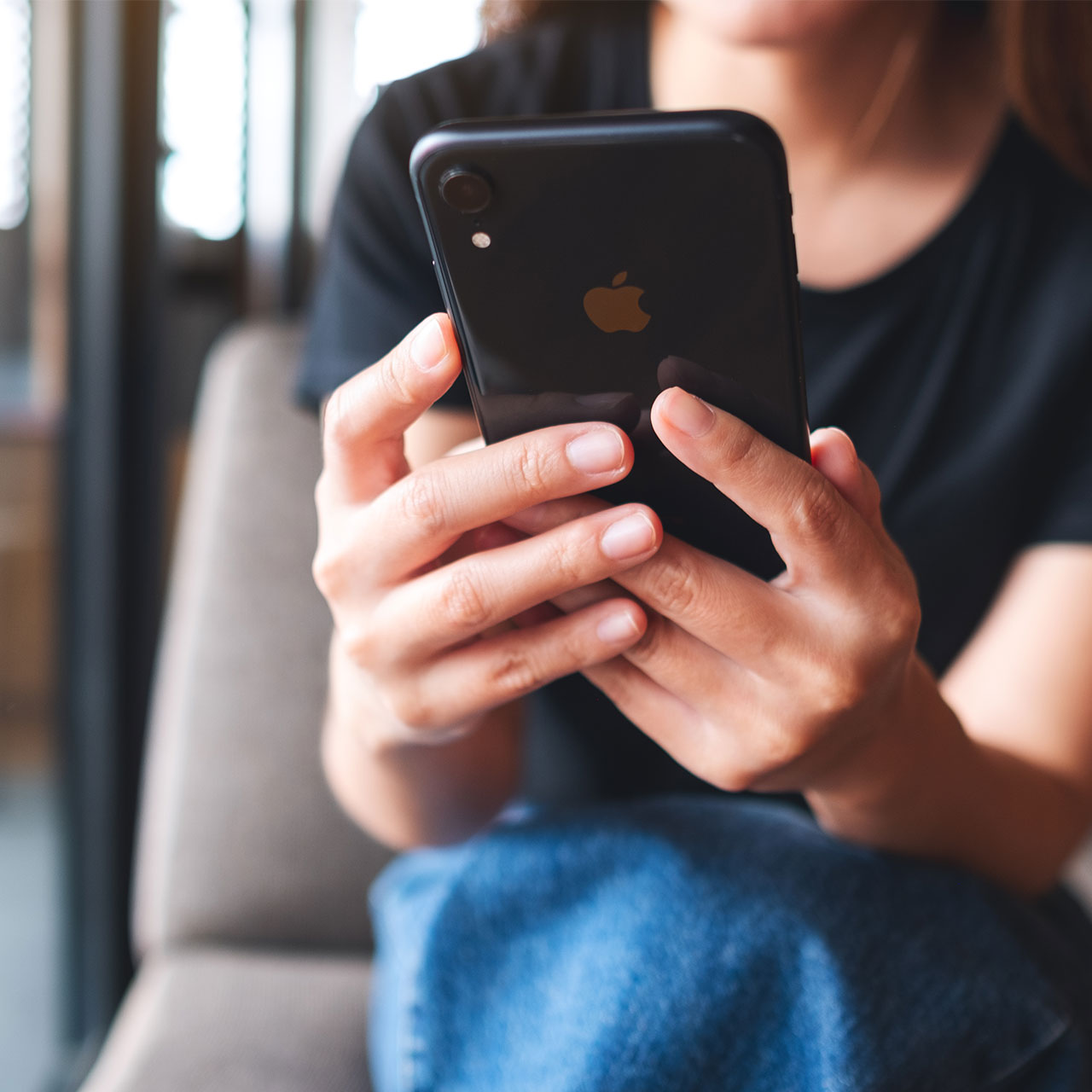
woman-sitting-chair-iphone

How To Adjust Reduce White Point


Adjusting Reduce White Point involves using a slider that allows you to control the feature so that you can determine your level of comfort with brightness and color intensity. Go to Settings > Accessibility > Display & Text Size > scroll down and toggle on Reduce White Point.


Author:

Lisa Fogarty is a lifestyle writer and reporter based in New York who covers health, wellness, relationships, sex, beauty, and parenting.

Sarah Jessica Parker showcasing the 'Quiet Silver' hair trend
Two friends discussing the 'Quiet Silver' hair trend for women over 50.
Post Malone at the 57th Annual CMA Awards showcasing his unique style.
Brad Pitt at the premiere of 'Wolfs' event.
Gisele Bündchen at the Met Gala
Ozzy and Sharon Osbourne posing together
Hairdresser giving a trendy haircut to a client
Princess Beatrice with Princess Eugenie and King Charles at an event
Bianca Censori at the 67th Annual Grammy Awards, showcasing fashion
Christina Aguilera celebrating The Abbey's 35th Anniversary Party
King Charles with Prince William and Sarah Ferguson at a gathering
Beauty tools for an at-home spa experience
Donald Trump during a news conference at Mar-a-Lago Club
Ariana Grande and Ethan Slater sharing a moment together
Nicole Kidman attending the 4th Annual Academy Museum Gala
Bill Gates with Melinda Gates at a public appearance
Vitamins and supplements displayed on a shelf
Delicious cooked salmon with rice and greens
Jaden Smith at the premiere of Focus Features' Nosferatu
Person holding smartphone displaying various apps
Sarah Jessica Parker showcasing the 'Quiet Silver' hair trend
Two friends discussing the 'Quiet Silver' hair trend for women over 50.
Post Malone at the 57th Annual CMA Awards showcasing his unique style.
Brad Pitt at the premiere of 'Wolfs' event.
Gisele Bündchen at the Met Gala
Ozzy and Sharon Osbourne posing together
Hairdresser giving a trendy haircut to a client
Princess Beatrice with Princess Eugenie and King Charles at an event
Bianca Censori at the 67th Annual Grammy Awards, showcasing fashion
Christina Aguilera celebrating The Abbey's 35th Anniversary Party
King Charles with Prince William and Sarah Ferguson at a gathering
Beauty tools for an at-home spa experience

Beauty

You know the saying, "An artist is only as good ...

Donald Trump during a news conference at Mar-a-Lago Club
Ariana Grande and Ethan Slater sharing a moment together
Nicole Kidman attending the 4th Annual Academy Museum Gala
Bill Gates with Melinda Gates at a public appearance
Vitamins and supplements displayed on a shelf
Delicious cooked salmon with rice and greens
Jaden Smith at the premiere of Focus Features' Nosferatu
Person holding smartphone displaying various apps