The Smith family at the Bad Boys premiere event.
Kourtney Kardashian at the Grammy Awards red carpet.
Katy Perry and Orlando Bloom sharing a moment together.

Homepage

3 Different iPhone Settings To Turn Off Because They’re Killing Your Battery Life

January 19, 2024 by Lisa Cupido
shefinds | Homepage
Featured image

Your iPhone is only as good as its battery. If you are seeing yourself reaching for chargers every few hours, there’s a problem — and it could stem from some of the settings on your device that take up a lot of battery power. 

While using certain apps, like Facebook or streaming services, will dwindle your battery down, you may not be aware of how much of an effect simple settings could have on your phone’s ability to keep ticking for as long as you need it to do so. Get a more efficient phone right away, like today, by simply changing these three settings. 

Screen Brightness

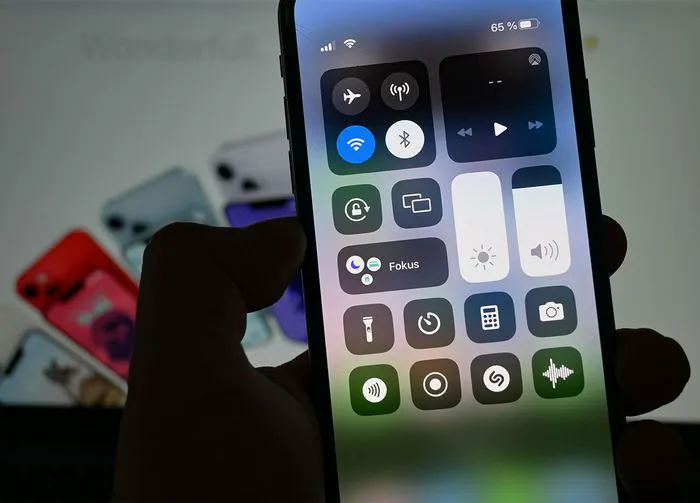
Even if you do everything else right on your phone, keeping your screen too bright will cause your battery to deplete. A too-bright phone is one of the main causes for battery loss, and you may not even be aware of how well you can function with less brightness. Go to Settings > Display & Brightness to manually turn down the brightness on your screen. Alternately, you can turn off auto-brightness by going to Settings > Accessibility > Display & Text Size and disabling Auto-Brightness.

house unit img
Women Are Swapping Their Boring Water For This Ice Pop Electrolyte Mix!
iphone-power-off

Auto-Lock Your Screen 


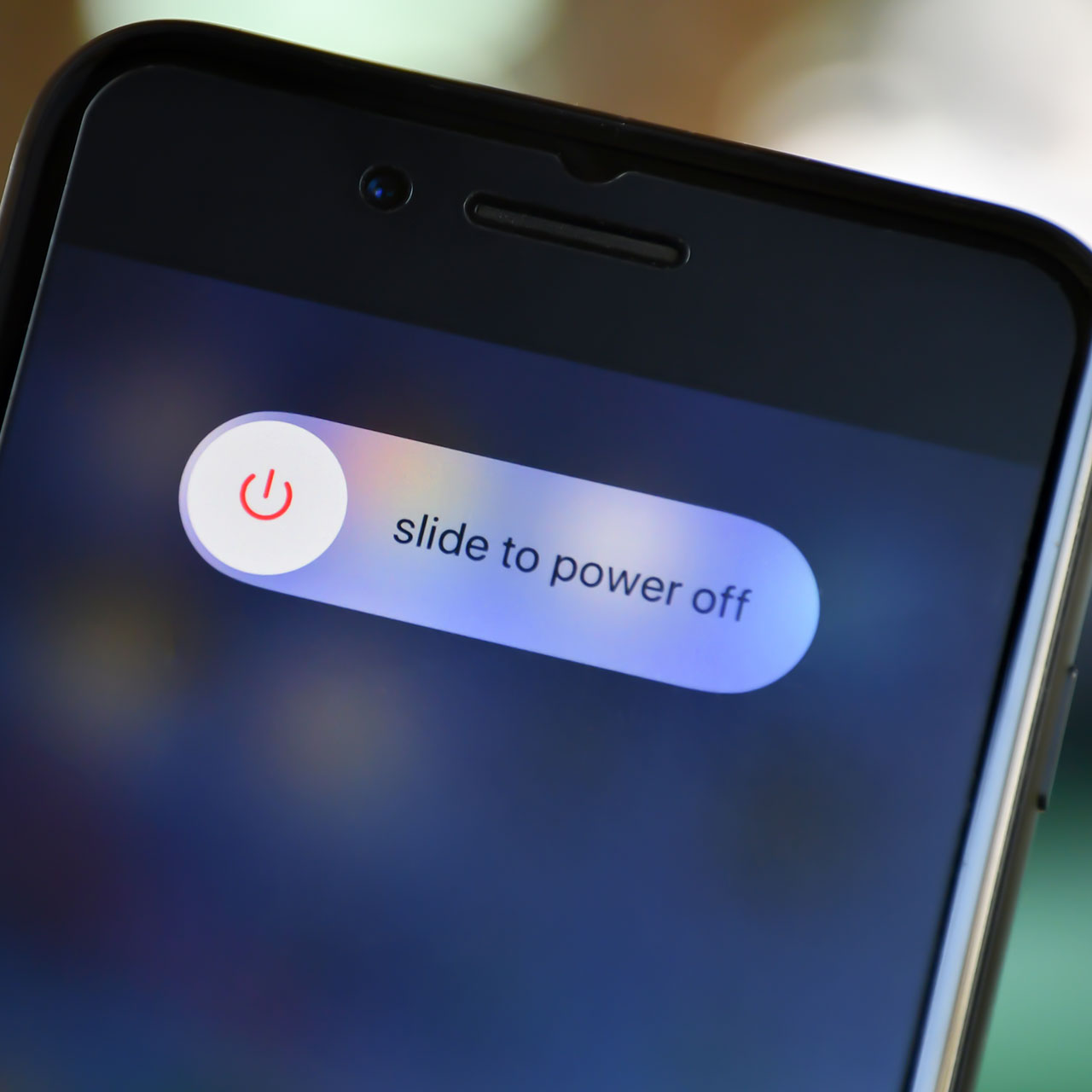
It sounds obvious and logical: the longer your phone screen is lit up, the more battery your phone consumes. With that said, your phone will continue to stay lit as long as you neglect to set auto-lock to a certain amount of time so that your phone knows to shut down when you aren’t using it for 30 seconds, 2 minutes, etc. 


To control this setting, go to Settings > Display & Brightness > Auto-Lock. 

iphone-charger-cable

Location Services 


Certain apps on your phone, like the Weather app and Apple Maps, will require location services to be enabled so that they can properly do their jobs. But the number of apps that request your location, for no practical reason, are numerous. And when your phone is accessing your location or using GPS to find directions, it’s also eating away at your battery. Head to Settings > Privacy & Security > Location Services to turn off Location Services or to adjust it so that your various apps are only able to access your location when you’re actively using them. 

Author:

Lisa Fogarty is a lifestyle writer and reporter based in New York who covers health, wellness, relationships, sex, beauty, and parenting.

Woman struggling with hair loss, looking concerned.
Woman enjoying a donut at night, cozy setting.
Bianca Censori showcasing fall/winter fashion collection.
David JD Vance and Usha Vance at Elysee Palace in Paris.
Shania Twain performing at the Annual Academy of Country Music.
Modern workspace with a person typing on a laptop.
Chic haircuts for women over 50 trending in 2026.
Donald Trump discussing maternal healthcare at a public event.
Queen Camilla and Kate Middleton attending a royal function.
Middle-aged woman engaged in a fitness routine.
Kim Kardashian at the Kering's 3rd Annual Caring for Women Dinner.
Kylie Jenner and Stormi Aire with Timothée Chalamet at an event.
Madonna at the Met Gala in a stunning outfit.
Taylor Swift arriving in a private jet in 2024.
Woman experiencing fatigue after a sleepless night.
Creamy banana nice cream topped with fresh fruit.
Jennifer Lopez in Defaience at the 2025 American Music Awards.
Vittoria Ceretti with Leonardo DiCaprio at a gala.
Emma Stone attending the Annual Actor Awards ceremony.
Salma Hayek at the 12th Annual Breakthrough Prize Ceremony.
Woman struggling with hair loss, looking concerned.
Woman enjoying a donut at night, cozy setting.
Bianca Censori showcasing fall/winter fashion collection.
David JD Vance and Usha Vance at Elysee Palace in Paris.
Shania Twain performing at the Annual Academy of Country Music.
Modern workspace with a person typing on a laptop.
Chic haircuts for women over 50 trending in 2026.
Donald Trump discussing maternal healthcare at a public event.
Queen Camilla and Kate Middleton attending a royal function.
Middle-aged woman engaged in a fitness routine.
Kim Kardashian at the Kering's 3rd Annual Caring for Women Dinner.
Kylie Jenner and Stormi Aire with Timothée Chalamet at an event.
Madonna at the Met Gala in a stunning outfit.
Taylor Swift arriving in a private jet in 2024.
Woman experiencing fatigue after a sleepless night.
Creamy banana nice cream topped with fresh fruit.
Jennifer Lopez in Defaience at the 2025 American Music Awards.
Vittoria Ceretti with Leonardo DiCaprio at a gala.
Emma Stone attending the Annual Actor Awards ceremony.
Salma Hayek at the 12th Annual Breakthrough Prize Ceremony.