






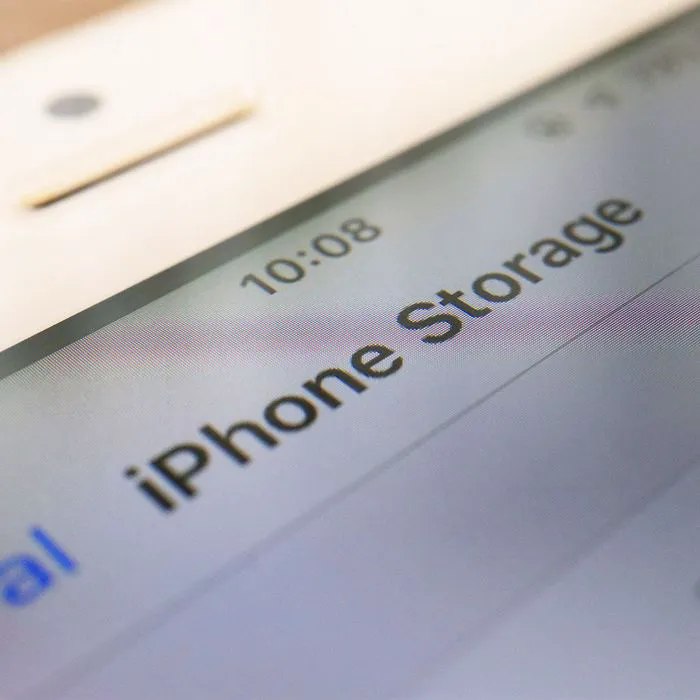
One of the biggest hassles for an iPhone user is the day that inevitably happens to us all: a pop-up appears on our devices alerting us to the fact that we’ve run out of storage.
Great, you may be thinking: now what?
Your impulse may be to throw money at it. If you just buy more storage, that should solve the problem, right? Sure, temporarily, it absolutely will. But if you continue using certain apps without taking important steps to reduce the storage space they take up, you may just end up back where you started. The trick to conserving storage space is to delete where you can. Don’t worry: this doesn’t have to be a painful exercise, either. Here are four storage-zapping apps to delete right now, according to iPhone experts.

Women Are Swapping Their Boring Water For This Ice Pop Electrolyte Mix!

Podcasts
Apple Podcasts is a fabulous app that we recommend to anyone who enjoys listening to podcasts. But it can take up so much storage space. If you never listen to a podcast, you can feel free to get rid of it and never think about it again. But if you occasionally enjoy an episode, make sure that you spend some time deleting old episodes so that they don’t accumulate on the app and needlessly take up storage space.
Photos
You aren’t going to delete your photos app, of course — but you can optimize photo storage so that it consumes less space. To do this, go to Settings > Photos > Optimize iPhone Storage and make sure it’s enabled.

Apps You Never Use
It’s tempting to think of your iPhone as storage for all of the apps that you MAY want to use at some point in the future. But the truth is: if you haven’t opened an app in six months or a year, it’s just taking up space on your device and it’s unlikely you need it. Furthermore, apps that you don’t use are likely not being regularly updated. When an app is outdated, it poses more of a risk because it can contain bugs and other issues that affect your device. Just delete it.
Netflix
We picked out Netflix, but this one applies to all apps that allow you to stream media like TV shows and movies: they are among the most storage-zapping apps out there. It’s important to periodically delete old files from these apps so that they don’t stick around on your device taking up space. Go to Settings > General > iPhone Storage. Search for streaming apps like Netflix and Hulu and look up storage information about the app. Here you’ll see a section of offline videos you have downloaded — make sure you delete them.
These four storage-zapping apps don’t necessarily need to be deleted, but they should always be maintained to help keep your phone running efficiently.



















