


A slow iPhone is a giant pain — there’s no other way to put it. When your phone is lagging, it can take a million years (or so it seems) to do normal things like download apps, call up website pages, and more. But you shouldn’t have to settle for a phone that doesn’t work to its capacity. Instead, focusing on five apps that are known for affecting your phone’s speed can help a great deal.
Before you rush off to the Apple Store or throw out your device and spend money on a brand new one, try changing these five settings on the iPhone to help bring it up to speed.
Turn Off Low Power Mode
Are you sure your iPhone isn’t set to Low Power Mode? It’s so easy to turn the helpful setting on and then promptly forget it’s on. Although Low Power Mode is excellent for stalling your phone a bit and giving you more time before you have to charge it, this setting also limits what you’re able to do on your phone and can slow it down.

Women Are Swapping Their Boring Water For This Ice Pop Electrolyte Mix!

Storage
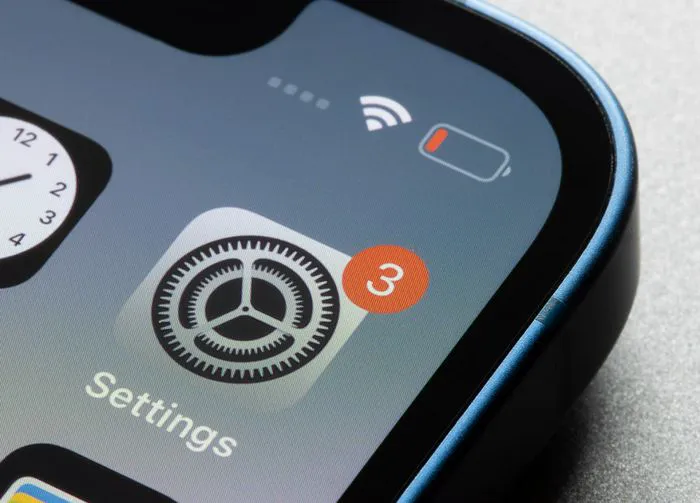
One of the first settings to check if your phone is lagging is your storage setting. This setting will let you know which apps and features on your phone are taking up the most storage space, so that you can then decide what you feel comfortable deleting for the sake of a faster phone (don’t be surprised if Photos and media-streaming apps are way up there on the list). Head over to Settings > General > (Device) Storage.
Network
If your phone is on the wrong network or using a weaker signal from a network, it’s going to affect the speed of your device. Check your network conditions to make sure your are using a reliable, strong network.

Updates
Are you sure your phone is running the latest software? If you’re using outdated software, your phone can work slower, not to mention you are putting it at a greater risk of bugs and other issues that software developers have fixed with a new update. Go to Settings > General > Software Update and make sure Automatic Updates is set so that you never encounter this issue again.
App Updates
The same update rule applies to your apps, too. If you have Automatic Updates enabled, your phone will automatically take care of any new app updates that become available, so that you don’t have to deal with lags that can occur when you’re running outdated apps (which may have bugs, keep in mind). Go to the App Store > tap on the account icon at the top right > tap on Update All to make sure each app is updated.
These five tips can help your slow phone regain speed and become more efficient.