
Michael Strahan at the Annual NFL Honors
Tom Cruise on the Hollywood Walk of Fame
Tom Cruise in heavy makeup for 'Digger' movie

Homepage

The 5 Most Useless Preinstalled iPhone Apps Experts Say You Can Delete Right Now, From Stocks to Tips

July 24, 2024 by Lisa Cupido
shefinds | Homepage
Featured image

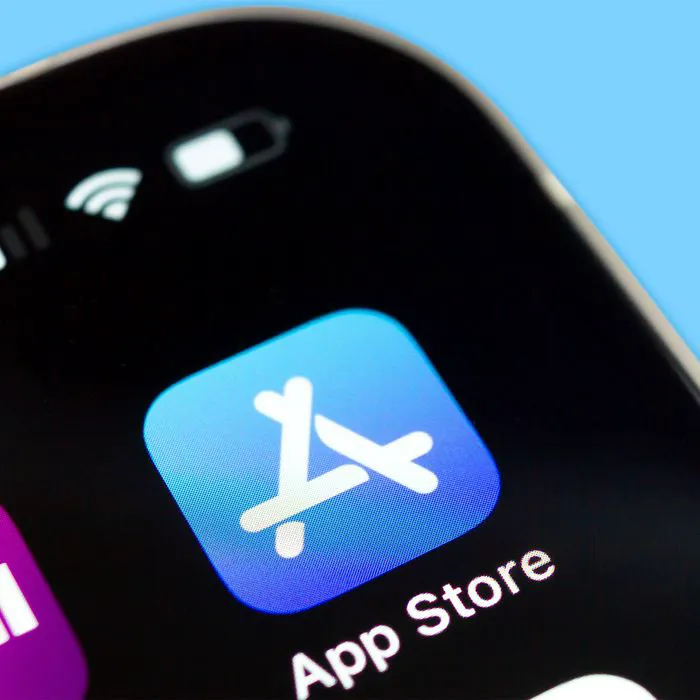
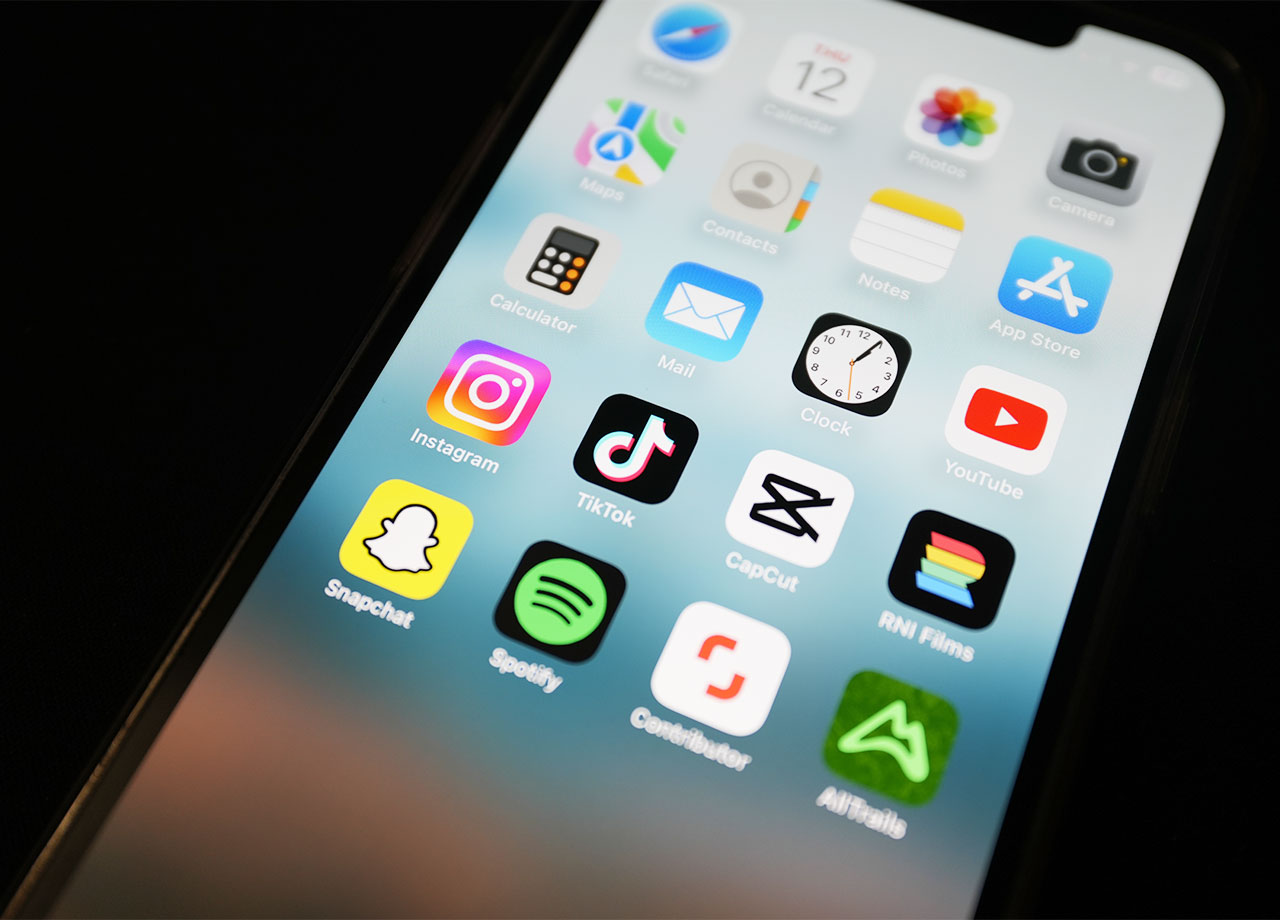
What are the most useless pre-installed apps on your iPhone? The answer depends on your personal preferences and which apps you use the most (or barely click on). If you are searching for ways to gain back more storage space or free up your phone from apps that are hogging your Home Screen, you can delete pre-installed apps. The question then becomes: which pre-installed apps should you considering deleting?

You may find the following five pre-installed apps to be among the most useless of all — feel free to delete them.Wat

Stocks

If you are someone who is very interested in stocks, there’s a good chance you’ve already downloaded one of several sophisticated and details financial apps. Feel free to delete Stocks if you’ve never used it.

house unit img
Women Are Swapping Their Boring Water For This Ice Pop Electrolyte Mix!
iphone-apps

Tips


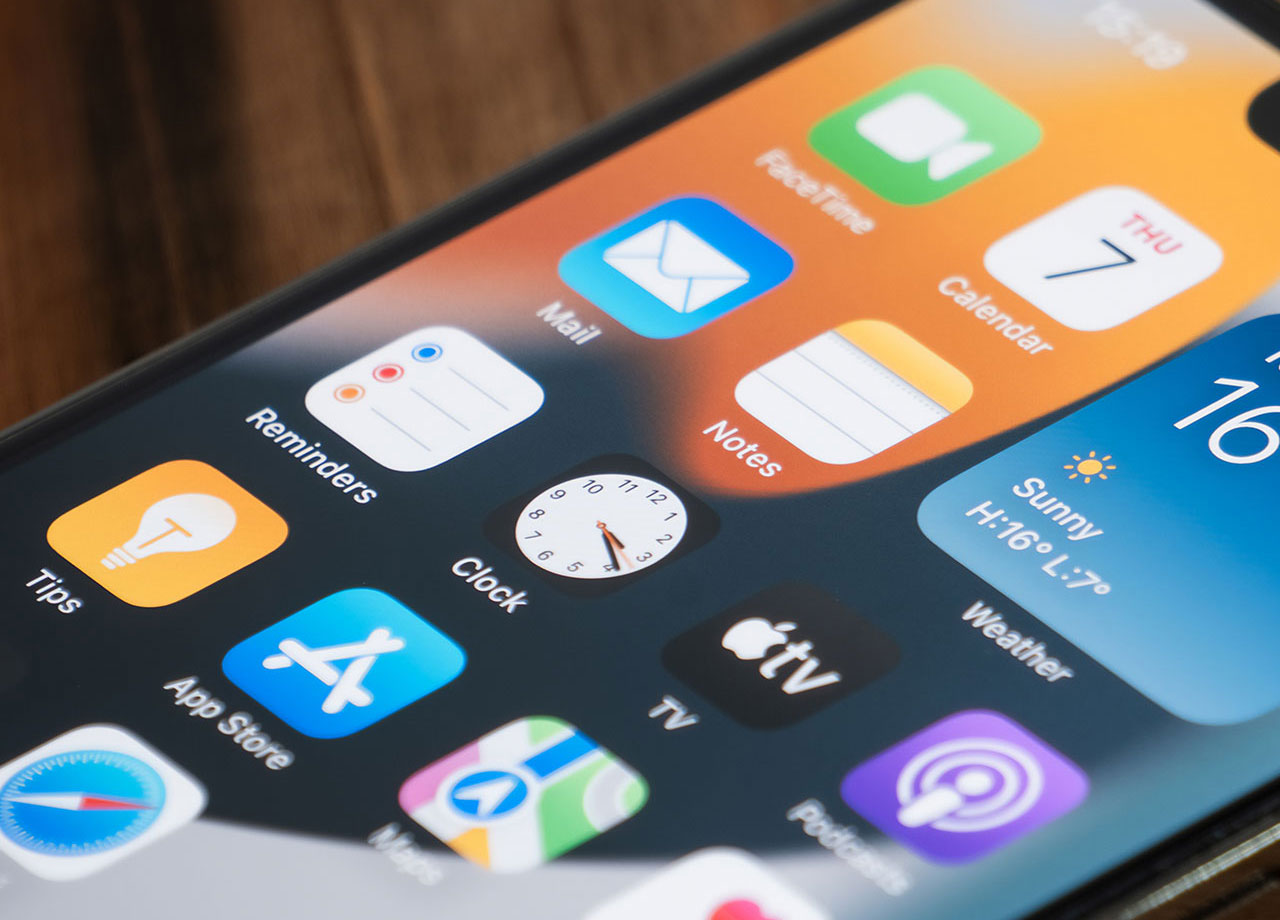
Given the fact that you’ve likely owned an iPhone for years, if not a decade or more, you can just ahead of delete an app that promises to provide tips on how to use your device.


Watch


If you own an Apple Watch, you may find this app helpful, as it is designed to connect to your watch and sync your information. If you don’t have an Apple Watch though, it isn’t going to be helpful.
iphone-preinstalled-apps

Compass


Maybe you’ve opened up the Compass app once or twice and marveled at the direction your house faces. But chances are you barely looked at this app ever again. If that sounds like your situation, you can delete Compass.


Voice Memos


Some wouldn’t dream of deleting Voice Memos — it’s an app they rely on to jot own thoughts when pen and paper isn’t available or they don’t feel like typing out a Note. Never heard of Voice Memos? Never even opened the app? You can delete it and save a little storage space.


Author:

Lisa Fogarty is a lifestyle writer and reporter based in New York who covers health, wellness, relationships, sex, beauty, and parenting. Contact Lisa: lisa@shefinds.com.

Donald Trump speaking to the media
Donald Trump with lettuce
Margot Robbie wearing Rick Owens
First Lady Honors Artificial Intelligence Award Winners
Donald Trump with Katy Perry
Karoline Leavitt briefs press in Washington
Mia Farrow at the Tony Awards
Woman getting her hair dyed
Woman suffering from brain fog
Jennifer Lopez at The Hollywood Reporter's Annual Women in Entertainment Gala
Queen Elizabeth with Princess Diana
First Lady Melania Trump meeting with freed Israeli hostages
Woman getting a short blonde bob haircut
Nicole Kidman at CinemaCon
Zendaya at The Odyssey film premiere
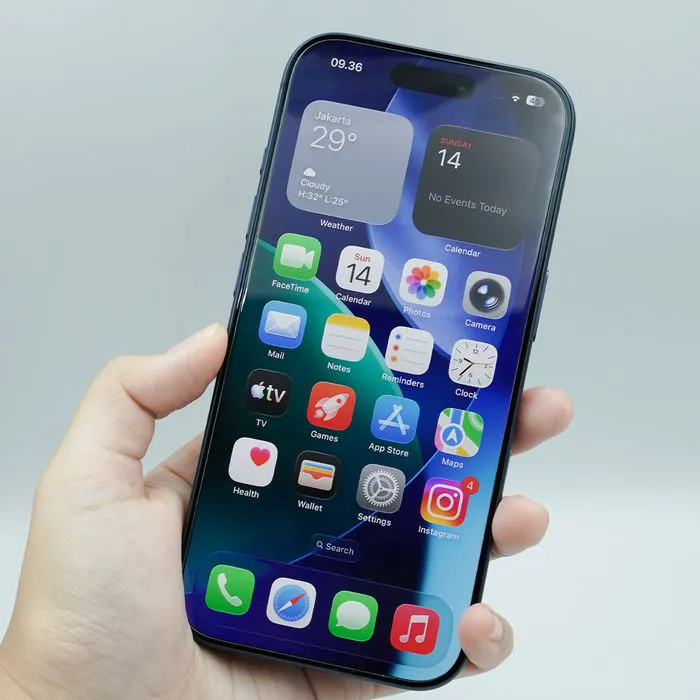
Hand holding iPhone 17 Pro
Gwyneth Paltrow at Governors Awards
Barron and Kai Trump
Kirkland deli ready-to-eat food
Kim Kardashian at Baby2Baby event
Donald Trump addressing the media during a press conference.
Donald Trump holding lettuce in a humorous context
Margot Robbie in elegant silk attire during Paris stroll
First Lady honors AI award winners at prestigious event.
Donald Trump and Katy Perry at a public event.
Karoline Leavitt speaks to the press at the WHCA Dinner.
Mia Farrow at Tony Awards Meet the Nominees event.
Woman getting her hair dyed in salon.
Woman experiencing brain fog and fatigue.
Jennifer Lopez at Women in Entertainment Gala.
Queen Elizabeth and Princess Diana together.
Melania Trump meets with freed Israeli hostages.
Woman getting a chic short blonde bob haircut.
Nicole Kidman attending CinemaCon event.
Zendaya at The Odyssey film premiere.
Hand holding an iPhone 17 Pro model.
Gwyneth Paltrow at the Governors Awards event.
Barron Trump and Kai Trump together.
Kirkland deli ready-to-eat food display.
Kim Kardashian at Baby2Baby charity event.