



Ariana Grande at the Golden Globes, showcasing her stunning look.
Woman applying sunscreen for skin protection.
Taylor Swift and Travis Kelce together at event.

Homepage

An Apple Expert Tells Us How To Clear Up iPhone Storage Immediately—Without Deleting Anything

January 10, 2024 by Lisa Cupido
shefinds | Homepage
Featured image

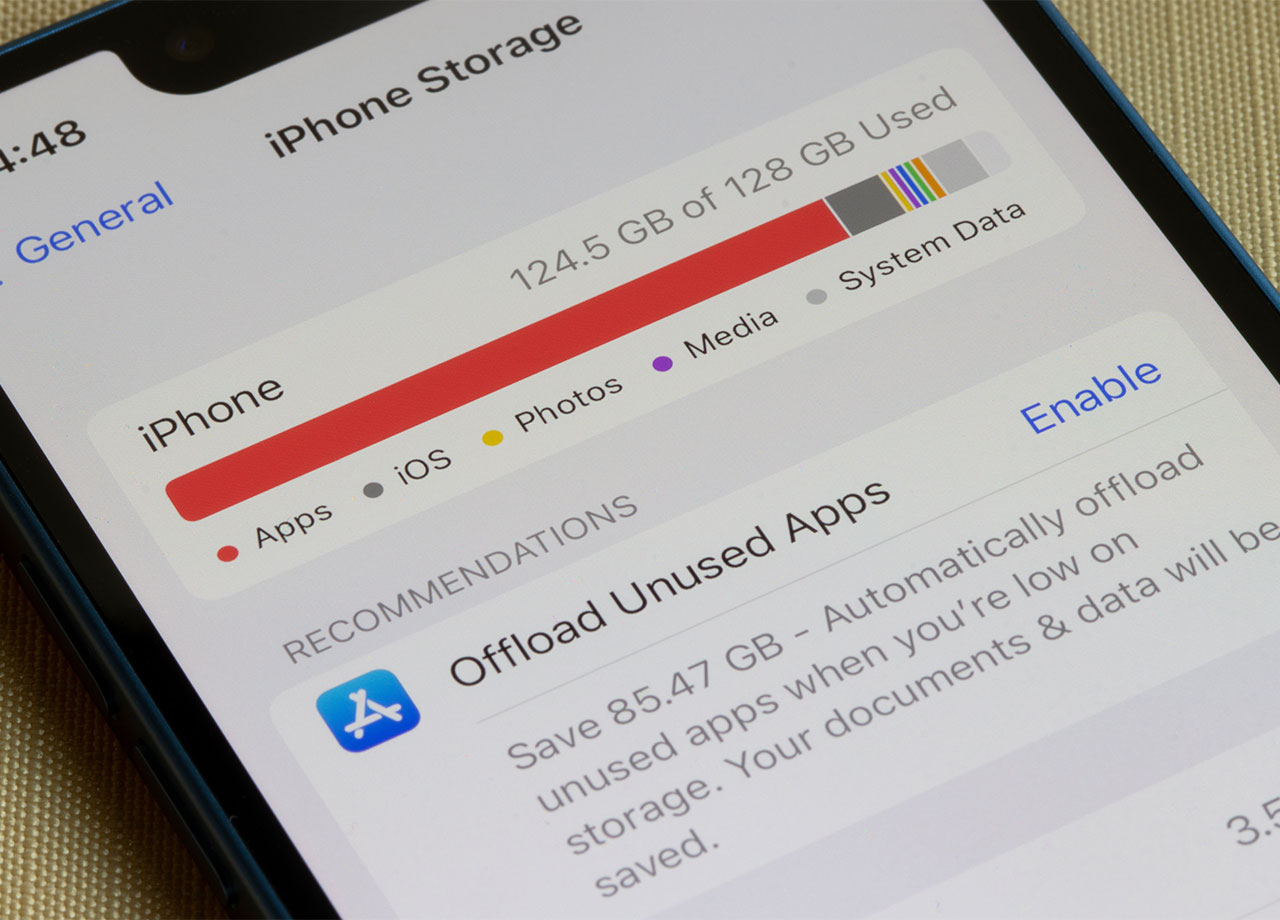
Your iPhone may as well be a brick in your hand if you lack enough storage space to complete the tasks you want to complete on it. For many, that means taking photos, videos, or downloading apps. For other, it means streaming content and using your phone to listen to podcasts or watch movies. Nothing puts a damper on those capabilities faster than lacking storage space and being confronted with a “storage full” pop-up. 

You may have heard that the best way to free up storage space is by deleting everything you don’t need that takes up space. For some, that means finally getting rid of all of those videos or moving them to iCloud and deleting them off your device. For others, it could be as simple as deleting old games that take up space. 

But if you’re firmly in the camp of “no deleting anything please,” your quest to free up storage space becomes more challenging — though not impossible. Here is how you can free up iPhone storage without deleting anything. 

house unit img
Women Are Swapping Their Boring Water For This Ice Pop Electrolyte Mix!
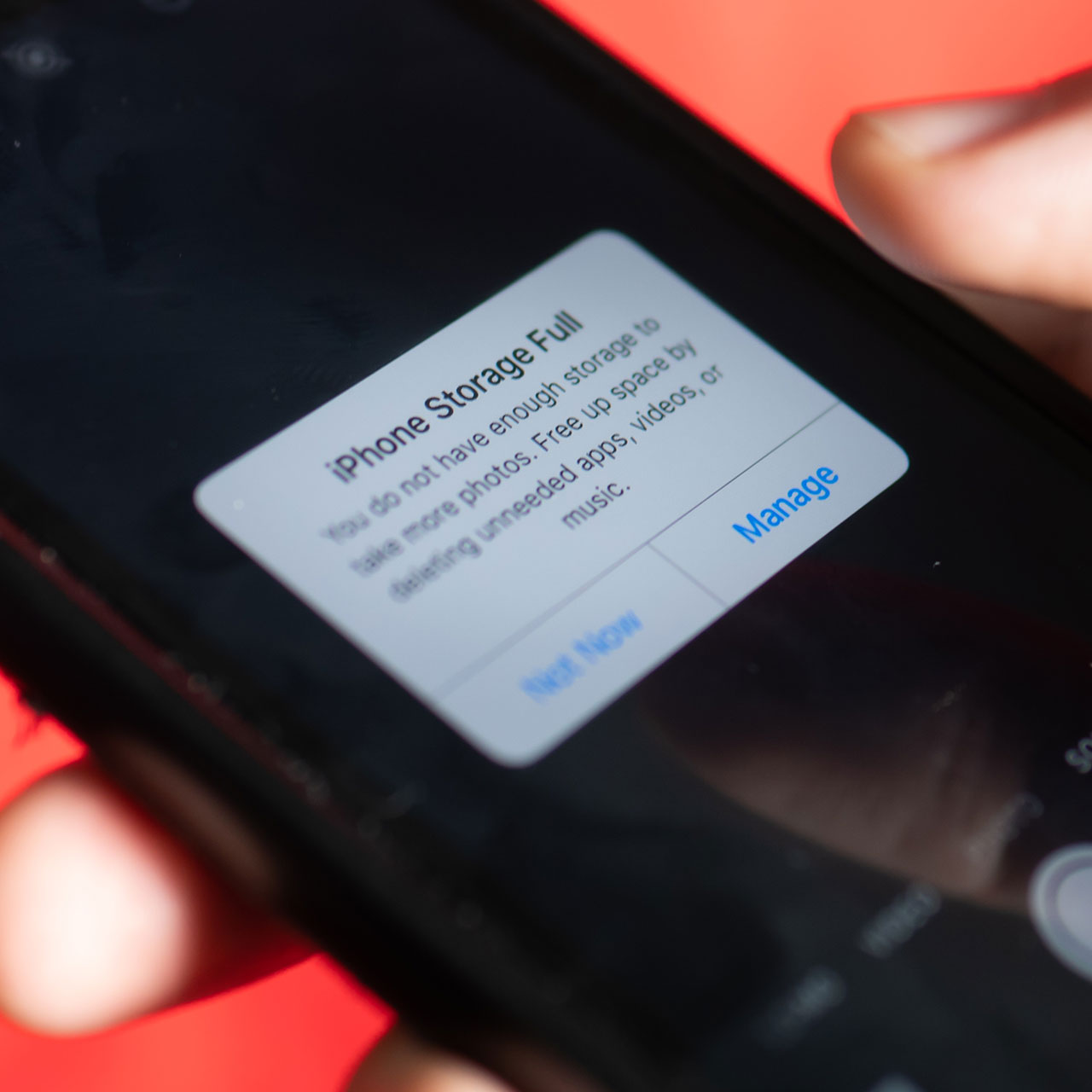
iphone-storage-full

Optimize Photos


You may not want to delete your photos, but you can optimize your photo storage to save yourself storage space. Go to Settings > Photos and tap on Optimize iPhone Storage. This stores full-resolution photos in your iCloud account, but keeps smaller photo files on your device. 


Remove Downloads 


Service like Netflix and Spotify allow you to download content to use offline, which is great, but then those files get stored in your downloads, where they take up storage space. Go to Settings > General > iPhone Storage and check out the Downloads section under the Delete App button. Feel free to get rid of any downloads you don’t want hogging up space. 
woman-using-iphone

Clear Your Browser Cache


Another step you should be taking regularly that can free up storage space and won’t require you to delete anything is to clear your browser cache. Open Settings > tap on Safari > tap Clear History and Website Data. Or, if you use Chrome, tap the three dots at the bottom of the screen and tap History > Clear Browsing Data. These steps will clear your cache, which will return some storage space, and have the added benefit of speeding up a sluggish phone. 


Deleting apps you don’t use and getting rid of all of those duplicate photos you have will take you that extra mile toward gaining back a more significant amount of storage space, but these three steps are fast, easy, and effective. 

Author:

Lisa Fogarty is a lifestyle writer and reporter based in New York who covers health, wellness, relationships, sex, beauty, and parenting.

Ivanka Trump and Jared Kushner at a public event
Bad Bunny at the Grammys, showcasing bold fashion choices.
iPhone charging settings displayed on smartphone screen.
Trendy Italian bob hairstyle for summer 2023.
Angelina Jolie receiving the Trophee Chopard award.
Selena Gomez at the 3rd Annual Rare Impact Fund Benefit
Pool lounger with cocktail and trail mix from Aldi.
Brad Pitt and Ines de Ramon at F1 World Premiere
Queen Camilla with Prince Harry and Meghan Markle
Travis Kelce and Taylor Swift at public event
Barack Obama and Michelle Obama with Malia and Sasha
Amazon Prime Day Week logo on devices.
Woman applying concealer in a beauty tutorial.
Britney Spears at the 4th Annual Hollywood Beauty Awards
Savannah Guthrie on the Today Show set
Beyoncé and Jay-Z attending a public event
iPhone 16 displaying various apps on tabletop.
Reese Witherspoon promoting Apple TV's new series
Meghan Markle with Prince Harry and Prince William
Grocery store aisle featuring sugar and sweeteners.
Ivanka Trump and Jared Kushner at a public event
Bad Bunny at the Grammys, showcasing bold fashion choices.
iPhone charging settings displayed on smartphone screen.
Trendy Italian bob hairstyle for summer 2023.
Angelina Jolie receiving the Trophee Chopard award.
Selena Gomez at the 3rd Annual Rare Impact Fund Benefit
Pool lounger with cocktail and trail mix from Aldi.
Brad Pitt and Ines de Ramon at F1 World Premiere
Queen Camilla with Prince Harry and Meghan Markle
Travis Kelce and Taylor Swift at public event
Barack Obama and Michelle Obama with Malia and Sasha
Amazon Prime Day Week logo on devices.

Fashion

This summer, I might be shopping for more clothes and ...

Woman applying concealer in a beauty tutorial.
Britney Spears at the 4th Annual Hollywood Beauty Awards
Savannah Guthrie on the Today Show set
Beyoncé and Jay-Z attending a public event
iPhone 16 displaying various apps on tabletop.
Reese Witherspoon promoting Apple TV's new series
Meghan Markle with Prince Harry and Prince William
Grocery store aisle featuring sugar and sweeteners.


















