






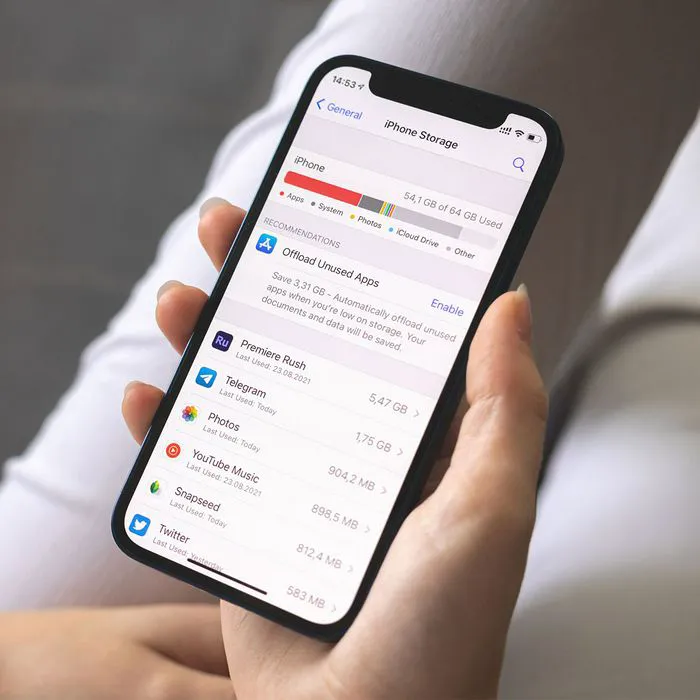
How often are you confounded by a lack of storage on your phone? The kind of storage issues that render it impossible for you to take photos or download apps and files after a certain point?
Now, how often have those storage issues left you in a panic, rushing around to free up storage any old way you’ve been taught you should? As a result, you’ve probably deleted one too many photos and videos, parted ways with emails, notes, and files before you feel fully comfortable doing so, and took part in a host of other “rash” decisions that — worst of all — didn’t even free up that much storage. If storage woes have left you scratching your head one too many times, Tech Expert Anthony Buzzetta at G Tier has a hack for you — well, more like three storage-saving hacks. But start with his top tip for conserving storage easily — it takes mere seconds to do and can make a huge difference.
Compress Photos & Videos
There’s no denying it: photos and videos can take up an excessive amount of storage when left uncompressed, yet this process is completely reversible, Buzzetta points out. “By compressing these images, you’ll save a considerable amount of space, while still being able to access them whenever needed,” he says. “To do this: open the Settings app -> scroll down until you find “Photos” -> press it -> select the option labeled “Optimize Storage” from within the Photo Library section.”
Your options when it comes to photos, videos, and storage space aren’t simply “delete and forget about them.” Compressing them allows you to keep them around in a different format that is far more forgiving to your storage.

Women Are Swapping Their Boring Water For This Ice Pop Electrolyte Mix!
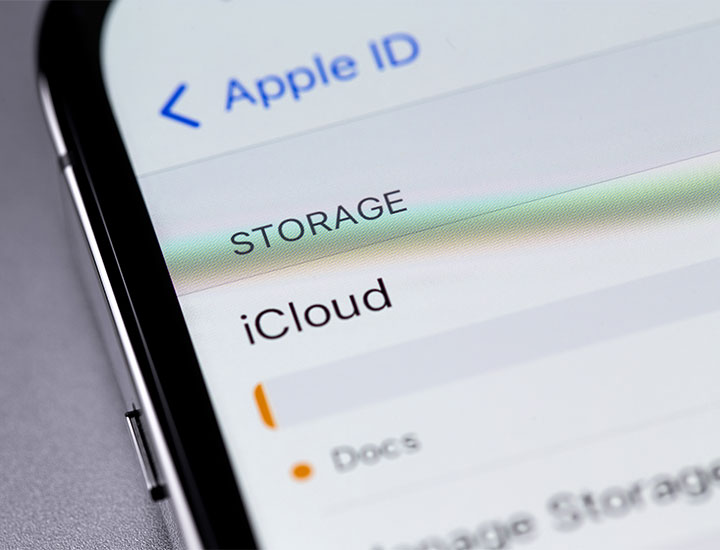
Enable iCloud Drive Optimization
Another great way to free up iPhone storage is by enabling iCloud Drive optimization, according to Buzzetta. “This feature allows more efficient use of your device’s available memory,” he says. “To enable it: open the Settings app -> tap on your name at the top -> select “iCloud” from the menu -> choose “iCloud Drive Optimization” from within this submenu and turn it on; after doing so, all large files stored in your iCloud Drive will automatically be moved into cloud-based storage instead of clogging up your local memory.”
Disable Auto-Saving Features
Lastly — if you often take screenshots or send SMS messages with lots of multimedia (e.g., pictures or audio clips) — consider disabling auto-saving features about those activities. You can do this by opening each respective app's settings menu and unchecking any ‘automatic saving’ options that may be present there (e.g., disable saving sent media under Message preferences), according to Buzzetta. “This will help keep unwanted files out of your device's main system folders while allowing you easy access whenever needed via those same apps' dedicated menus/sections (without having them take up precious local memory),” he says.
These simple iPhone storage hacks take no time at all to put into place and can save you many future headaches and time spent wondering how to handle those “storage full” pop-ups.



















