



"Taylor Swift and her private jet"
"Woman suffering from lack of sleep"
"Banana nice cream dessert"

Homepage

The iPhone Screen Setting Hacks That Will Make Your Battery Last So Much Longer

June 10, 2023 by Lisa Cupido
shefinds | Homepage
Featured image

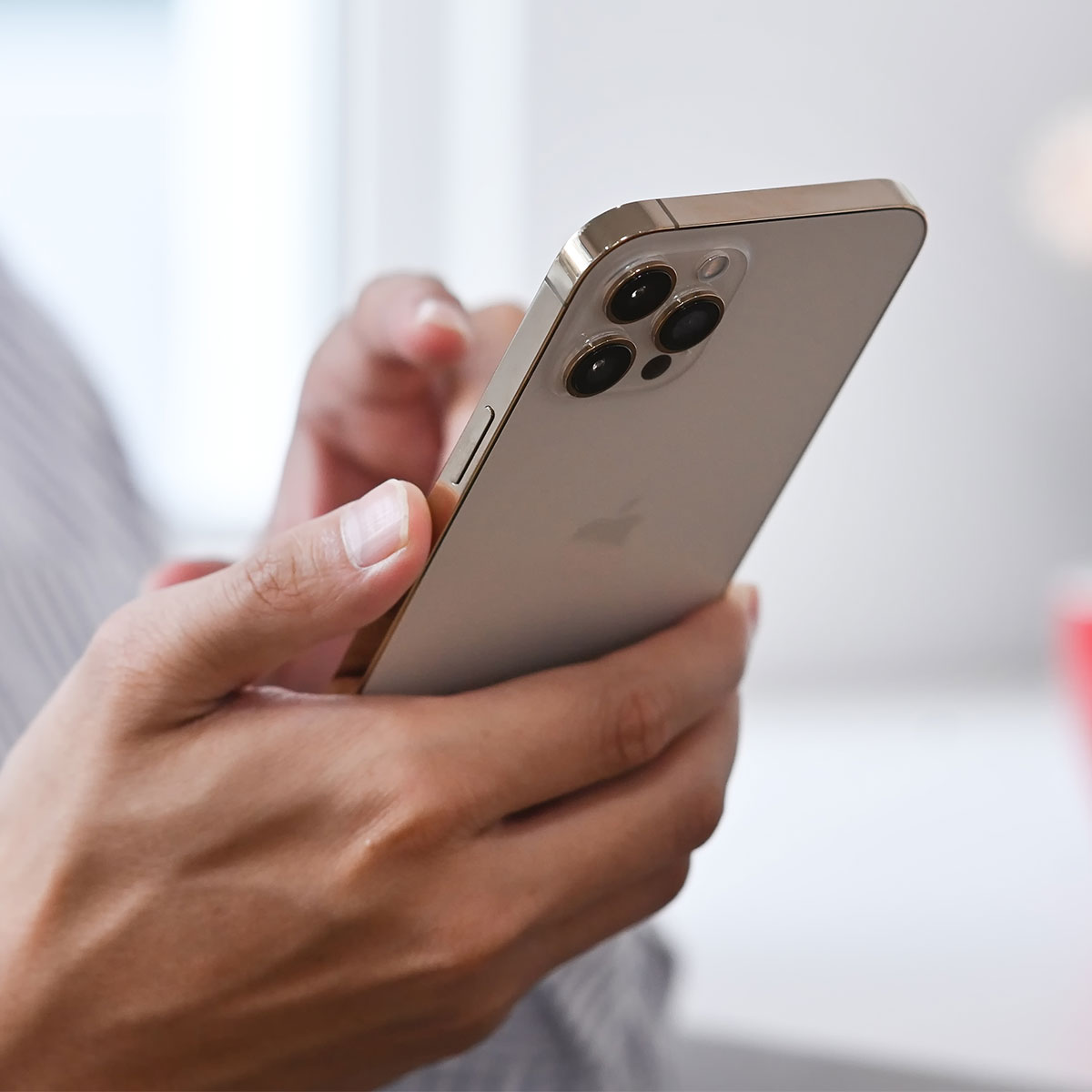
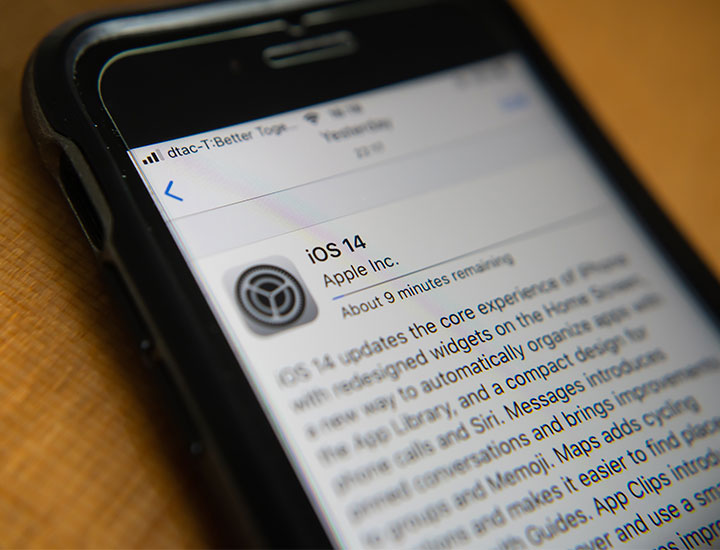
You’re more in control of your iPhone than you might think. If you’ve noticed your battery dwindles fast and that you spend more time each day charging it than you do using it, there are steps you can take right now to reduce the impact certain settings have on your device’s power. Tech Expert John Alexander, CEO of APKCima, says he always follows useful steps to avoid battery drainage. These are the three iPhone screen setting hacks that will make your battery last so much longer. 

Adjusting Screen Brightness

Screen brightness control is in the user’s hand, reducing it may conserve your battery life, Alexander says. “Most of the time full-screen brightness is one of the vital factors of power consumption on smartphones,” Alexander says. “But this can also be avoided by lowering the screen brightness.” 

Simply open up Control Center on your phone and drag the screen brightness setting down — or go to Settings > Display & Brightness > and adjust the slider. 

house unit img
Women Are Swapping Their Boring Water For This Ice Pop Electrolyte Mix!
apple-ios-14-update

Auto-Brightness


Auto-Brightness adjusts the screen brightness automatically based on ambient lighting conditions. “The auto-brightness feature depends on the ambient light sensors which automatically adjust screen brightness,” Alexander explains. “This way, your iPhone optimizes power usage by adapting to the surrounding lighting conditions such as room light, daylight, nighttime, club light, and more to prevent excessive battery drain.”


You’ll be able to view your screen under any circumstance — without losing battery power. 


Screen Timeout


Reduction in screen timeout might also be helpful to control or save the use of battery life, Alexander notes. “Screen timeout should always be on the lower side — 5 to 10 seconds rather than in minutes,” Alexander says. 


To control screen timeout and conserve battery power go to Settings > Display & Brightness > Auto-Lock and choose a length of time that is shorter than your usual. 


By making these small adjustments to your iPhone settings you can save a ton of battery power and enjoy an overall better phone experience. 

 

Tags:

Author:

Lisa Fogarty is a lifestyle writer and reporter based in New York who covers health, wellness, relationships, sex, beauty, and parenting.

"Emma Stone at the Annual Actor Awards"
"Salma Hayek at the 12th Annual Breakthrough Prize Ceremony"
"Collagen-boosting superfoods for glowing skin"
"Middle-aged woman enjoying a glass of wine"
"Prime Day beauty deals on Amazon"
"Ariana Grande at the Golden Globes"
"Kylie Jenner at the Met Gala 2025"
"Woman applying sunscreen"
"Taylor Swift and Travis Kelce together"
"Healthy seeds and snacks"
"Ivanka Trump and Jared Kushner"
"Bad Bunny at the Grammys"
"iPhone charging plugged into laptop"
"iPhone charging settings displayed"
"Viral Italian bob hair trend summer 2023"
"Angelina Jolie receiving the Trophee Chopard Award"
"Selena Gomez at the 3rd Annual Rare Impact Fund Benefit"
"Pool lounger cocktail and trail mix"
"Brad Pitt and Ines de Ramon at F1 World Premiere"
"Queen Camilla with Prince Harry and Meghan Markle"
"Emma Stone at the Annual Actor Awards"
"Salma Hayek at the 12th Annual Breakthrough Prize Ceremony"
"Collagen-boosting superfoods for glowing skin"
"Middle-aged woman enjoying a glass of wine"
"Prime Day beauty deals on Amazon"

Beauty

Prime Day is basically a holiday for anyone who's ...

"Ariana Grande at the Golden Globes"
"Kylie Jenner at the Met Gala 2025"
"Woman applying sunscreen"
"Taylor Swift and Travis Kelce together"
"Healthy seeds and snacks"
"Ivanka Trump and Jared Kushner"
"Bad Bunny at the Grammys"
"iPhone charging plugged into laptop"
"iPhone charging settings displayed"
"Viral Italian bob hair trend summer 2023"
"Angelina Jolie receiving the Trophee Chopard Award"
"Selena Gomez at the 3rd Annual Rare Impact Fund Benefit"
"Pool lounger cocktail and trail mix"
"Brad Pitt and Ines de Ramon at F1 World Premiere"
"Queen Camilla with Prince Harry and Meghan Markle"


















