



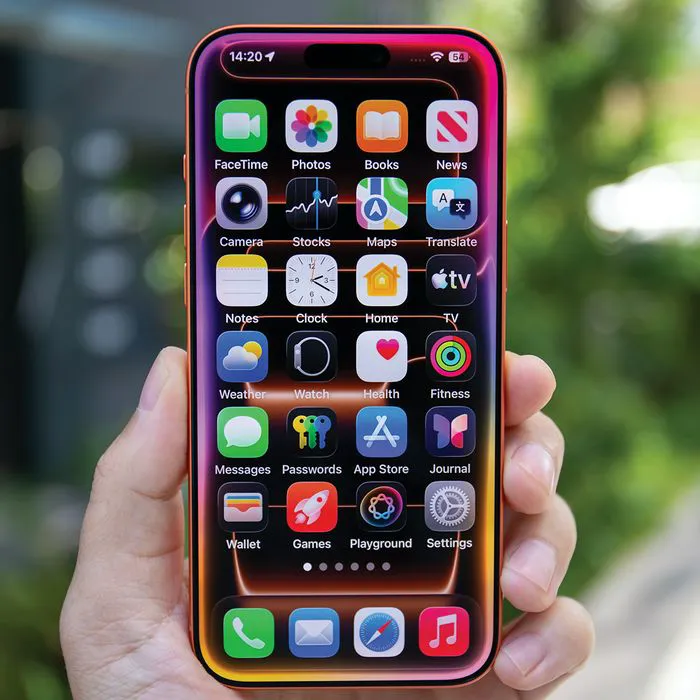
If your iPhone is running out of storage, there are certain steps you can take before you panic.
When your iPhone starts warning you that your storage is almost full, it can be tempting to start deleting important photos, videos, or files just to make room. But before you get rid of anything you actually want to keep, there are a few less-important things worth checking first. Your iPhone may be holding onto plenty of unnecessary data that can be cleared out without sacrificing the files and memories that matter most. Read more about three things tech pros suggest getting rid of below.

Women Are Swapping Their Boring Water For This Ice Pop Electrolyte Mix!

1. Duplicate Photos And Unusable Videos
Your Photos app can quickly become cluttered with duplicate pictures, accidental screenshots, blurry shots, and videos you have no intention of watching again, or that are simply unusable due to quality issues. These files can take up a surprising amount of space, especially when you have multiple copies of the same photo or large video files saved.
"Photos and especially video are often the low-hanging fruit since the modern iPhone camera creates very large files," notes tech analyst Mark Norman Vena. "Sometimes it's deleting a handful of useless 4K videos that frees up more storage than dozens of smaller apps."
2. Unused Streaming Apps
Streaming apps can be convenient, but there's little reason to keep every app you downloaded for a show or movie you already finished watching. Even if an app itself doesn't take up a huge amount of space, its downloaded content and cached data can add up over time, making unused streaming apps worth checking.
"Apps like Netflix, Spotify, and YouTube may store downloaded shows, music, and cached files," explains tech pro Calvin Brown. "I'd start by removing old downloads, then delete any streaming apps you're no longer using."

3. Large Message Attachments
Your text messages can quietly become one of the biggest storage hogs on your iPhone, particularly if you regularly send and receive photos, videos, GIFs, or other large attachments. Instead of deleting entire conversations you want to keep, checking for old, oversized attachments can help you free up space while preserving your messages.
"Years of photos, videos, GIFs, and other attachments sent through Messages can quietly build up into a significant amount of storage," explains tech repair pro James Waterston. "Rather than deleting important conversations wholesale, go to Settings > General > iPhone Storage > Messages and review the largest attachments first. It's usually possible to recover a useful amount of space by removing a handful of old videos without losing years of messages you may want to keep."