



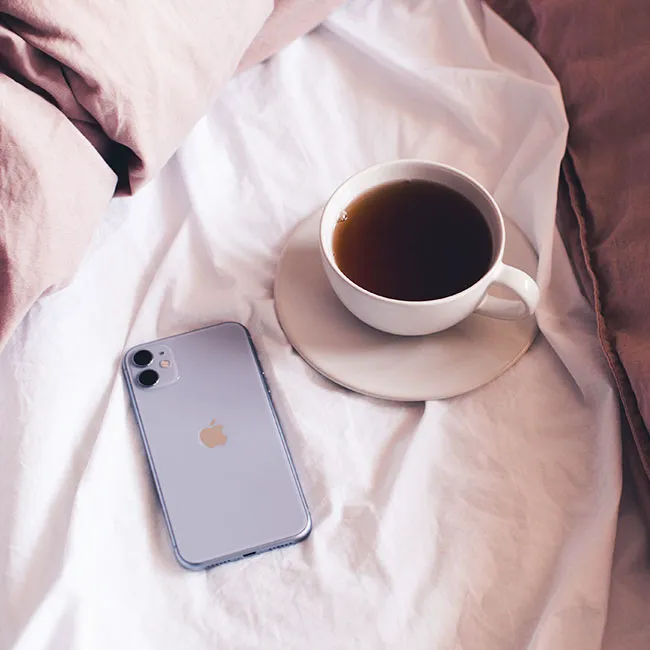
Chances are high that you already have a morning routine. Maybe you brew your cup of coffee, open the curtains, and meditate or do yoga. Providing your iPhone with a morning routine is also a great idea if you are interested in helping to prolong its battery and make your device last as long as possible. Before you protest: but who has time for all that? Here’s the greatest part of all: it just takes a few simple additions to your morning flow to make the biggest difference. Tech experts say you should do this every morning to boost your battery life.
Engage the Low Power Mode
You don’t have to wait until your phone’s battery is on its last leg to deploy Low Power Mode. In fact, being proactive can help you conserve battery power for when you most need it.
“Low Power Mode is, in my opinion, one of your most effective weapons against battery drain,” says Tech Expert Mark Valderrama, owner and CEO of Aquarium Store Depot. “With this feature activated, your phone performs just the most important functions, disabling background operations such as downloads and mail retrieval. Low Power Mode will activate automatically when the battery falls below 20%, but you can also manually activate it to keep your phone running longer (albeit it will only work when the battery is below 80%). Go to Settings > Battery > Low Power Mode and activate it. The battery icon in the upper-right corner will become yellow when enabled.”
Remember: you can always turn off the feature when you need your phone to perform to its full ability.
And the tips don’t stop there. There are two important morning reminders that can help prolong the life of your phone.
Avoid Maximizing Your Charge Cycles
If you prefer to charge your phone before you start your work day, don’t just leave it hanging on the charger for hours.
“Apple claims that after 400 to 500 complete charges, iPhone batteries hold much less charge than they did at first,” says Harry Hughes, CEO and co-founder at Dangler.co.uk. “In general, your iPhone’s battery life will increase as you use it less. Additionally, maintaining the gadget at full charge or running the battery totally down can both harm the battery. This is why you should make every effort to keep your iPhone’s battery level between 40% and 80%.”
Modify The Screen’s Brightness
Currently, smartphone displays are larger and brighter, but those crisp panels that keep you awake at night are a deathsentence for your battery life, according to Brady McAninch, founder and chief executive officer of HM-Attorneys.

Women Are Swapping Their Boring Water For This Ice Pop Electrolyte Mix!
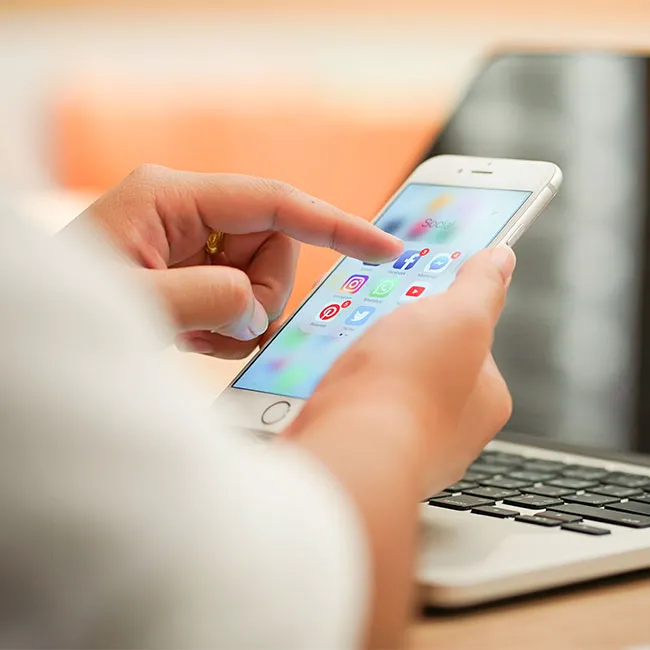
“The good thing is that they are simple to dim,” McAninch says. “First, enable automatic brightness. To enable Auto-Brightness, go to Settings > Accessibility > Display & Text Size > Auto-Brightness. Your phone's brightness will adapt based on the current lighting conditions. If sufficient light is available, the screen will automatically dim to conserve battery life. In Settings > Display & Brightness, you may also manually adjust the brightness settings using the slider bar. A slider is also accessible via the Control Center; tap the brightness icon and drag the slider up or down to adjust the brightness.”
Add a few easy changes to your morning and your iPhone will thank you for them.