






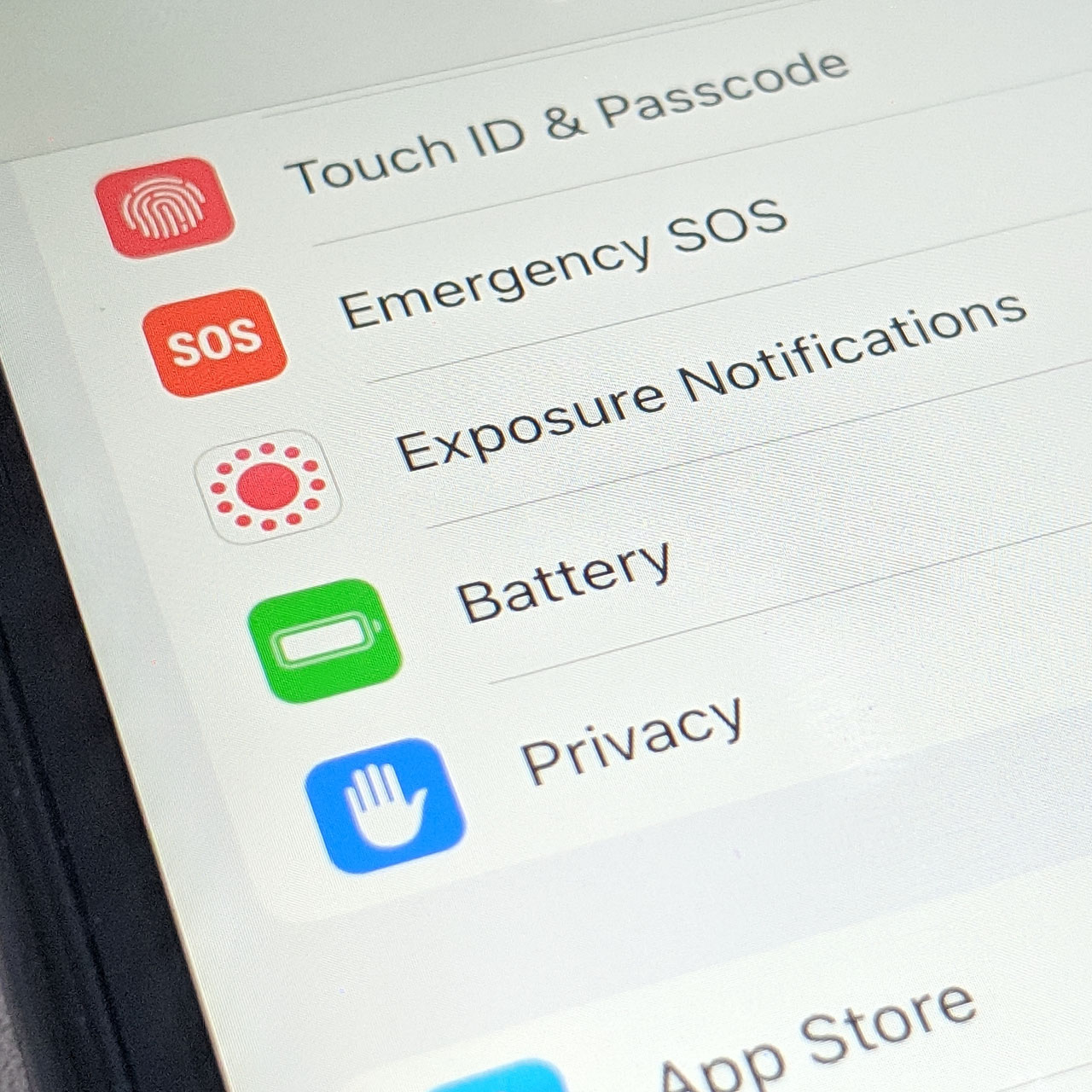
Like any other device, over time your iPhone battery can lose power and begin to degrade. But this should be a slow process, not one that comes on suddenly and leaves you wondering why your phone is so slow all of a sudden and how come your battery refuses to hold a charge. Some of your iPhone user habits can affect your battery greatly —charging mistakes like repeatedly using off-brand cables, for example, can wear down your battery and ultimately destroy it.
But even some settings on your phone can make a difference in the life and consistency of your phone battery. If you’re searching for simple ways to make your tech investment last longer, these six quick setting changes can save your iPhone battery, according to many tech experts.

Women Are Swapping Their Boring Water For This Ice Pop Electrolyte Mix!

Auto-Brightness
A too-bright phone screen pretty much spells a depleted battery. You may not even be aware of how bright your phone screen is until you tinker with it a bit and realize that you can live just fine with a less bright screen AND that this change can help prolong the time you need between battery charges. Turn on auto-brightness and allow Apple to make this battery-conserving shift in light for you throughout the day by going to Settings > Accessibility > Display & Text > Auto-Brightness.
Background App Refresh
Background App Refresh offers a nice convenience — it consistently updates your apps even when you’re not using them so that they are ready to deliver new content the minute you click on them. But is that truly necessary and worth the battery power it takes? Probably not. Change this by going to Settings > General > Background App Refresh.
Updates Apps and Software
It’s really important to stay on top of any new app and software updates on your phone. If you’re running old programs, you leave yourself more vulnerable to bugs and even hackers, plus these have a tendency to wear down your battery faster. Go to Settings > General > Software Update and update any app or new version iOS you’ve been neglecting.
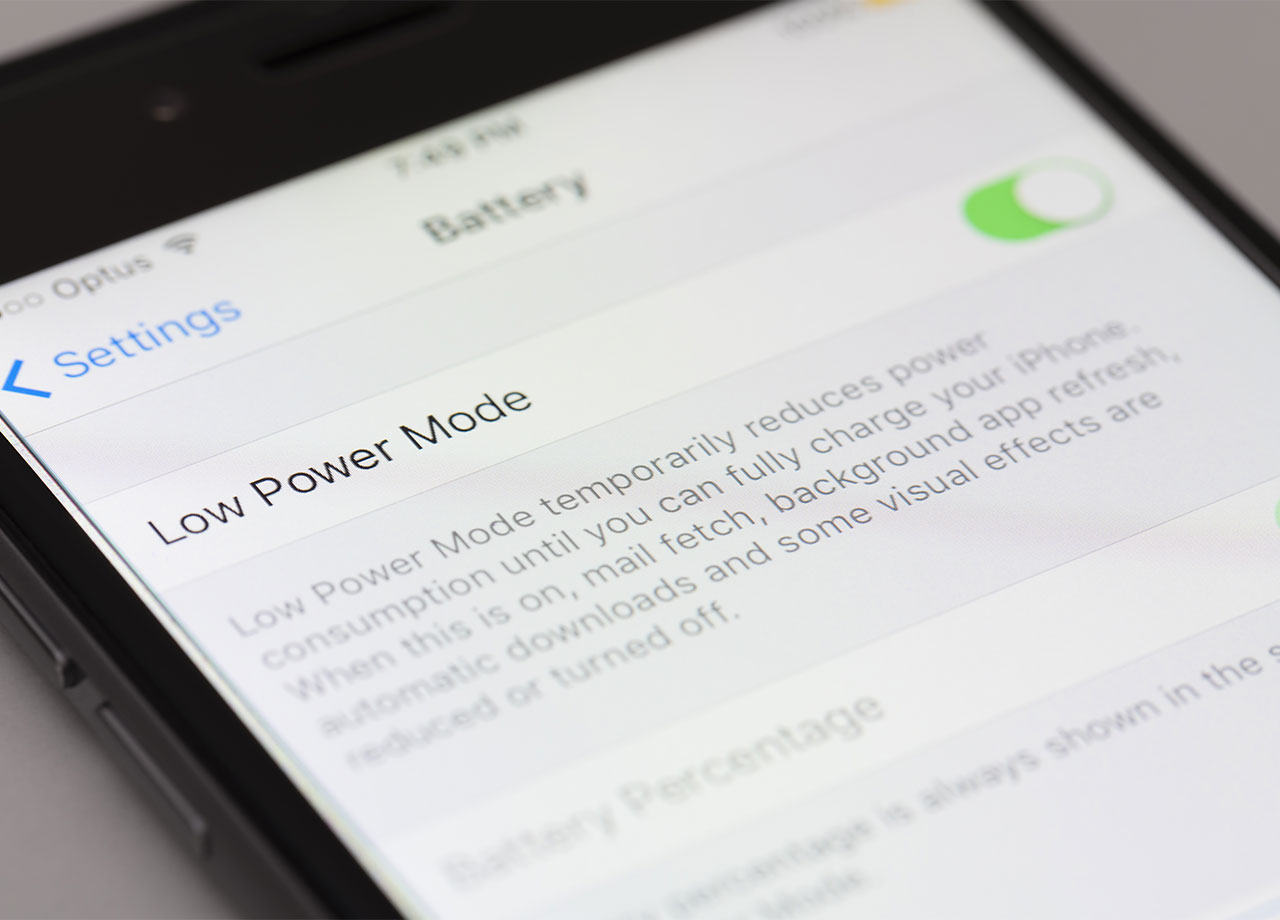
Low Power Mode
Whenever you’re far from a charger, but need to conserve your iPhone battery just long enough to get you to one, Low Power Mode is a fantastic setting that slows down the processes on your phone and temporarily cuts off your access to things like video autoplay and downloading large files. You’ll still be able to use your phone, just not at its highest level — all for the sake of conserving battery power.
Push Notifications
Do you really need your apps to nudge you about new, cool updates? If not, turn off this setting and save a lot of battery power by going to Settings > Notifications.
Audio Volume
It’s not as oft talked about as screen brightness, but a too-loud phone can also deplete battery power. You can manually lower your audio volume using the buttons on the side of your device or go to Settings > Accessibility > Audio & Visual. Using headphones can also help conserve some power.



















